





Every online cart has room for a smaller total. You just need to know where to look. Learning how to use promo codes turns a habit most shoppers skip into real money back on every order — sometimes 10%, sometimes 30% or more when you stack it right.
This guide walks you through how codes work, where to find ones that actually apply, how to layer them with cashback and card offers, and what to do when a code refuses to work at checkout.
Key Takeaways
- Percentage codes reward big carts; fixed-dollar codes save more on small ones.
- Excluded items and pre-tax minimums are why most codes silently fail.
- Activate cashback portal first, then apply code, then pay with offer card.
- PrintKK stacks a $5 account coupon with automatic tiered bulk pricing.
What Is a Promo Code?
A promo code is a short string of letters and numbers you enter at checkout for a discount. Some sit on a brand's homepage. Others arrive through email, text, or a creator's video description — those tend to be the better ones.
The discount varies more than shoppers notice. A code might take a flat dollar amount off, cut a percentage, add free shipping, or unlock a gift.
Match the code to the cart instead of grabbing whatever pops up first — the next section breaks down which type wins in which situation.
Brands hand out codes for a reason. New visitors get welcome codes for an email signup. Abandoned carts trigger recovery codes a day later. Creators get trackable codes so the brand can see which post drove the sale — those almost always work and often stack on top of a site-wide sale.
How Much a Promo Code Actually Saves You
Different Codes Save in Different Ways
Each code type has its own logic. Knowing which one you're holding tells you how much it's really worth:
- Percentage codes scale with your cart. 20% off saves $6 on a $30 order and $60 on a $300 one — they reward bigger baskets.
- Fixed-dollar codes work the opposite way. $15 off a $40 order is nearly 38%, but the same code on a $200 order is only 7.5%. Save these for small carts.
- Free shipping codes look modest but often beat percentage codes on lightweight orders under $50, where shipping can eat up a third of the total.
- BOGO codes average to 50% off across two items, which is hard to beat if you were buying two anyway.
- First-order codes are usually the deepest a brand offers — often 25–30% — so use them on a cart you actually want, not a $10 trial. Just know they rarely stack with cashback or other codes, so the sticker discount is usually the whole payoff.
- Loyalty codes run smaller at 10–15%, but they work differently from generic promo codes. Membership discounts often layer on top of sitewide sales, and they apply again and again — which adds up faster over a year than one big welcome discount.
Sticker Price vs. Real Price
The number the code takes off is close to what you save, but a few details shift the final total. Most codes apply to the subtotal — items before tax and shipping.
A $100 cart with a 20% code drops to $80, tax gets calculated on that $80, and shipping is added on top. Knowing this ahead of time helps you predict the real out-of-pocket before you hit pay.
Excluded items shift the math too. When a code only applies to part of the cart, split your order: use the code on eligible items now, and grab the excluded ones during a brand-specific sale later.
Brands commonly carve out Apple, Dyson, designer bags, gift cards, sale items, and anything under a manufacturer's floor price (the price retailers agree not to discount below).
Minimum spend rules work the same way. "Spend $75, get $15 off" measures the pre-tax, pre-shipping subtotal of qualifying items only.
If a few things in your cart are excluded, add one more eligible item to clear the threshold — the extra spend often pays for itself through the discount you unlock.
Is This Code Worth Using?
Quick math tells you fast. Divide the discount by your qualifying subtotal to get the real percentage off.
A 30% code applied to $40 of a $150 cart is an 8% total discount — still worth using, and even better if you can shift the cart toward eligible items.
Three checks decide it: Does your cart clear the minimum after exclusions? Does the code stack with the current sale or replace it? Is a bigger seasonal sale close enough to wait for?
Run these in ten seconds and you'll know whether to apply the code, swap it for a better one, or hold the order for a stronger deal.
8 Best Platforms to Find Promo Codes That Actually Work
1. RetailMeNot
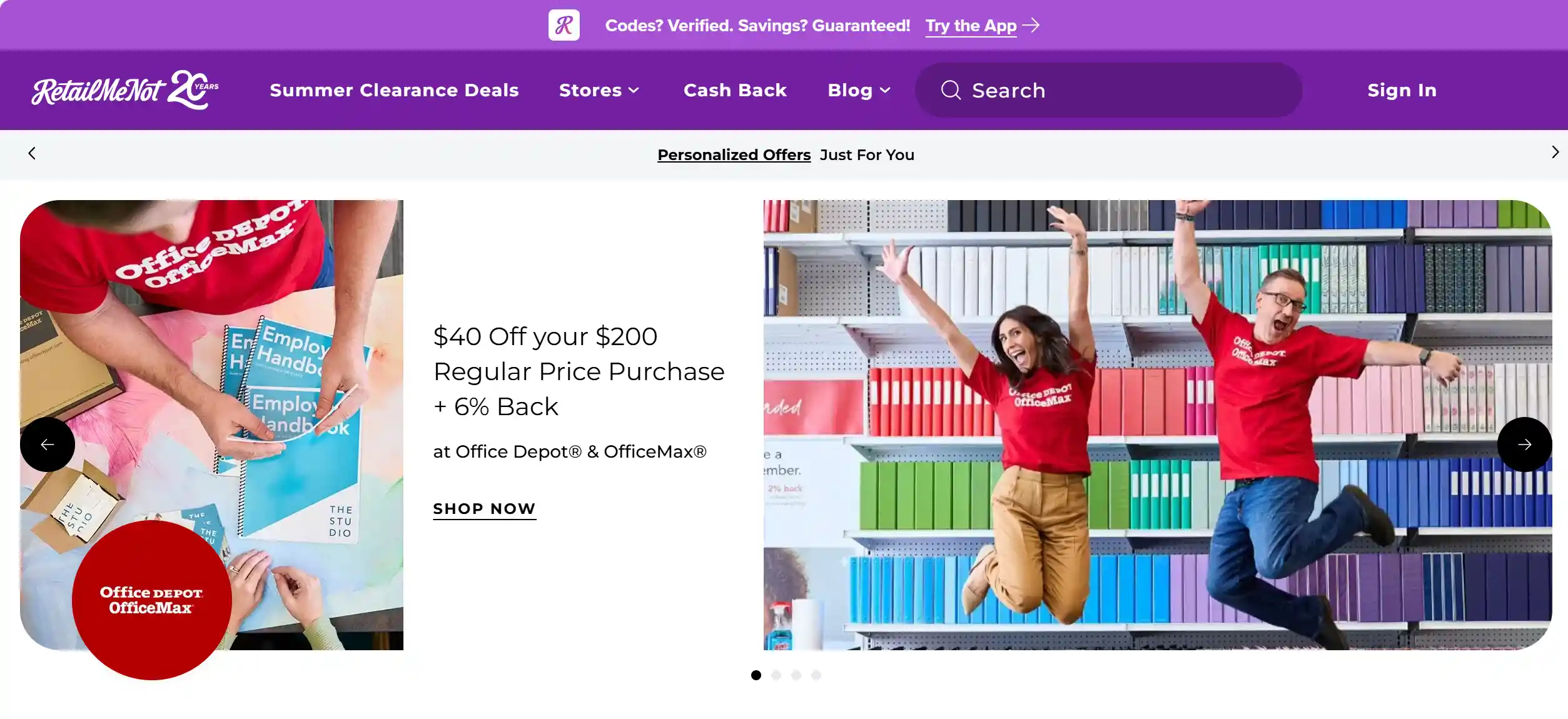
The widest catalog for household-name US retailers. If you're shopping Target, Macy's, Nike, or Home Depot, RetailMeNot almost always has something live.
What sets it apart from newer sites is the success rate percentage shown next to each code — a real signal from users who just tried it, not marketing.
Treat anything under 50% as expired-in-practice, and skip codes with no rating at all (usually means nobody's tested them in weeks). Weak on smaller DTC brands and international retailers.
2. Slickdeals
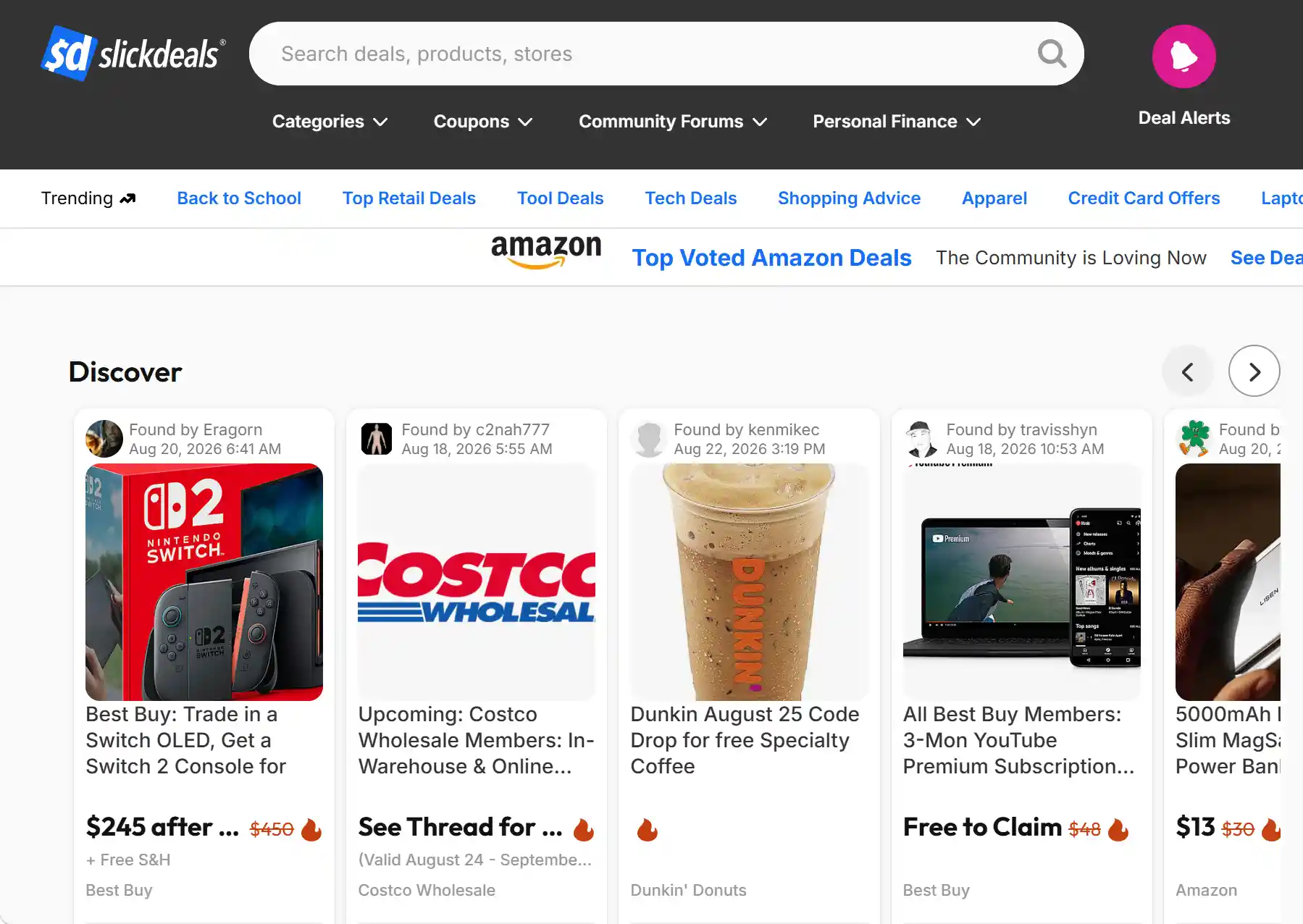
Not a coupon site — a community of deal hunters posting and voting since 1999. Slickdeals is where you find combinations aggregators miss: a code stacked with a portal rebate and a limited-time card offer, all documented by someone who just placed the order.
The comment threads are the real feature — users update in real time when a code stops working or when someone finds a deeper one an hour later.
Skim the top comments before trusting any front-page post; the discussion often reveals excluded items or regional restrictions the deal poster forgot to mention. Best for high-value orders where 5 extra minutes of research pays off.
3. Coupons.com
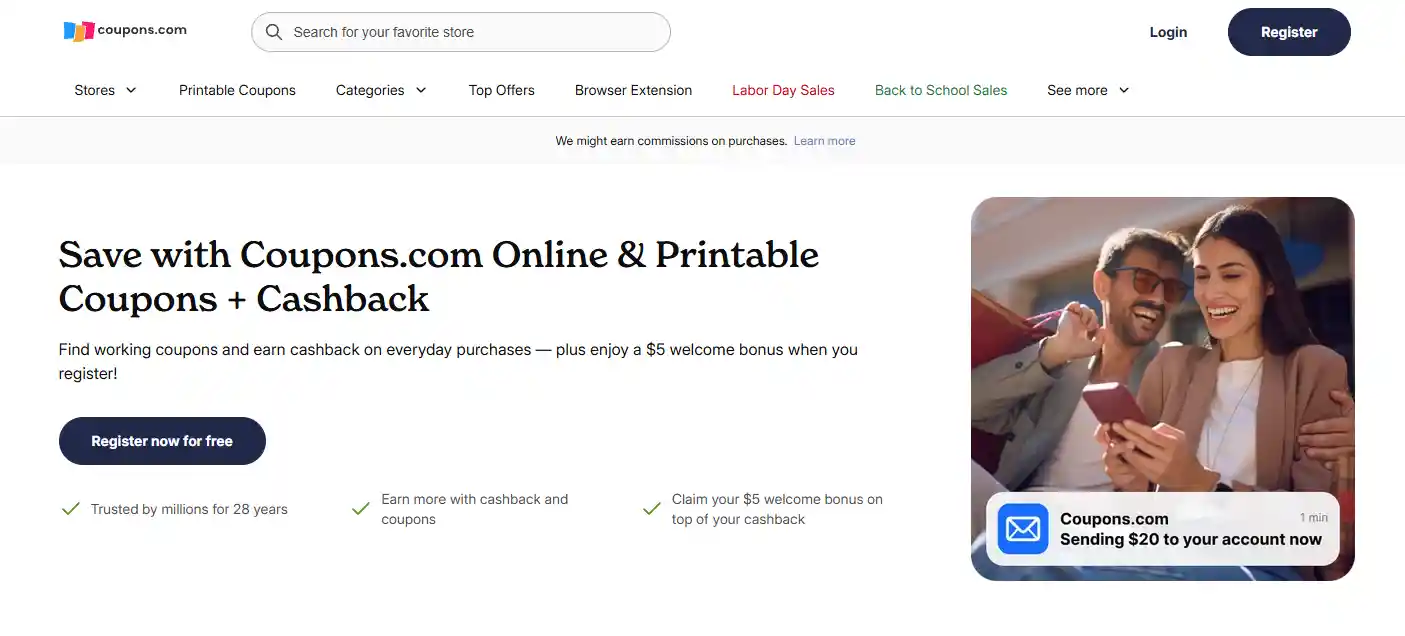
The category no other coupon site covers well. Coupons.com has both digital codes for online orders and printable or loyalty-card-linked coupons for in-store grocery runs. On top of that, a modest cashback layer stacks with manufacturer coupons.
Strongest on the stuff that refills every month — paper goods, cleaning supplies, baby products, pet food, pantry basics. Skip it for fashion, tech, or specialty retail; the catalog there is thin.
Load coupons to your store loyalty card (Kroger, Safeway, Target Circle) before shopping so they apply automatically at checkout.
4. CouponFollow
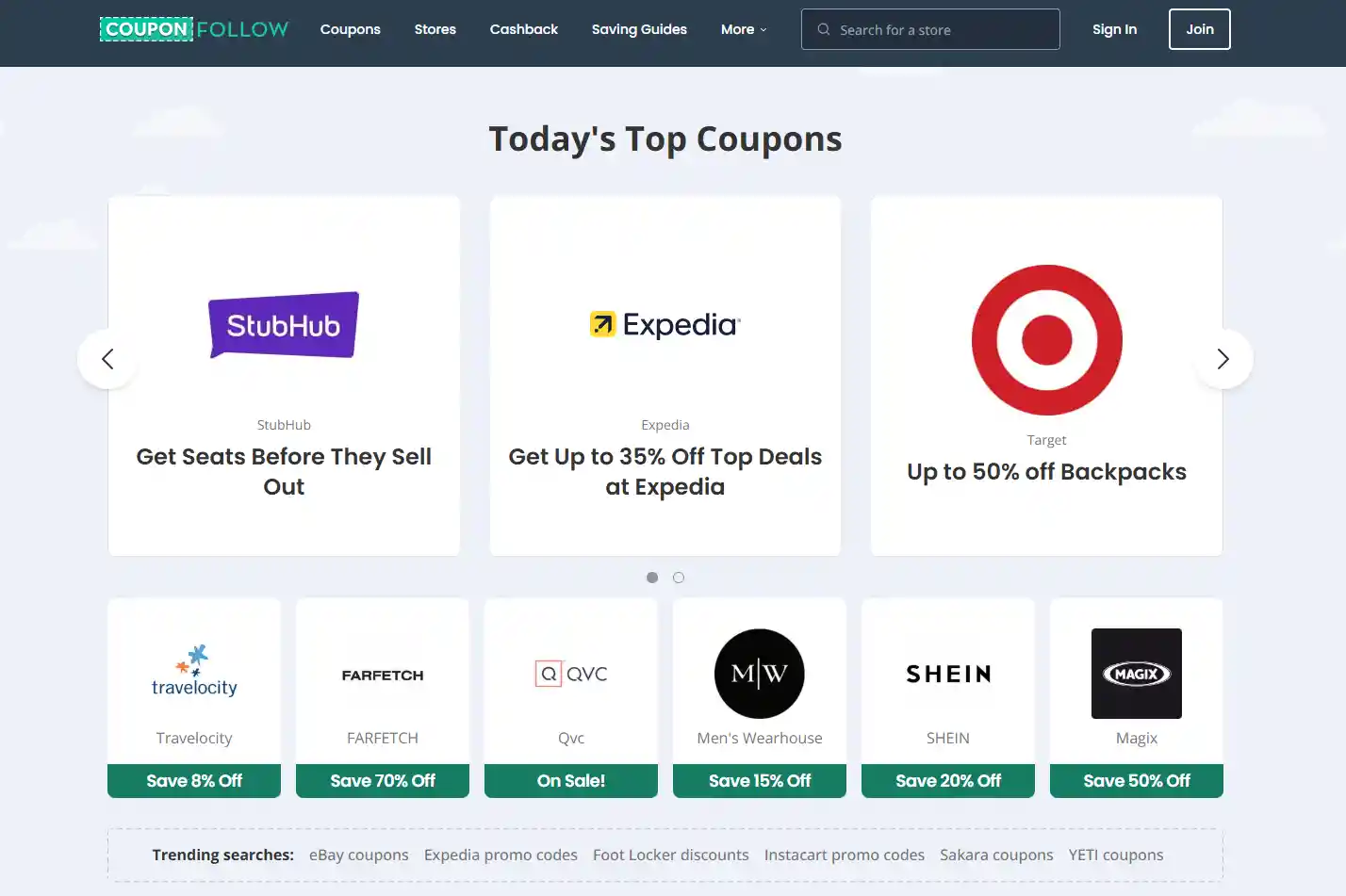
The one platform that tells you whether today's code is actually a good one. CouponFollow archives a brand's promo code history going back years, so you can see the discount depth pattern — if the brand ran 30% off six weeks ago and today's best code is 15%, another 30% code is likely coming within a month.
Not the site you go to for grabbing a code; the site you go to for deciding whether the code you already have is worth using. Especially useful before big purchases: 10 seconds of history-checking can save you 20% on a $500 order if you're willing to wait two weeks.
5. SimplyCodes
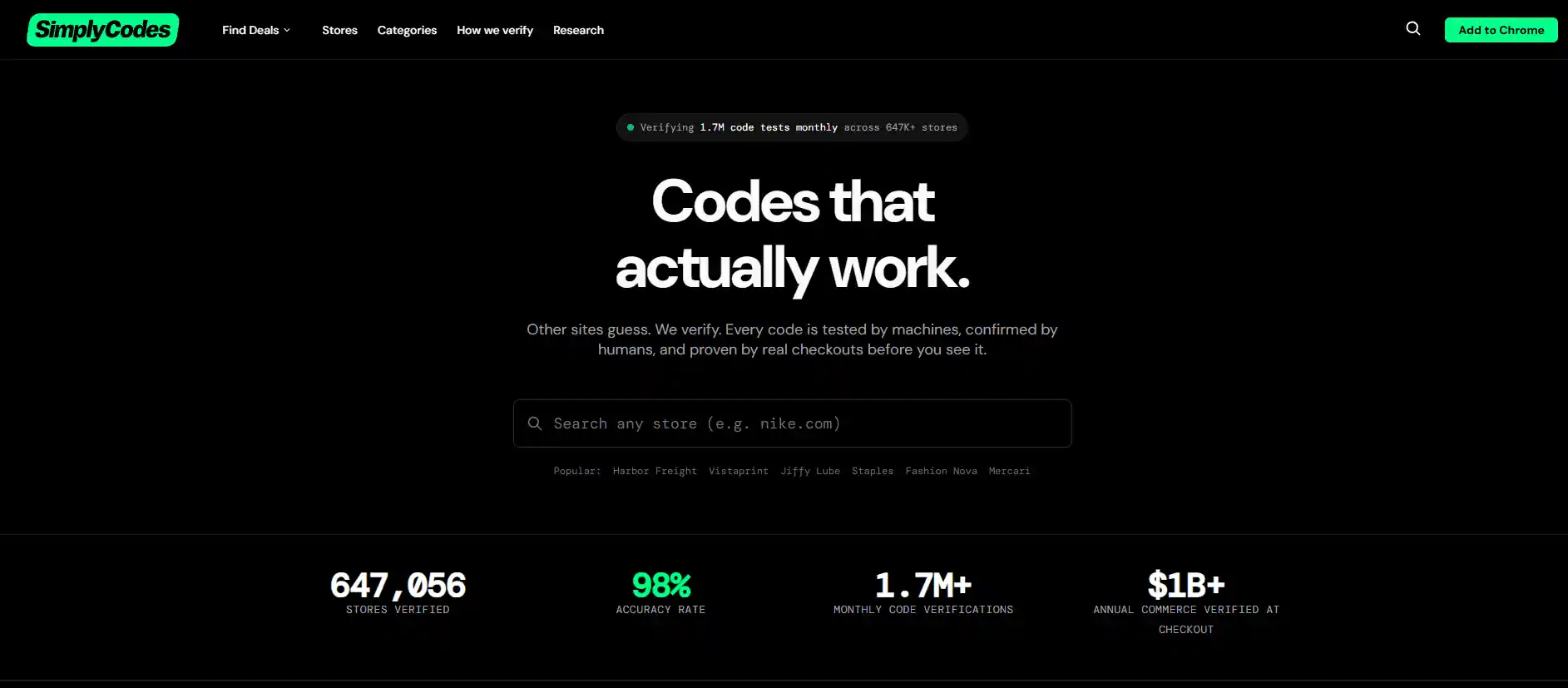
The catalog is what makes it useful: hundreds of thousands of merchants indexed, far beyond what mainstream aggregators cover.
That depth means SimplyCodes reaches the small DTC brands, Instagram-discovered shops, and international retailers that RetailMeNot and CouponCabin don't bother with.
Real-time verification cuts most dead codes before you see them. Available as website, mobile app, and browser extension. When a boutique or long-tail brand returns nothing on the mainstream sites, this is the first fallback that usually has something live.
6. CouponCabin
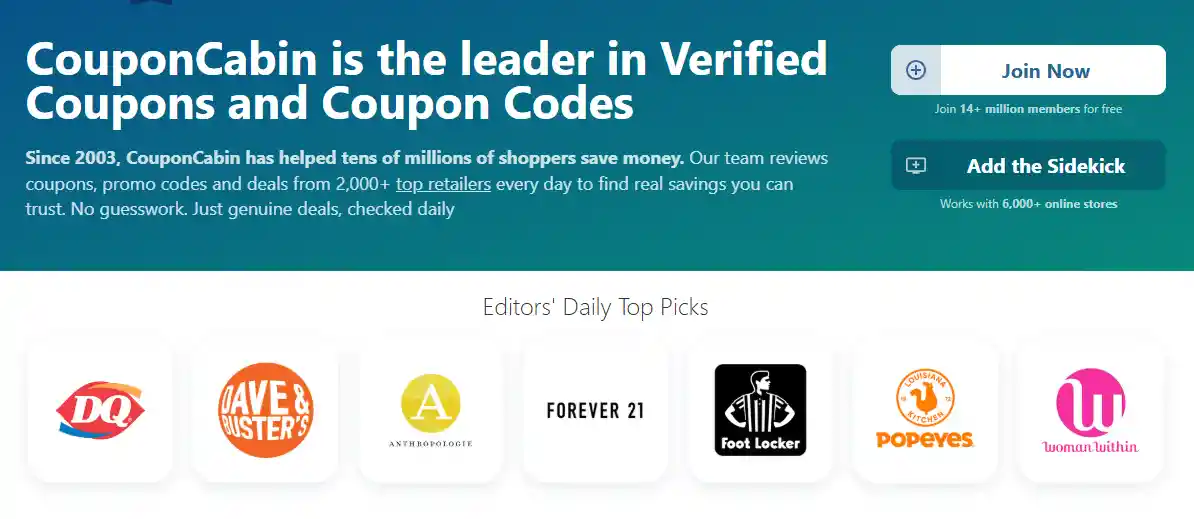
The lowest fail rate of any aggregator on this list, because a human team tests every code before it goes live. You'll see fewer codes overall than on RetailMeNot, but a much higher percentage actually apply at checkout — the tradeoff between quantity and reliability leans in your favor here.
CouponCabin also runs its own cashback layer on hundreds of retailers, and unlike Rakuten or TopCashback, it often stacks with the promo code on the same order.
Best for one-off purchases where you don't want to sit at checkout trying five codes in a row, and for cashback stacking without needing a separate portal click.
7. Honey
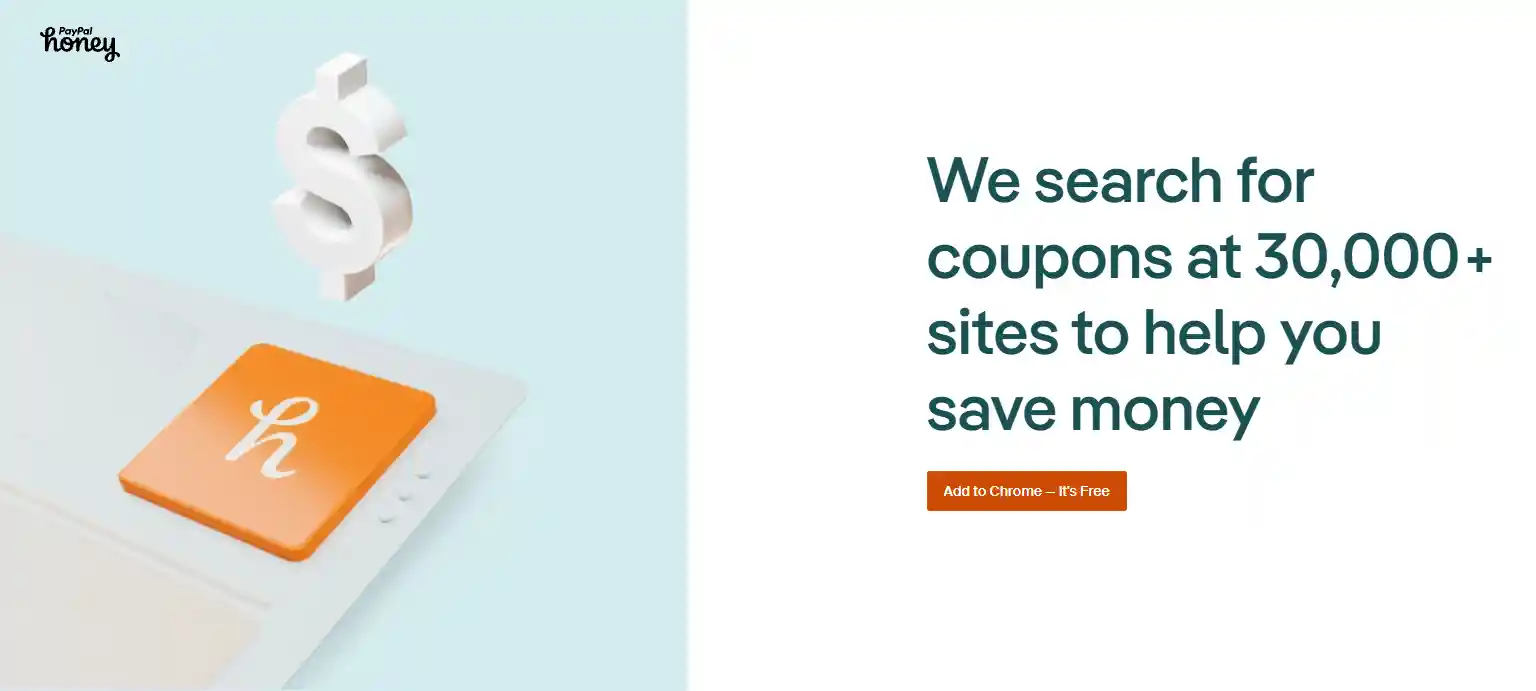
A PayPal-owned browser extension that auto-tests every publicly available code at checkout — the most hands-off way to catch a discount you'd otherwise miss. Useful on smaller orders where the payoff doesn't justify manual code-hunting.
The caveat is significant: Honey overwrites the affiliate cookie set by cashback portals like Rakuten and TopCashback, quietly canceling the rebate you were expecting to earn. A $6 auto-applied code can cost you $12 in lost cashback.
Keep it enabled for solo orders where you're not stacking anything, and turn it off any time you've clicked through a portal. See the Extension Trap section for the full mechanics.
8. DontPayFull
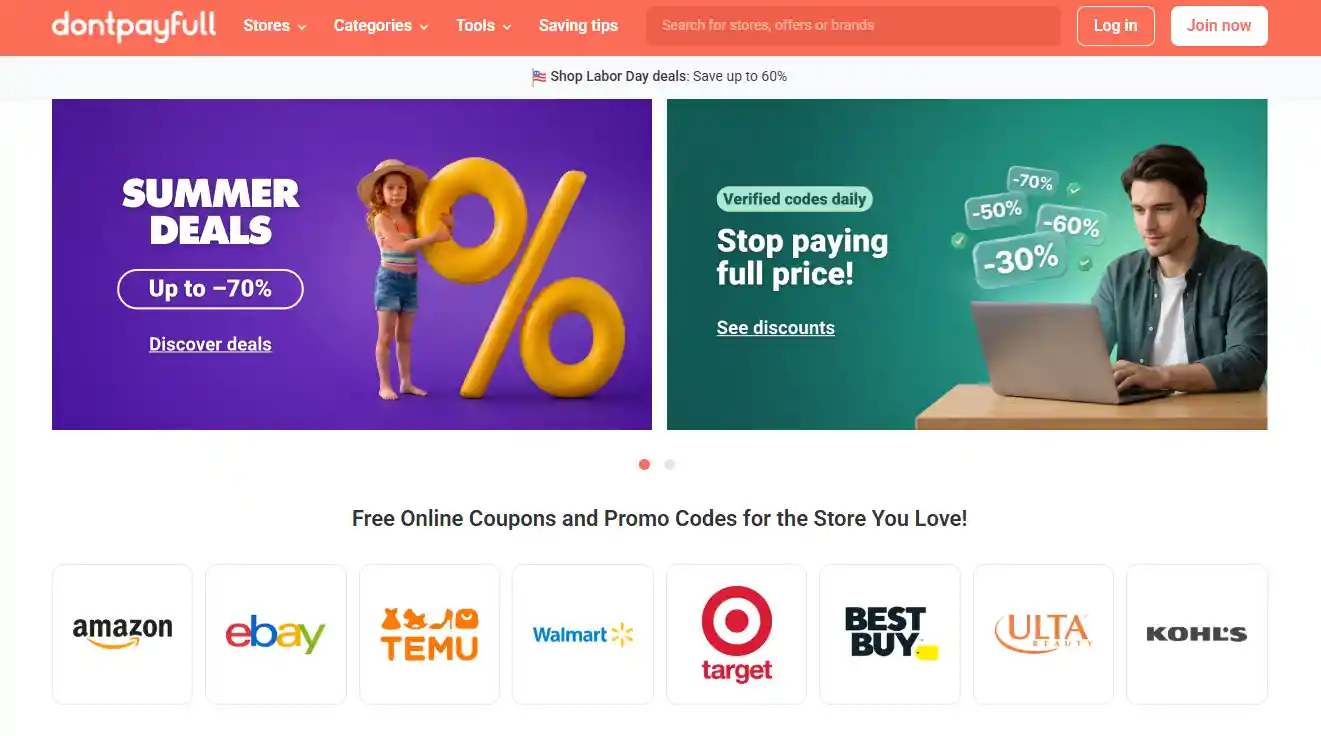
Catalogs a broad merchant list with a heavy focus on the small and niche brands mainstream sites don't index.
Because most codes on DontPayFull are user-submitted rather than editorially tested, the fail rate is higher than CouponCabin or SimplyCodes — only trust codes with the "verified" tag or a clear upvote pattern from recent submissions.
The site's saving grace is category breadth: it often has entries for hobby retailers, regional brands, and specialty stores nowhere else covers. Use as a last-resort fallback when SimplyCodes also comes up empty, and always verify the code manually before assuming it applied.
Read More:
How to Use a Promo Code Step-by-Step
1. Build the Cart and Check the Terms
Add everything you want before touching the promo code field. Excluded items and low subtotals are easier to catch when the full order is in front of you, and many brands only reveal excluded categories in the terms popup at checkout — finalize the cart, then read those terms before hunting for a code that fits.
2. Enter the Code in the Right Place
On desktop, the field is usually labeled "Promo Code," "Discount Code," or "Coupon" — sometimes tucked behind a small "Have a code?" link near the order summary. Mobile apps often hide it in a separate "Wallet" or "Offers" section instead of the checkout page, so if the field isn't visible, check the app's account menu.
Some platforms skip the copy-paste step entirely and let you save codes to your account, then pick one from a dropdown at checkout instead of typing it in.
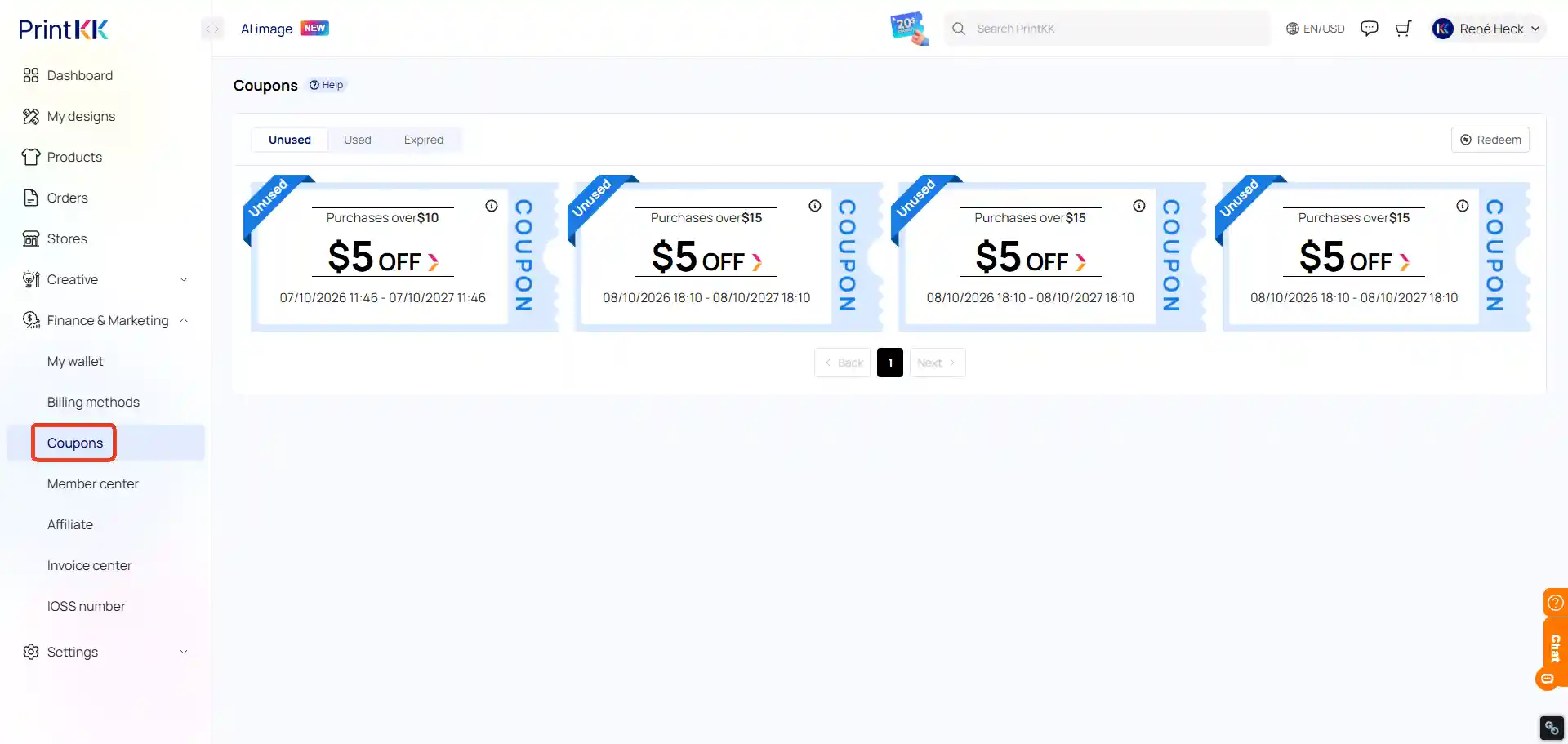
PrintKK works this way — coupons live in your account and attach at checkout without any code to remember. In-store is different again: most online codes won't scan at a register, so check the retailer's app for a barcode version.
Apply the code before entering payment. A working code updates the order total immediately and shows the discount as its own line. If the total doesn't move, don't assume it'll apply on the next screen — it won't.
3. Troubleshoot a Code That Won't Apply
When a code fails, work through the common causes in order. First check for a trailing space picked up when copying — "SAVE20 " and "SAVE20" are different codes, and this is the top culprit.
Then check for wrong capitalization (some platforms are case-sensitive), a cart below the minimum, excluded items, an expired code, or a regional mismatch where the code checks your IP and only works for certain countries.
If none of those fix it, try a different browser or clear cookies — a stale session occasionally blocks the code. Still nothing? Move on. A stubborn code is rarely worth 20 minutes.
4. Forgot the Code Before Hitting "Place Order"?
Options exist, and speed matters. Within the first hour or two, most support teams will apply the code retroactively and refund the difference. Reach them through live chat or email with your order number and the code you meant to use.
If support won't budge, check the store's price match or price adjustment policy; many honor a lower price within 7–14 days of purchase. As a last resort, if the order hasn't shipped, place a new order with the code applied and cancel the first one.
Stacking Promo Codes With Cashback and Card Offers
The Four Layers
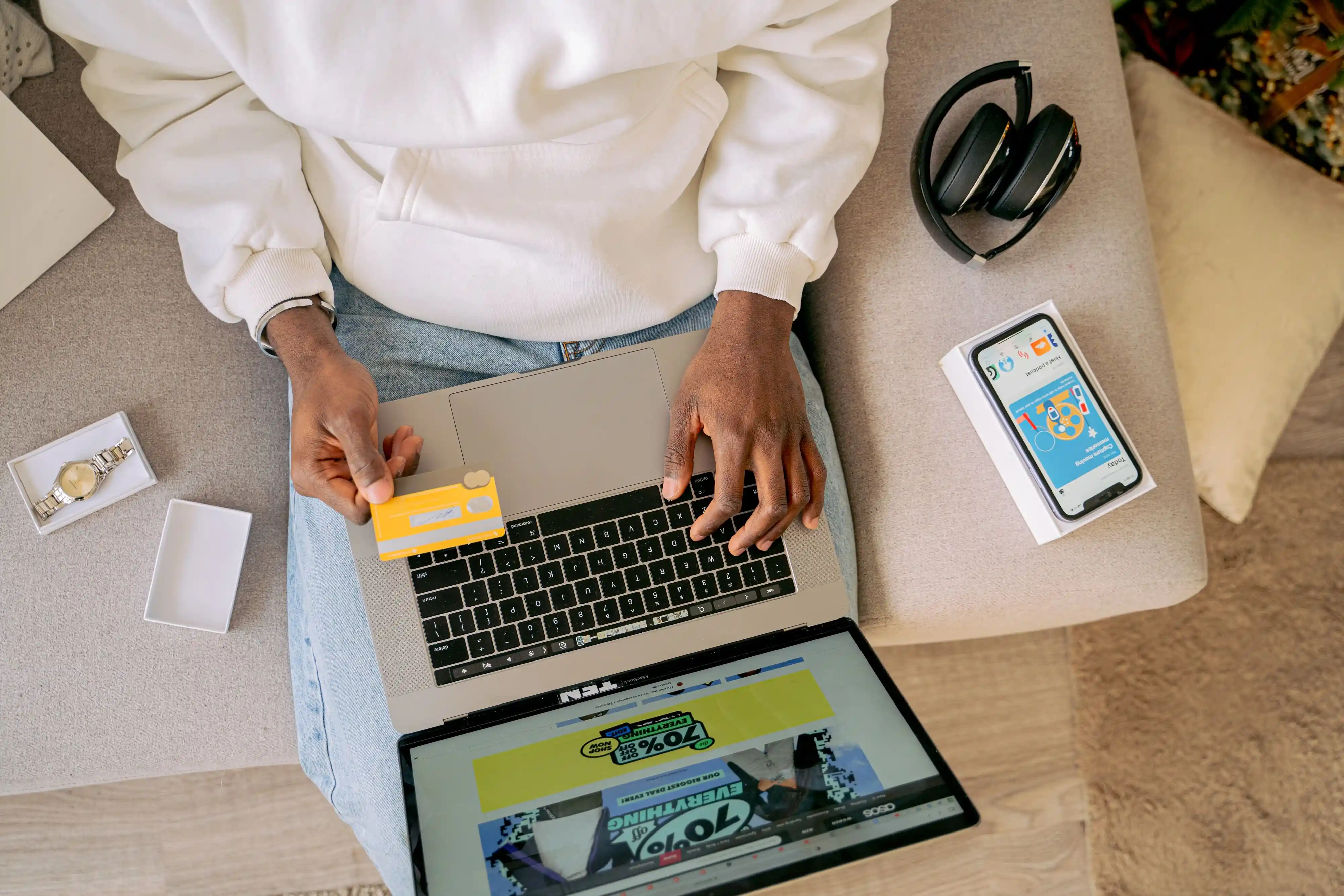
A promo code is just one layer. Three more can pay out on the same order. Cashback portals like Rakuten or TopCashback rebate 2–10%. Card offers from Amex, Chase, and Capital One sit inside your card's app — 5–15% back, one-click activation, rotated weekly.
Store rewards like Target Circle or Sephora Beauty Insider attach automatically when signed in. Layered cleanly, a $100 order with a 20% code turns into roughly 33% saved.
Activation Order
Stacking only works when layers don't cancel each other out. Click through from the cashback portal to the retailer so the tracking cookie sets.
Apply the promo code at checkout. Pay with the card that has the offer active. Store rewards attach on their own. Skip the portal click and the cashback silently fails.
The Extension Trap
Honey and Capital One Shopping auto-apply codes at checkout, but they overwrite the affiliate cookie the cashback portal just set.
A $6 auto-applied code can cost you $12 in lost cashback. Keep these extensions as a fallback tool when nothing else turns up a code, and disable them any time you're stacking with a portal.
When Stacking Fails
Some layers get blocked. Sitewide sales often exclude promo codes. Marketplace sellers on Amazon or Etsy sometimes don't participate in cashback portals even when the platform does.
If the total doesn't match your math, check the portal dashboard 24–48 hours later — most portals let you file a missing cashback claim with your receipt.
Save More on Custom Products with PrintKK
A $5 Coupon in Your Account
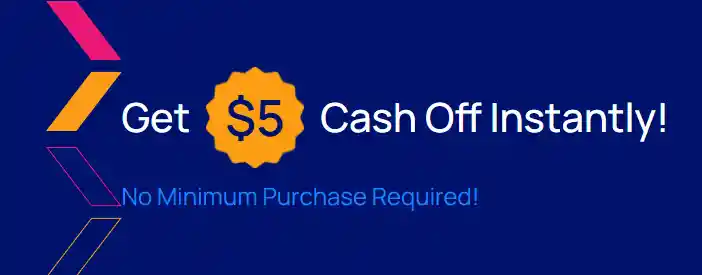
Every PrintKK account comes with a $5 coupon ready to use — no signup form to fill out, no hoops beyond the coupon's own terms.
It sits under Dashboard → Coupon and applies at checkout with a dropdown selection, no copy-paste needed. Works whether you're ordering directly on printkk.com or fulfilling orders from a connected store.
Automatic Bulk Pricing
Every product uses tiered pricing built into the quote — the more units you order, the lower the per-piece cost drops. No code needed, no threshold to unlock manually.
Before placing a real order, test the price at a few different quantities; sometimes nudging the order size up a little lowers the per-piece cost enough to make the extra units almost free.
Two More Margin Savers
Sample orders let you test a design at production cost before scaling, which prevents the expensive reprint scenario when colors or sizing come out wrong.
And PrintKK's built-in AI print on demand tool generates custom artwork inside the platform, removing the freelancer or stock-art cost line that often runs higher than the product itself.
Neither is a discount in the traditional sense, but both keep money in your margin that would otherwise walk out the door.
Expert Tips
Knowing how to use promo codes well turns online shopping into a real savings habit. You now know which code type fits which cart, where to find codes that actually work, and how to stack them with cashback, card offers, and store rewards. You know what to do when a code fails, and what to try when you forgot to apply one.
Every order is a chance to keep more money in your pocket. Take the extra minute at checkout — it pays back faster than any other habit in online shopping.
FAQs
Can I use two promo codes on the same order?
Most stores allow only one promo code per order. Stacking rules vary widely, so check the terms at checkout before assuming a second code will apply.
Do promo codes work on sale or clearance items?
Usually not. Sale and clearance items are already discounted, and most brands exclude them from further code use. A few sitewide codes do apply, but the exclusion is spelled out in the fine print — read it first.
Why isn't my promo code working at checkout?
The single most common reason is a trailing space picked up when copying the code — retype it by hand and it often works. If that doesn't fix it, check for wrong capitalization, an unmet minimum, or excluded items in your cart. (Full checklist in the Troubleshoot section above.)
Is there a limit to how many times I can use the same promo code?
Many codes are capped at one use per customer or one per account, especially first-order and welcome codes. Public codes tied to a sitewide sale usually have no limit until the campaign ends.
Do promo codes affect return refunds if I later send the item back?
Refunds are issued at the discounted price you actually paid, not the original sticker price. Some stores void a one-time-use code after a return, so you can't reapply it to a future order.