

Help Center
How can we help you?


General Help Topics
After Order Payment: What's Next? 🤔💳
Yes! You'll need to complete payment on PrintKK to start production. Here's how to manage orders in different scenarios:
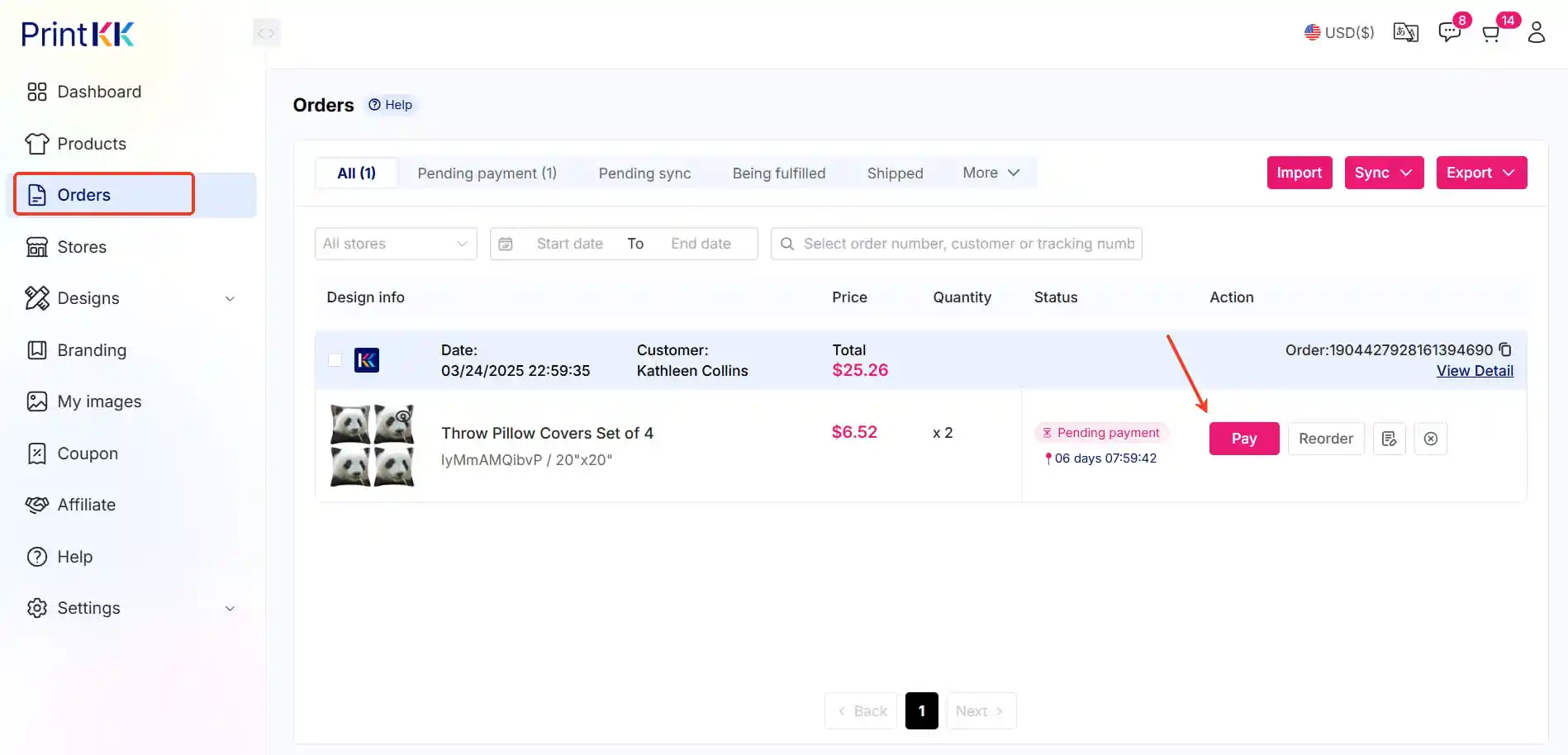
🛒 Scenario 1: Integrated Store
Fully Automated Process
🔹Customer pays → Order syncs automatically
🔹You pay on PrintKK (My Orders)
🔹We handle production & shipping
📍Navigate: Dashboard → Orders → Pay
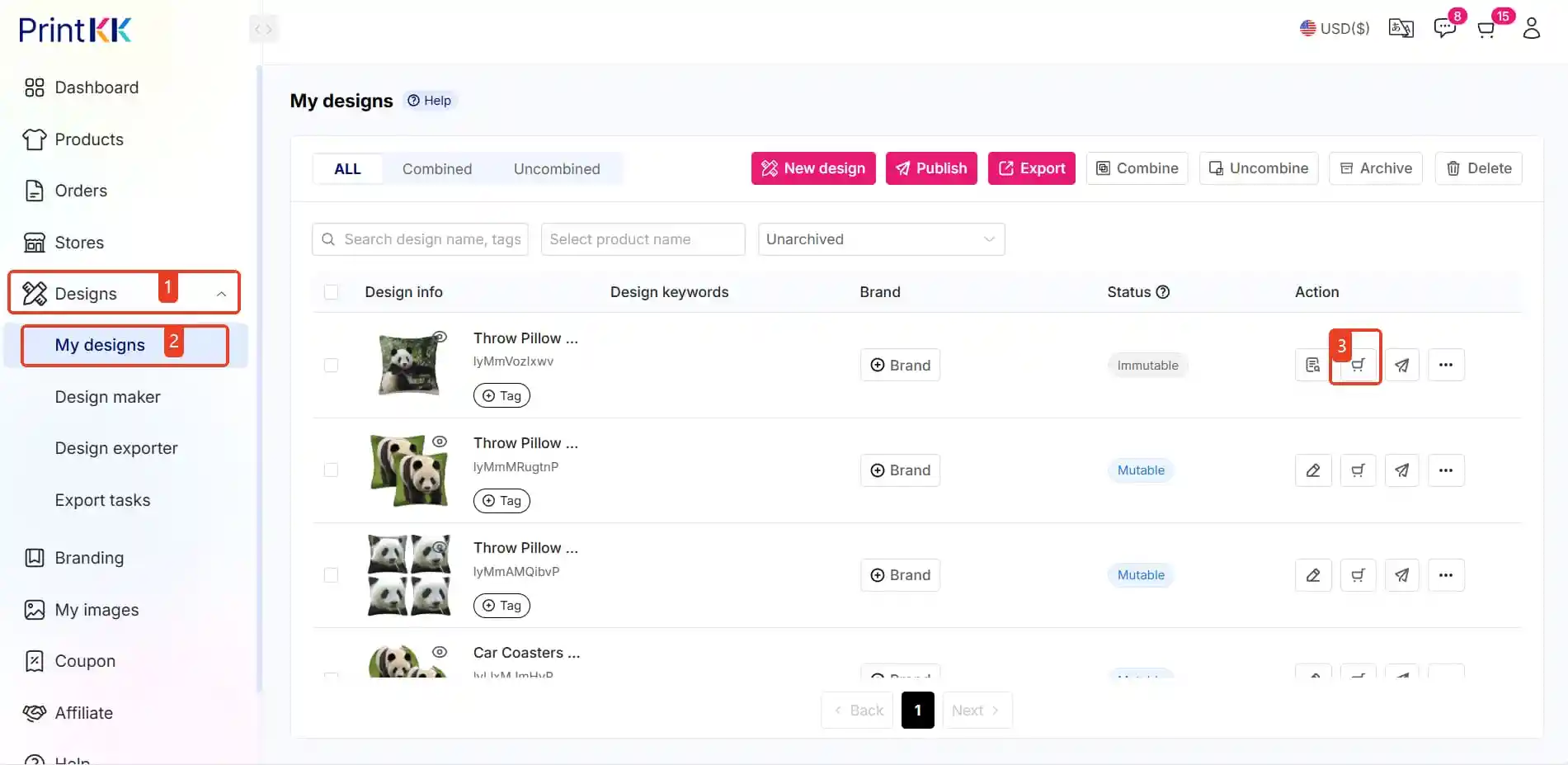
🖥️ Scenario 2: Non-Integrated Store
Manual Order Handling
🔹Find matching design in your account
🔹Place new order manually
🔹Enter customer’s shipping address
📍 Navigate: Dashboard → Designs → My Designs
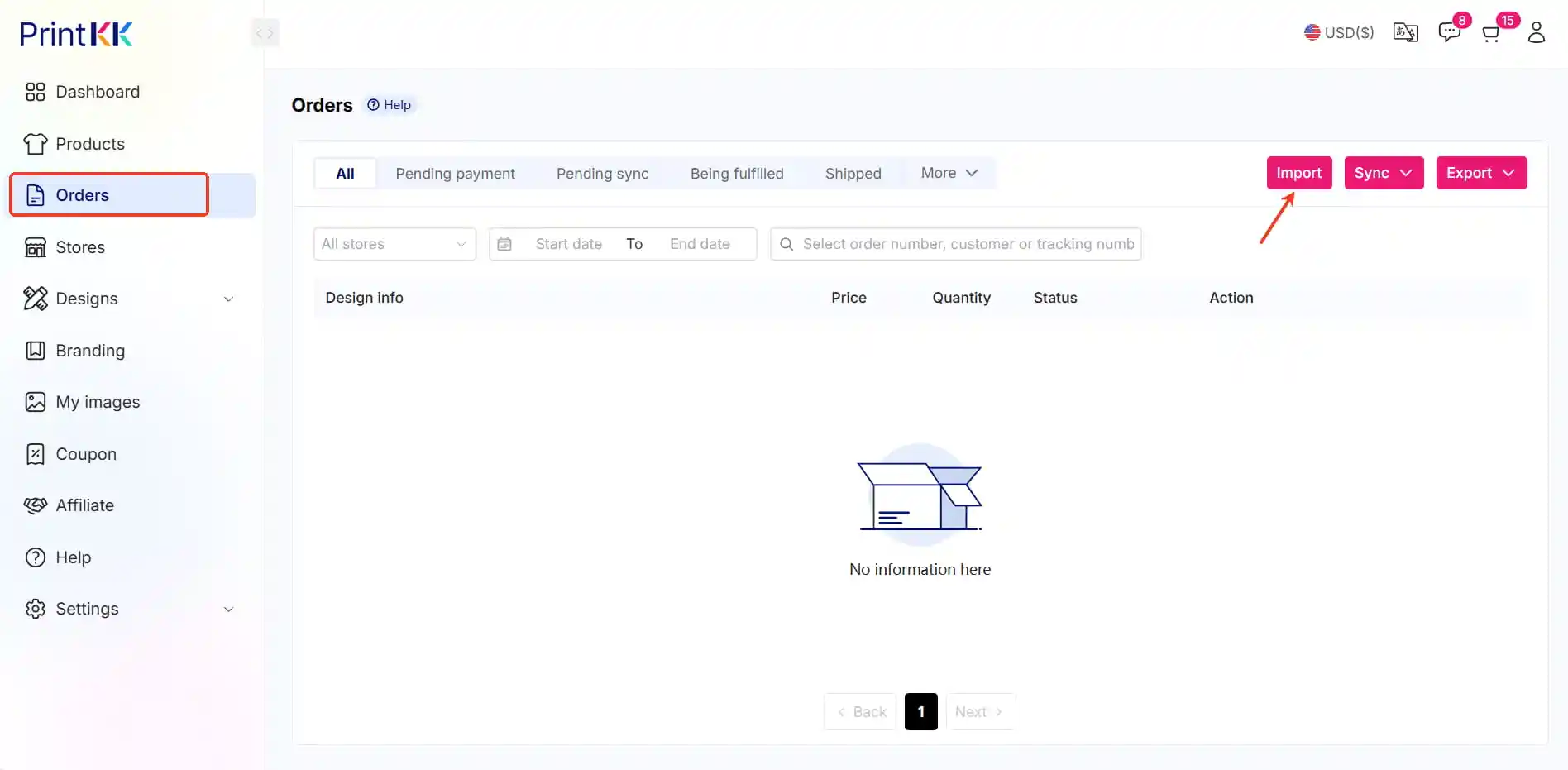
📦 Scenario 3: Bulk Orders (Non-Integrated)
Mass Import Solution
🔹Confirm designs exist on PrintKK
🔹Import order spreadsheet:
📍 Navigate: Dashboard → Orders → Import
Key Notes:
• Production begins only after PrintKK payment ✅
• Tracking updates appear in your dashboard 📊
• Integrated stores save 90% processing time ⏱️













