



Creating digital art is only the first step in sharing your creativity with the world. The next step—turning your designs into stunning prints that people can display in their homes, offices, or galleries—is just as important.
Whether you're selling online or simply decorating your space, understanding how to print your artwork correctly ensures that colors, details, and textures translate perfectly from screen to material.
In this guide, you'll learn everything you need to know to print digital art and wall art professionally, choose the right materials, set up your files, avoid common pitfalls like dark prints, and even start selling your creations.
What Is Wall Art and Digital Art?
What Is Wall Art
Wall art is the ready-to-hang piece your buyer puts on their wall. It's the final product—think canvas wraps, framed prints, metal sheets, or acrylic panels that arrive at their door looking sharp.
People buy it because it instantly makes their space feel better. Good wall art for selling usually means:
- Sizes people actually use, like 16×20 or 24×36 inches
- Strong colors and details that pop from far away
- Quality materials that feel premium
What Is Digital Art
Digital art is the file you make on your computer or tablet. It's the original design—your layers, high-resolution PNG, or JPEG.
You create it once, then sell the file (or let print-on-demand services handle the rest). No boxes, no trips to the post office. One design can earn you money over and over while you sleep.
How to Print Digital Art and Wall Art to Sell
1. Choose the Right File Format
When preparing your art for printing, the file format matters a lot. TIFF, PNG, and high-quality JPEGs are the most common.
TIFF preserves all details, PNG works well for transparency, and JPEG is fine if the file size is an issue.
Always save a copy in the highest resolution possible. Avoid low-res exports; they make your prints blurry or pixelated.
For wall art, high-resolution TIFF or PNG files are especially important. Larger formats like canvas, metal, or acrylic panels require sharp, color-accurate files, since wall art is often displayed prominently.
Ensuring your file is print-ready preserves both detail and vibrancy.
2. Mind Your Resolution and DPI
Printing requires higher resolution than screens. Aim for 300 DPI at the final print size. For example, a 12x18 inch print at 300 DPI should be 3600x5400 pixels.
If your canvas is smaller, your print will look fuzzy or stretched. Check the resolution before sending to print—it's easier to fix digitally than after printing.
For wall art, resolution is even more critical. Large-format prints need higher pixel dimensions to maintain clarity and crisp details.
Always ensure your file's resolution matches or exceeds the target print size so the final piece looks professional.
3. Pick Paper and Material Carefully
The material you print on affects both color and feel. Matte paper softens colors, while glossy makes them pop. Canvas adds texture and depth, but it can be more expensive. When choosing, consider:
- Brightness of the paper
- Thickness (weight)
- Coating or lamination options
For wall art, choose the material based on the effect you want: canvas for a classic, textured look; metal for vibrant, high-contrast colors; acrylic for a glossy, modern finish; and wood for a warm, natural feel. Pick the one that best suits your artwork and where it will be displayed.
4. Test Print Before Large Orders
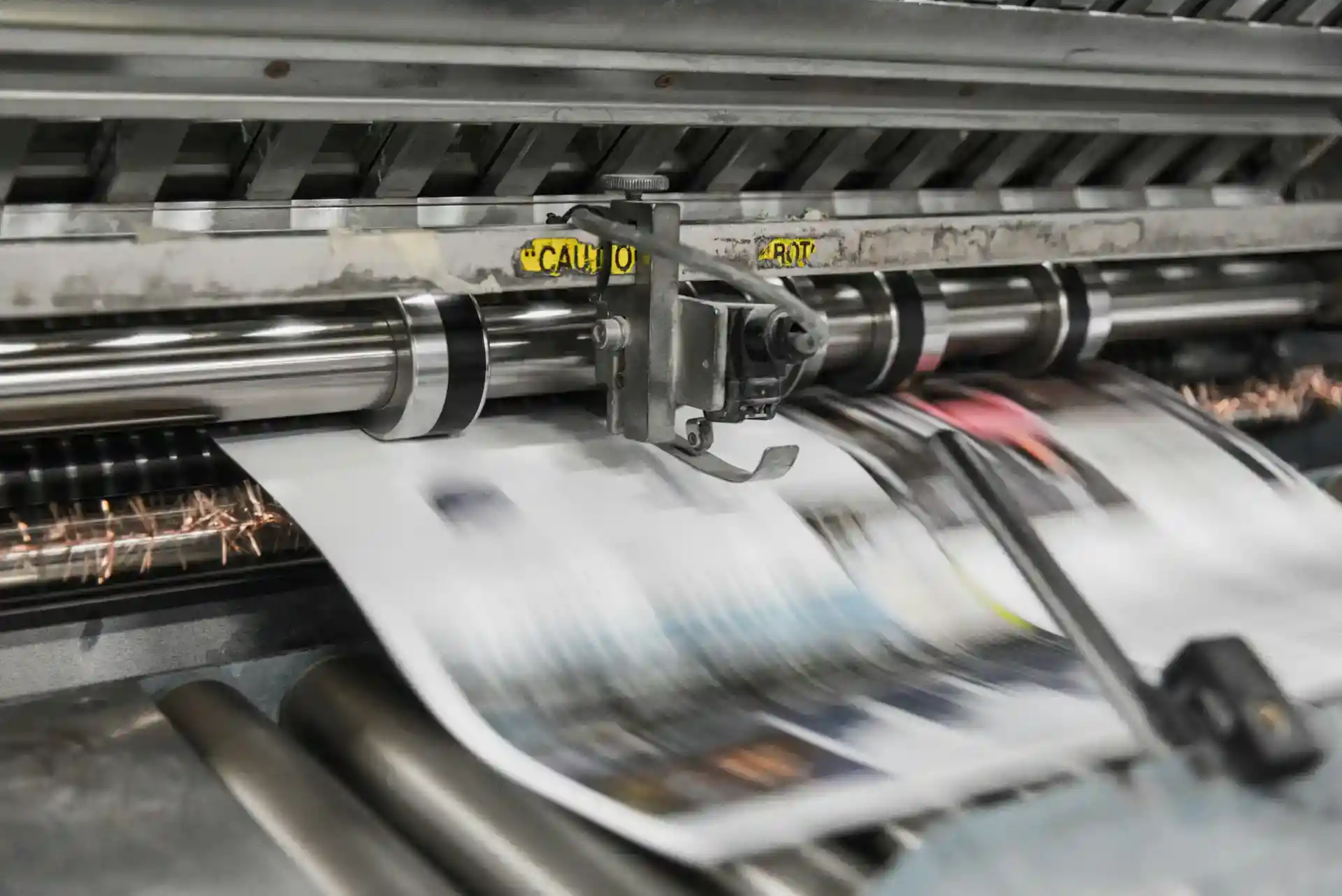
Always print a small sample before committing to a large order. This helps you catch color shifts, unexpected darkening, or sizing issues. Adjust your digital file as needed, such as tweaking brightness, contrast, or saturation. Test prints also give you a reference when selling, so buyers know what to expect.
For wall art, test prints are especially valuable because larger formats like canvas, metal, or acrylic can reveal issues that aren't visible on-screen.
Even a small sample can show how colors, details, and textures translate to the final material, allowing you to make adjustments before printing a full-size piece.
5. Set Up a Selling Platform
Once your prints are ready, you need a place to sell. You can choose:
- Print-on-demand services that handle production and shipping
- Online marketplaces like Etsy or Shopify
- Your own website with e-commerce tools
Pick a platform that matches your workflow. Some let you automate order fulfillment, which saves time and reduces mistakes.
For wall art, consider platforms that support larger formats and a variety of materials, such as canvas, metal, or acrylic.
Print-on-demand services often allow you to offer multiple sizes and finishes without managing inventory, making it easier to showcase your wall art professionally and reach a wider audience.
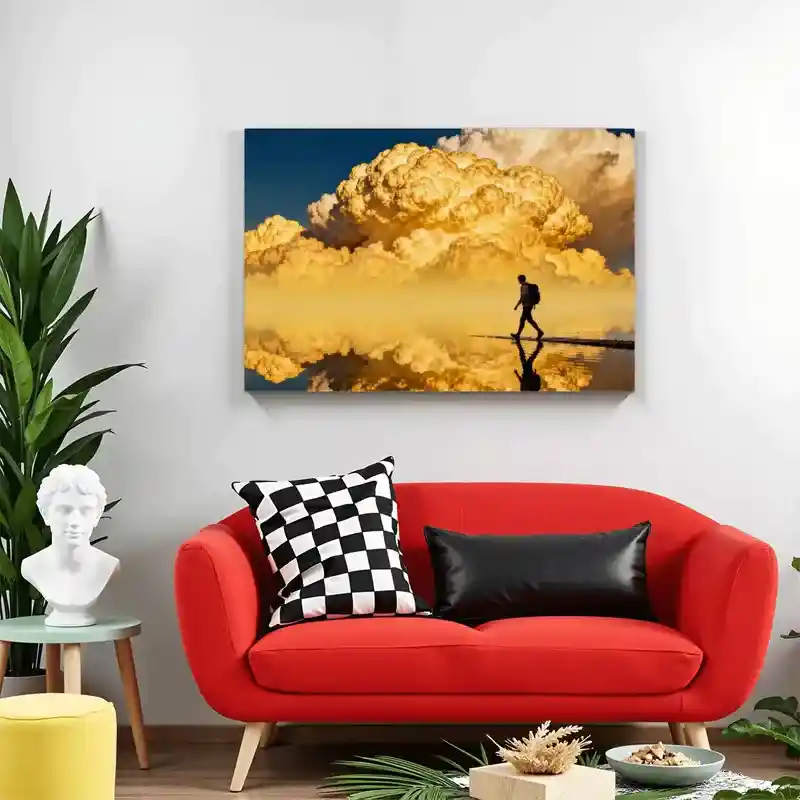
Print on Demand Framed Canvas Painting (3:2) (Horizontal) (Made in USA) - Wall Decor - PrintKK
6. Price Your Prints Smartly
Pricing isn't random. Factor in:
- Production cost (paper, ink, shipping)
- Your time and labor
- Desired profit margin
- Competitor prices
For example, if printing costs $8 and you want a 50% profit, set the price around $12. You can adjust for bundles, promotions, or limited editions to attract buyers while maintaining profit.
For wall art, pricing may need to account for larger sizes, premium materials, and more complex finishes like canvas, metal, or acrylic.
Larger or specialty pieces usually cost more to produce, so adjust your selling price accordingly while keeping it attractive to buyers. Offering multiple sizes or material options can also help reach different customer budgets.
7. Market Your Art and Build Trust
Selling is more than just listing items. You need visibility and credibility. Share your prints on social media, collaborate with other artists, and showcase high-quality images of your work.
Include descriptions about size, material, and the inspiration behind the art. Reviews and testimonials help too. The more people see your work and trust you, the more likely they are to buy.
For wall art, high-quality presentation is especially important. Show images of your pieces in real-life settings, such as living rooms or offices, to help buyers visualize them on their own walls. Highlight the materials, finishes, and sizes clearly.
Engaging content, like behind-the-scenes creation stories or videos of your wall art in action, can build trust and make your products more appealing to potential buyers.
How to Set Up Digital Art Size for Printing
1. Understand DPI and Resolution
DPI, or dots per inch, tells you how detailed your print will be. Pixel dimensions are different—they describe the size of your image in pixels.
For high-quality prints, aim for 300 DPI. Working at 72 DPI or using a very small canvas is a common mistake.
Your art might look fine on screen, but it will appear blurry or pixelated in print.
2. Choose Standard Print Sizes
Using standard print sizes saves headaches later. Ratios like 4:5, 3:4, and 2:3 match common frames.
Standard dimensions include A4, A3, Letter, 11x14, or 16x20 inches.
You can also create multiple size versions. This helps customers choose without confusion. Keeping ratios consistent is key.
3. Set Up the Canvas Correctly in Procreate/Photoshop
Before you start, set the canvas dimensions and DPI. In Procreate, use presets for common print sizes.
In Photoshop, enter width, height, and 300 DPI in the new document window. Decide if you want to scale up later or start a new file. Setting this correctly from the beginning saves time and preserves quality.
4. Maintain Aspect Ratios
Cropping can ruin your composition. Use guides or grids to keep your artwork scalable. Preparing a master file with flexible ratios makes it easy to export multiple formats.
Always check how your design looks in different ratios before finalizing. Small adjustments now prevent frustration later.
5. Export in the Right Format
Choose file formats that printers prefer: TIFF, PDF, high-res JPEG, or PNG. Pay attention to color profiles. RGB works for screens, but CMYK is often better for print.
Provide print-ready downloads for buyers to make the process smoother. Proper export ensures your colors and details stay true.
6. Test Before Selling or Printing
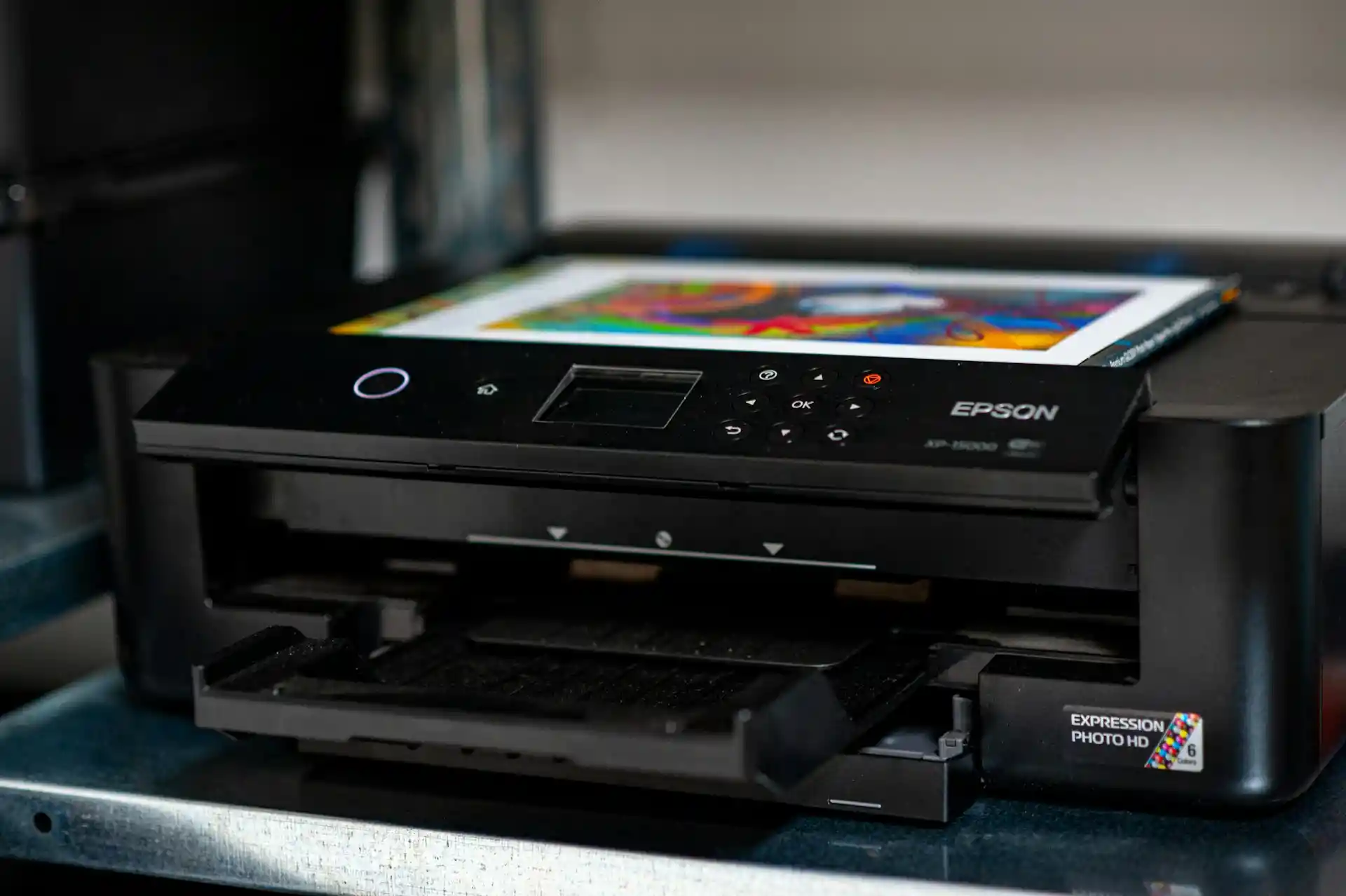
Print a sample copy, either at a POD website or a local shop. Check for color shifts, pixelation, or sizing issues.
Adjust brightness or contrast if needed. A test run helps you catch problems before offering your art for sale. Small checks here can save bigger problems later.
Why Digital Art Prints Darker Than Expected (How to Fix)
- Screens are backlit. Your iPad or monitor makes everything look brighter than it really is. If your screen brightness is very high, colors on screen will appear lighter than on paper. Even a white sheet of paper looks dim compared to your bright digital display.
- Color profiles matter. Most digital art is created in RGB (Red, Green, Blue). RGB can show millions of colors—vivid neon greens, bright pinks, soft grays—all at full brightness. Printing uses CMYK (Cyan, Magenta, Yellow, Black).
- CMYK has limits. Some bright RGB colors simply cannot be reproduced exactly in print. That's why your neon green might look duller when printed.
- File types and software can also affect results, but usually brightness and color profiles are the main reason your print looks darker.
How to Fix It
- Adjust your screen brightness. Bring it down to around 50% or lower. This helps you see your art closer to how it will appear on paper.
- Check your color profile. In Photoshop, switch your RGB file to CMYK using View > Proof Setup > Working CMYK, then toggle proofing with Ctrl + Y. This shows how your colors will print without changing your original file.
- If you use Procreate, you can't switch color profiles easily. You'll need to adjust colors manually, keeping in mind some tones will print less saturated. Softening bright neons usually helps.
- Do a small test print. Adjust colors if needed and try again until the printed colors match what you want.
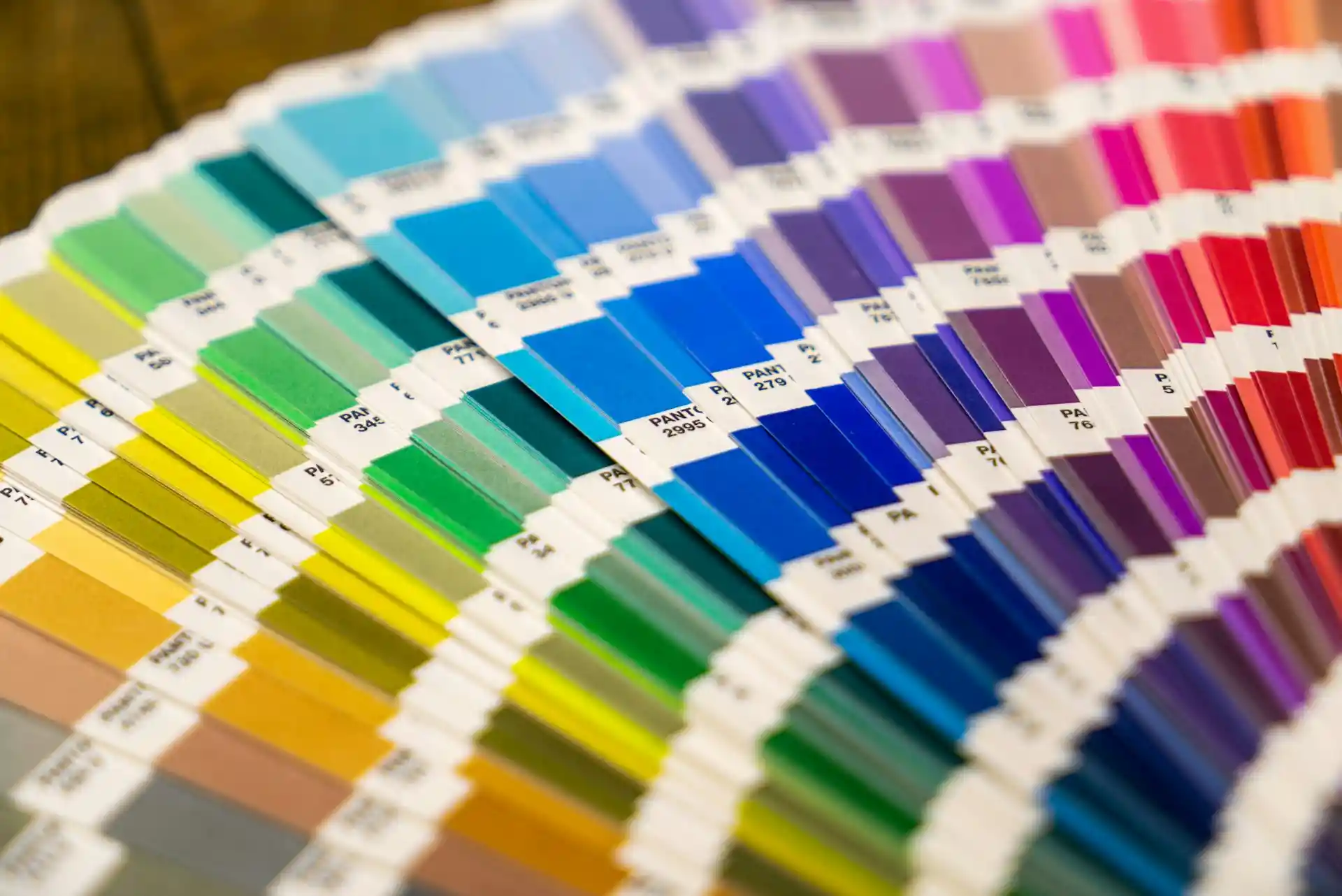
Exploring Different Materials to Print Digital Art
Paper prints are simple, but they often don't do justice to your colors or textures. Some details vanish, and the flat surface can make vibrant work feel muted. Exploring alternative materials lets you show depth and subtle textures. The right choice can change how people experience your art.
Canvas Prints
Canvas gives your art a soft, layered feel. The texture can smooth out jagged edges or pixelation.
Colors may soften, so consider adjusting contrast before printing. Scale matters—canvas shines for larger pieces, filling a wall without feeling empty.
Best For: Fine art-style pieces, soft gradients, work meant for home or gallery walls.
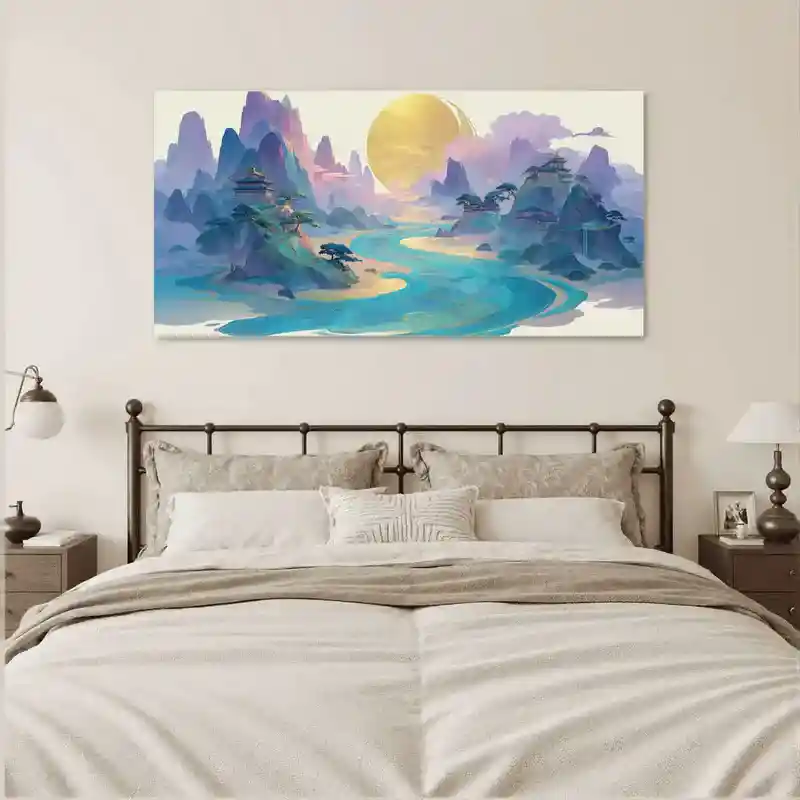
Print on Demand Canvas Fabric Wall Art (Made in USA)(Submit Shipping Label) - Wall Decor - PrintKK
Metal Prints
Metal makes colors vivid and sharp. It handles contrast well, so detailed or photography-style pieces really pop.
The surface is durable and scratch-resistant, but reflections change depending on lighting. Plan placement to minimize glare.
Best For: Bold graphics, digital photography, or abstracts with high contrast.
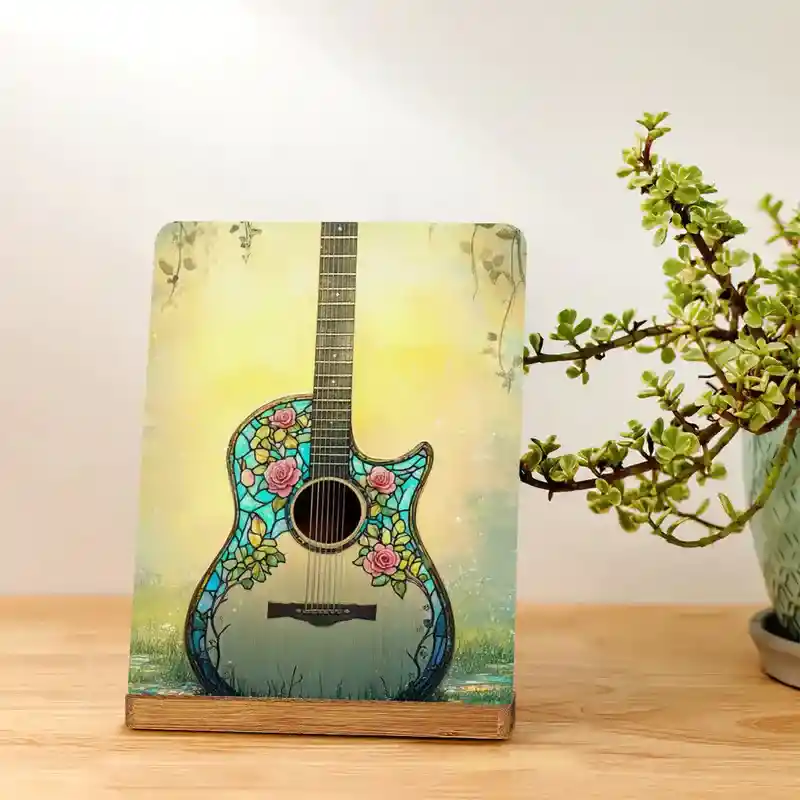
Print on Demand Metal Photo Prints with Stand (Vertical) - Home Decor - PrintKK
Acrylic Prints
Acrylic adds depth by creating a floating effect. Lines stay crisp and colors appear more saturated.
The piece feels modern and polished, but weight and cost are higher than paper or canvas. Make sure you have secure mounting or shipping options.
Best For: Color-intensive, contemporary pieces that benefit from a glossy, gallery-ready finish.

Custom Acrylic Wall Art Prints Square (Punched Type) - Print on Demand Fulfillment - PrintKK
Wood Prints
Wood brings warmth and organic texture. The grain interacts with your art, creating unique variations.
Lighter colors show best; intricate details can get lost in strong wood patterns. This material itself becomes part of the story.
Best For: Nature-inspired digital art, rustic or textured designs, organic-themed projects.
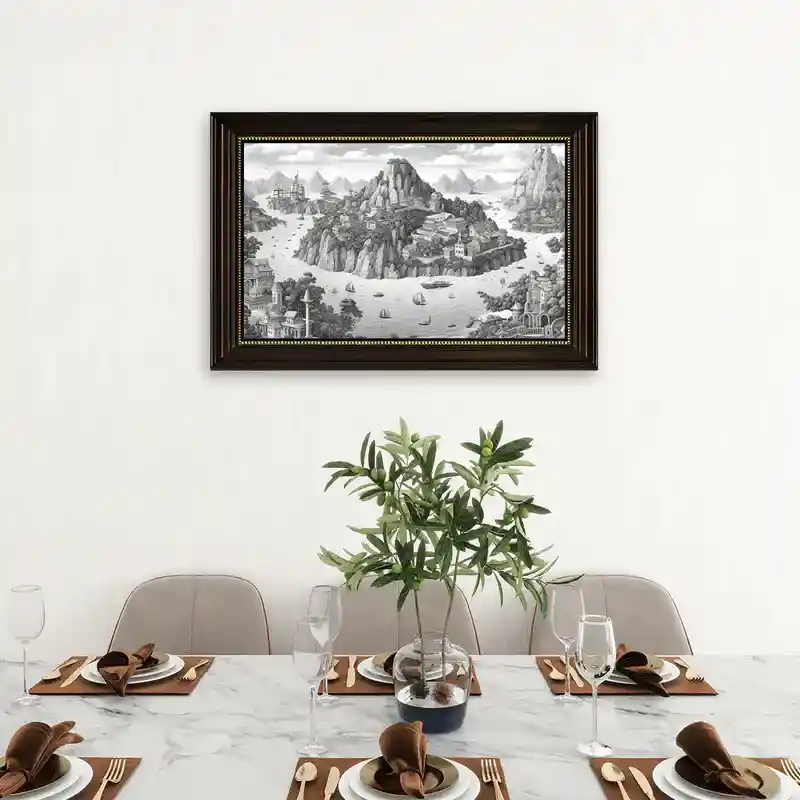
Print On Demand Wood Framed Canvas Prints Wall Art - PrintKK
Textile and Fabric Prints
Fabric invites interaction. People can touch, hang, or wear your art. Colors are softer and may fade if untreated, so careful file prep and material choice are key.
This medium allows experimentation beyond flat display.
Best For: Wearable art, banners, wall hangings, or interactive pieces.
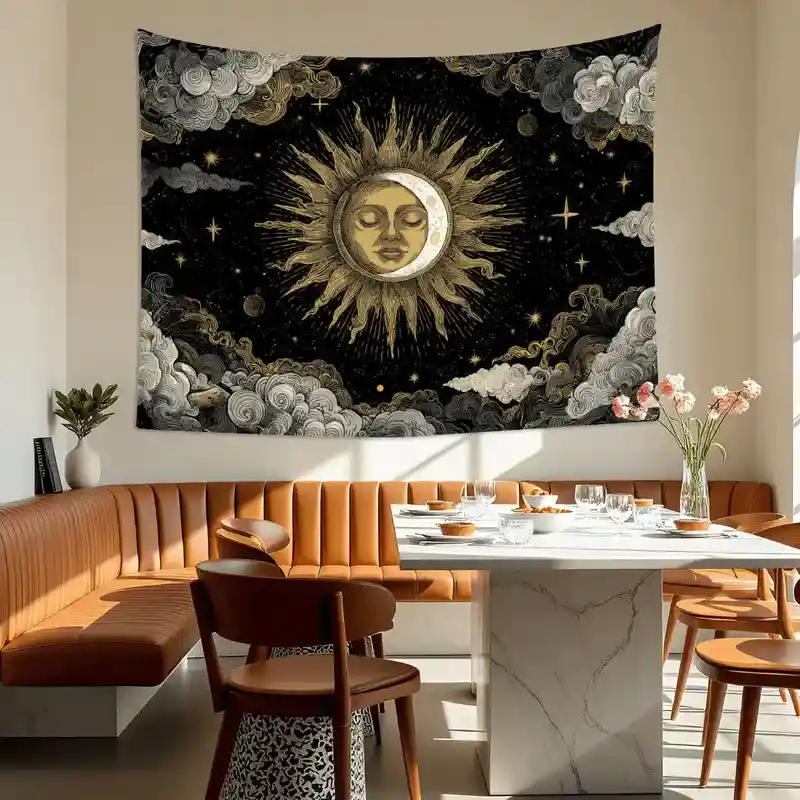
Print On Demand Tapestry (4:3) (Made in USA) - PrintKK
Comparing Materials: Cost, Durability, and Style
Some materials are expensive but long-lasting, like metal and acrylic. Canvas is mid-range. Wood and fabric can be more budget-friendly.
Consider your audience, display context, and the mood you want. Matching material to intention matters as much as picking colors.
Material | Cost | Durability | Best For |
Canvas | Medium | Moderate | Fine art, soft gradients, wall displays |
Metal | High | High | Bold graphics, photography, abstracts |
Acrylic | High | High | Contemporary, glossy, color-intensive |
Wood | Low-Med | Moderate | Rustic, nature-inspired, textured pieces |
Fabric/Textile | Low-Med | Moderate | Wearable art, banners, interactive décor |
What Is the Best Printing Method for Wall Art?
Choosing the right printing method is crucial to ensure your wall art looks professional, vibrant, and long-lasting. Here's a breakdown of the most common printing techniques and how they apply to different materials:
Inkjet Printing
- Produces high-resolution prints with smooth gradients and accurate colors.
- Ideal for canvas and high-quality paper.
- Best for fine art-style pieces, illustrations, and soft gradient designs.
Giclée Printing
- Uses pigment-based inks to create museum-quality prints.
- Excellent for canvas or art paper, with longevity and rich color depth.
- Perfect for professional artists selling limited edition prints.
UV Printing
- Directly prints onto rigid materials using ultraviolet light to cure the ink instantly.
- Works well for acrylic, metal, and wood.
- Produces vibrant colors, sharp details, and a glossy or matte finish depending on preferences.
Dye-Sublimation Printing
- Uses heat to transfer dye into coated surfaces like metal or fabric.
- Ideal for metal prints and fabric items.
- Creates durable, scratch-resistant, and vibrant images.
Laser or Digital Transfer Printing
- Transfers designs onto surfaces like wood or textiles.
- Good for wood panels, custom fabrics, or tapestries.
- Preserves the natural texture of the material while adding the design.
Start Selling Art Prints and Profit With PrintKK
Opening your own art store on PrintKK is surprisingly simple. You just need to sign up, upload your artwork, and choose the products you want to sell.
In just a few clicks, your designs can appear on a variety of items ready for customers to buy. There's no need to worry about managing inventory or shipping—it's all handled for you.
One big advantage of using PrintKK is that products shipped to the U.S. don't charge sellers any tax fees. This means more of your earnings stay in your pocket. Plus, you have plenty of options when it comes to printing your art:
- Wood, metal, canvas, and posters for classic art prints
- Affordable, high-quality materials that make your work look professional
Beyond traditional prints, you can expand your store with art merchandise. Think T-shirts, phone cases, tote bags, pillows, and even blankets. These items let your fans enjoy your art in everyday life and give you more ways to earn.
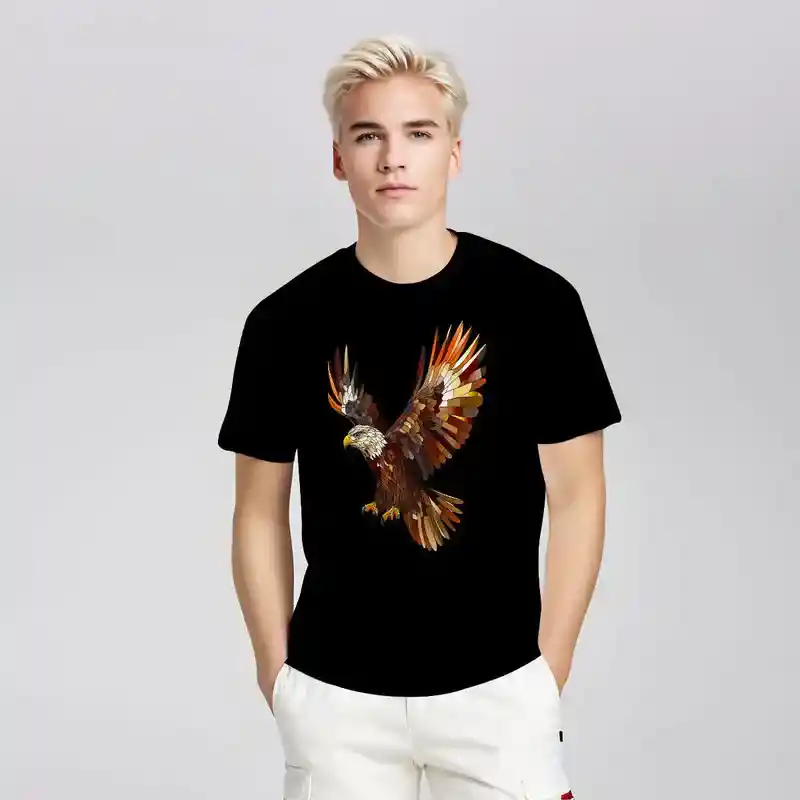
Custom Gildan 5000 Unisex Cotton Tee Customized Services - Print on Demand Fulfillment - PrintKK
With PrintKK, you're not just selling art—you're building a mini brand. The platform makes it easy to focus on what you love: creating, while it takes care of production and delivery.
This flexibility lets you experiment with different products, find what your audience loves, and maximize your profits.
Expert Tips
Turning your digital art into wall art or prints is both creative and rewarding. By preparing high-resolution files, choosing the right materials, testing your prints, and presenting them thoughtfully, you can ensure your work looks professional and vibrant.
Whether you're selling online or creating for your own space, attention to detail makes a big difference—colors, textures, and presentation all matter.
Start experimenting with different sizes and finishes, share your creations confidently, and let your art reach the people who will love it. With patience and care, your designs can transform walls and even become a source of income.
FAQs
What is the best way to print digital art?
The best approach is to use high-resolution files and choose quality printing materials. Canvas, metal, and fine art paper often make digital artwork look professional and vibrant while keeping details clear.
What to print wall art on?
Wall art can be printed on canvas, photo paper, metal, or wood, with each material affecting color, texture, and style. Choose based on your artwork and the desired display effect.
Can I make my own wall art?
Yes, create a high-resolution digital file, select a suitable material, and print it at home or via a print-on-demand service. Add framing or mounting for a professional finish.
Can you make money selling digital art prints?
Yes, many artists earn income selling prints online. Success depends on creating appealing designs, picking the right products, and sharing your work with the right audience consistently.
Where to sell digital artwork?
You can sell online through platforms like Etsy, or Shopify personal websites. Social media and marketplaces help reach potential customers, while platforms handle printing, shipping, and payment processing efficiently.
What kind of digital art sells best?
Digital art with clear themes, bright colors, or popular styles tends to sell well. Illustrations, abstract pieces, and fan art often attract buyers, especially when they connect with current trends or interests.

 Global Shipping
 Free shipping