



The print-on-demand industry continues to grow rapidly, offering entrepreneurs, designers, and creators countless opportunities to launch custom products without holding inventory.
With so many tools available, knowing which solutions to use can be overwhelming. This guide highlights 34 print on demand tools that can help streamline your workflow, improve product quality, and boost sales.
Whether you're managing design, fulfillment, marketing, or analytics, these tools provide practical support for building a successful POD business in 2026.
34 Print on Demand Tools for Success
E-commerce / POD Platforms
Namelix
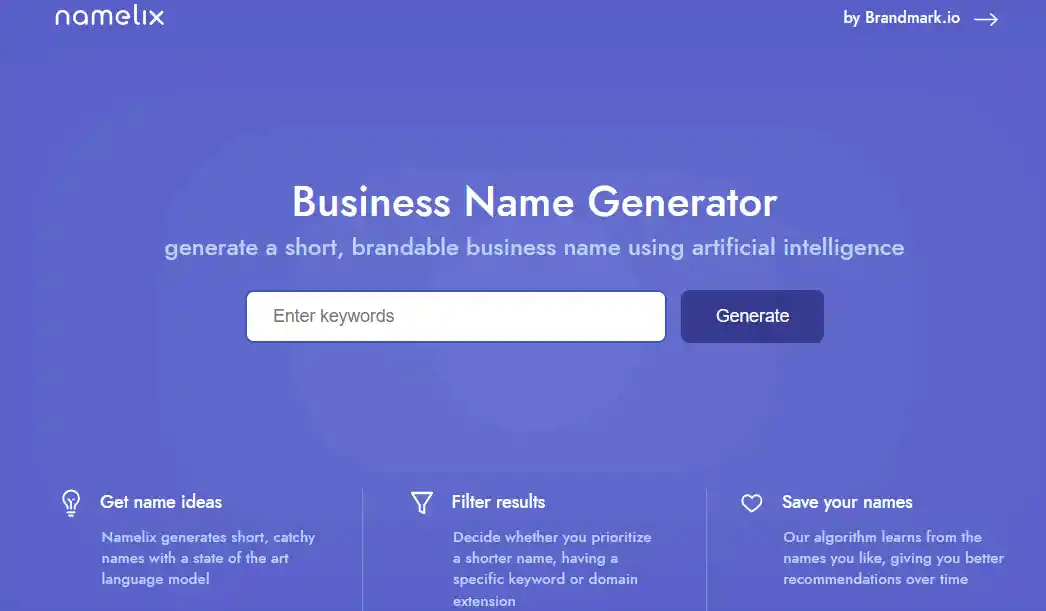
Use Namelix to generate store or product names quickly. You enter keywords, pick a style, and it gives options.
You can filter by length or randomness. It helps when you want a professional-sounding name without spending hours brainstorming. You can test multiple ideas and see which fits your brand.
WooCommerce
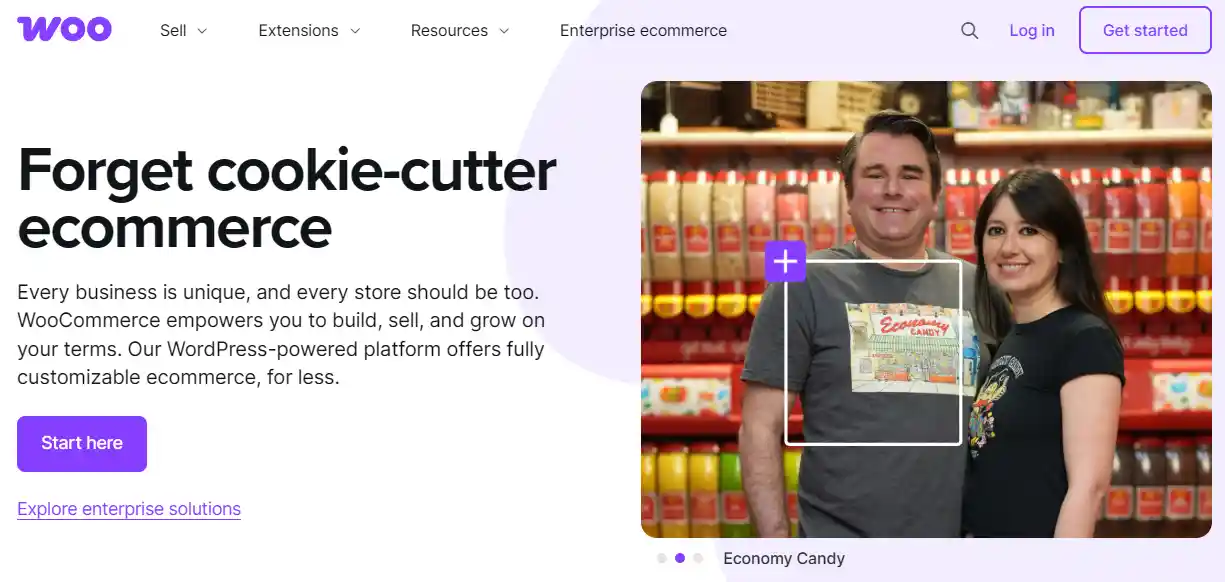
WooCommerce turns a WordPress site into a store you control. You manage products, layout, payment, and shipping. Adding POD plugins automates fulfillment.
It works well if you want flexibility and ownership. You can customize everything, but it requires setup and occasional maintenance.
Shopify

Shopify simplifies store creation. You pick a template, add products, and connect POD apps.
It manages payments and shipping. Scaling is straightforward as sales grow. It is useful if you want to focus on marketing and design rather than technical setup.
Etsy

Etsy is a marketplace for custom and handmade items. Buyers search the platform for unique products. Listing items is easy, but there are fees per sale.
It is practical for testing designs and reaching people who actively look for custom products without building a full site.
PrintKK
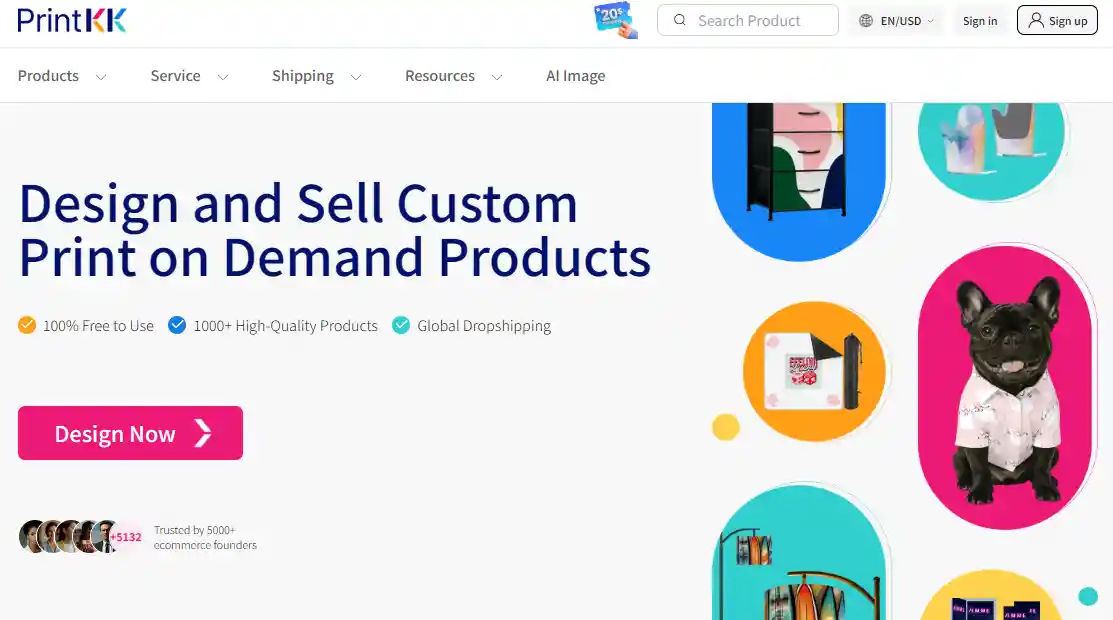
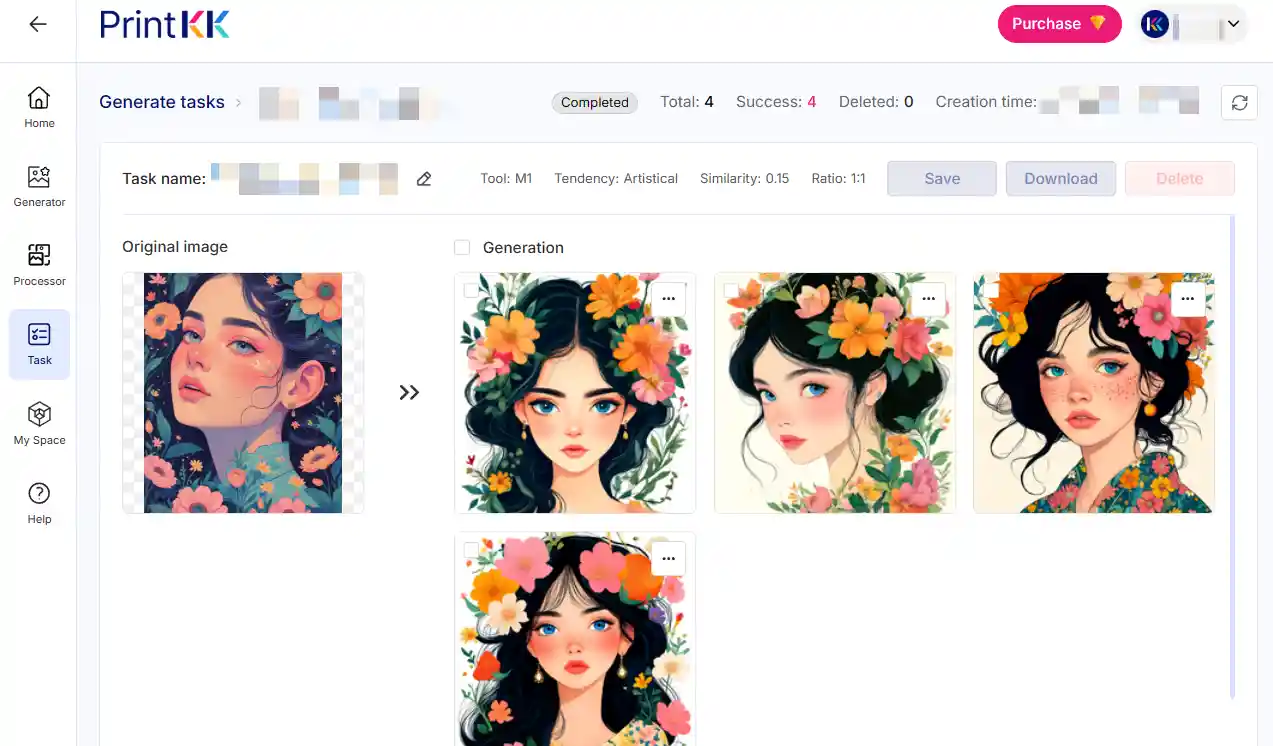
PrintKK handles printing and shipping for you. You upload designs, select products, and orders are fulfilled automatically. It supports multiple product types.
Using PrintKK lets you focus on design, testing ideas, and marketing rather than packing and shipping.
Gelato
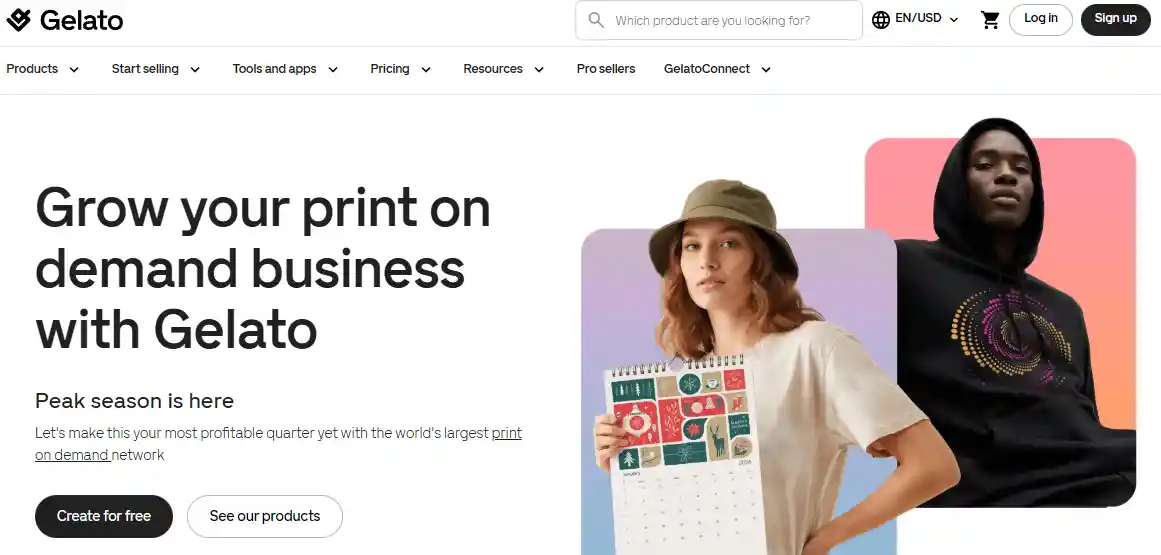
Gelato connects you with printers near your customers. Shipping is faster and costs are lower because production happens locally.
It integrates with stores and marketplaces, making it easier to sell internationally. You can scale globally without managing multiple suppliers.
Printful
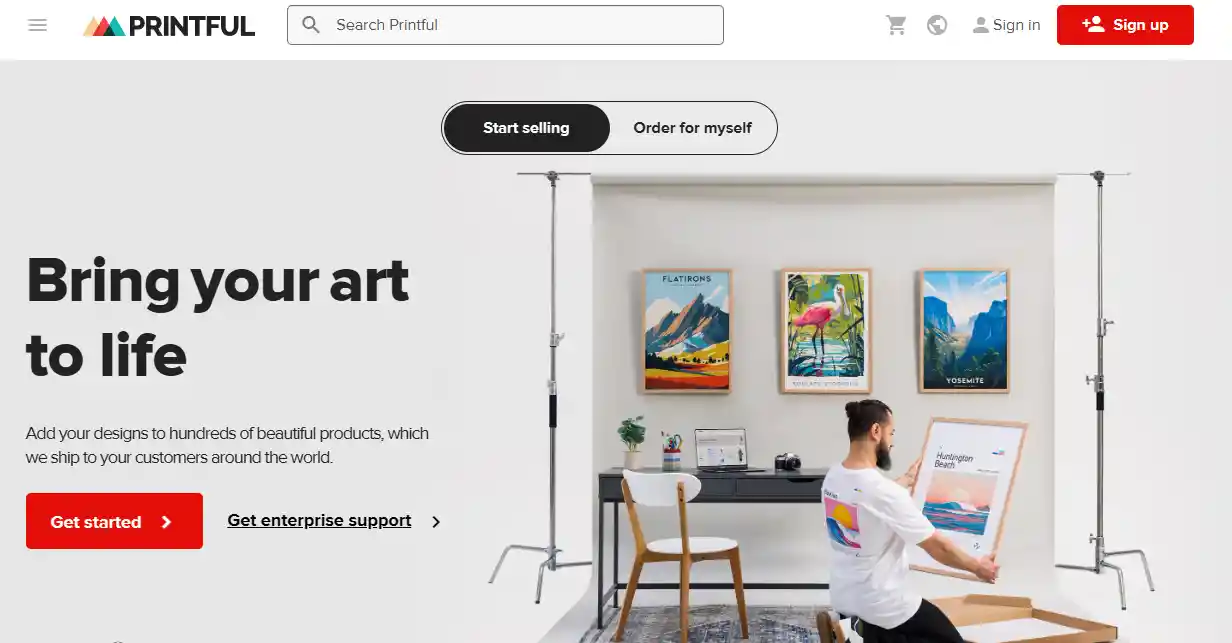
Printful provides a wide range of products. You can design apparel, mugs, and more.
It integrates with many platforms. Fulfillment and shipping are handled for you. You can maintain consistent quality and focus on marketing and design.
Society6
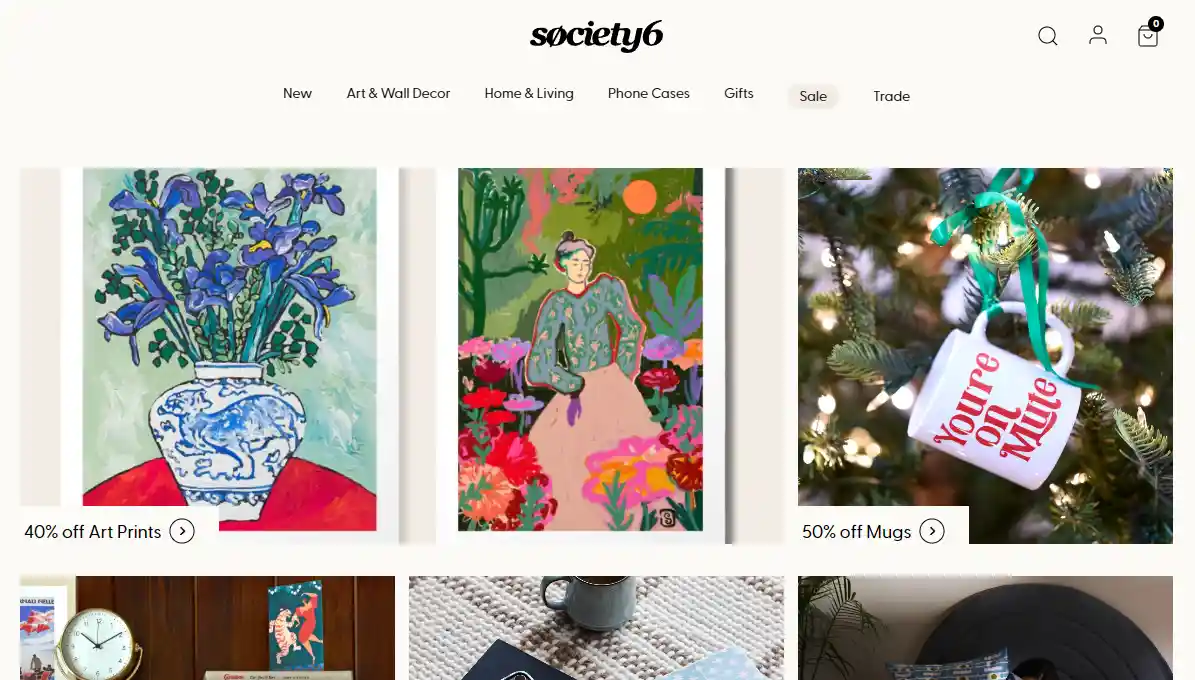
Society6 is a marketplace for artists selling home decor and lifestyle products.
Upload your designs, set prices, and they handle production and shipping. It is useful if you want exposure to buyers interested in art and decorative items without managing logistics.
Redbubble
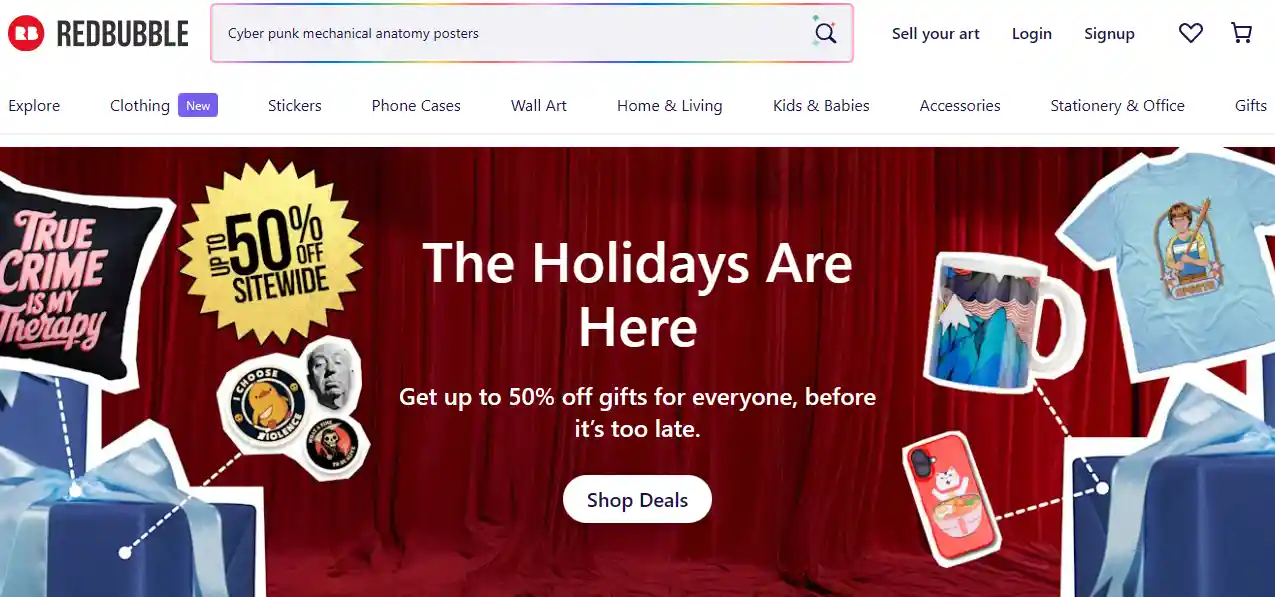
Redbubble allows artists to sell designs on apparel, accessories, and home products.
It handles fulfillment and customer service. Focus on creating designs while the platform manages orders and delivery. It gives access to a global audience without extra setup.
Design / Image Tools
Canva

Canva is an easy-to-use design tool for non-designers.
You can make social media posts, product mockups, and marketing graphics. It offers templates and drag-and-drop features. Canva is great if you want fast designs without learning complicated software.
Photoshop

Photoshop is a professional tool for editing images and creating designs. You can manipulate photos, add effects, and prepare high-quality artwork for printing.
It's flexible but requires practice. Photoshop works well if you want full control over every detail.
Adobe Illustrator
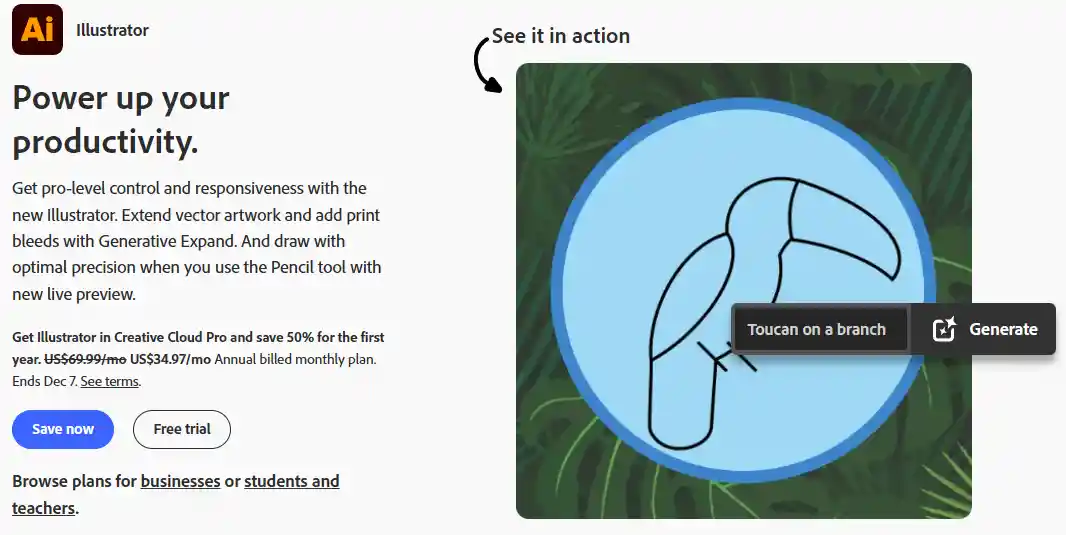
Illustrator is used for vector graphics like logos and illustrations. You can scale designs without losing quality.
It's perfect for creating graphics for POD products like t-shirts and mugs. Illustrator is essential if you want sharp, professional designs.
Procreate
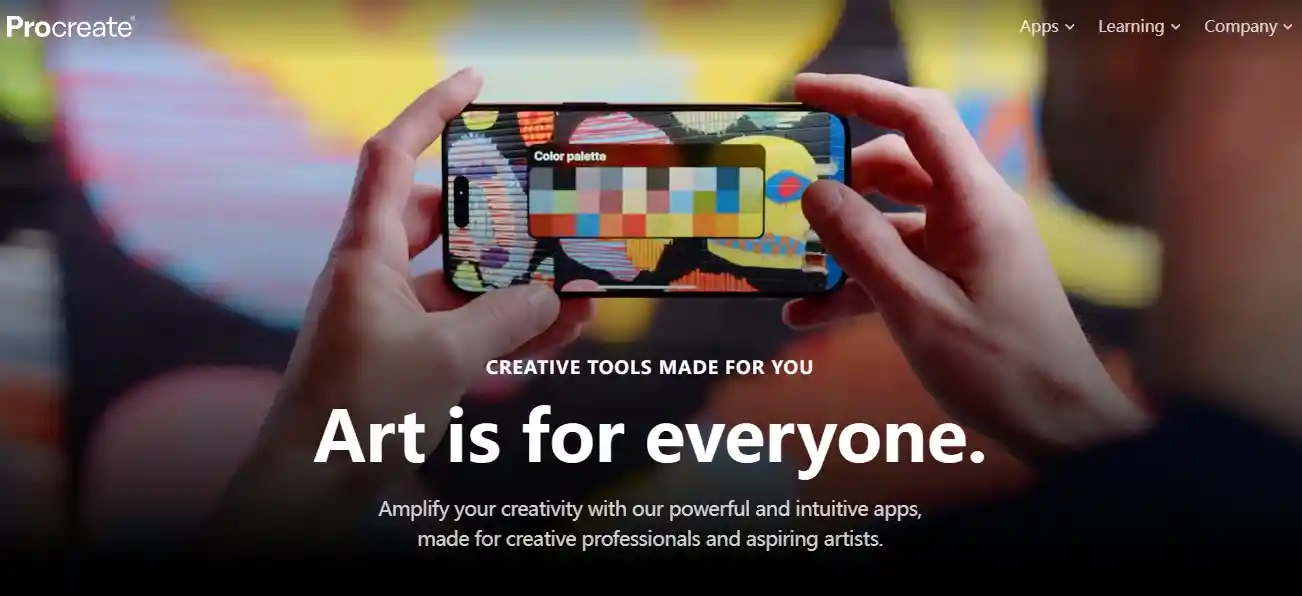
Procreate is an iPad app for drawing and digital painting. You can use a stylus to create detailed designs and illustrations.
It's popular with artists who want a natural drawing experience. You can export designs for POD printing easily.
Placeit
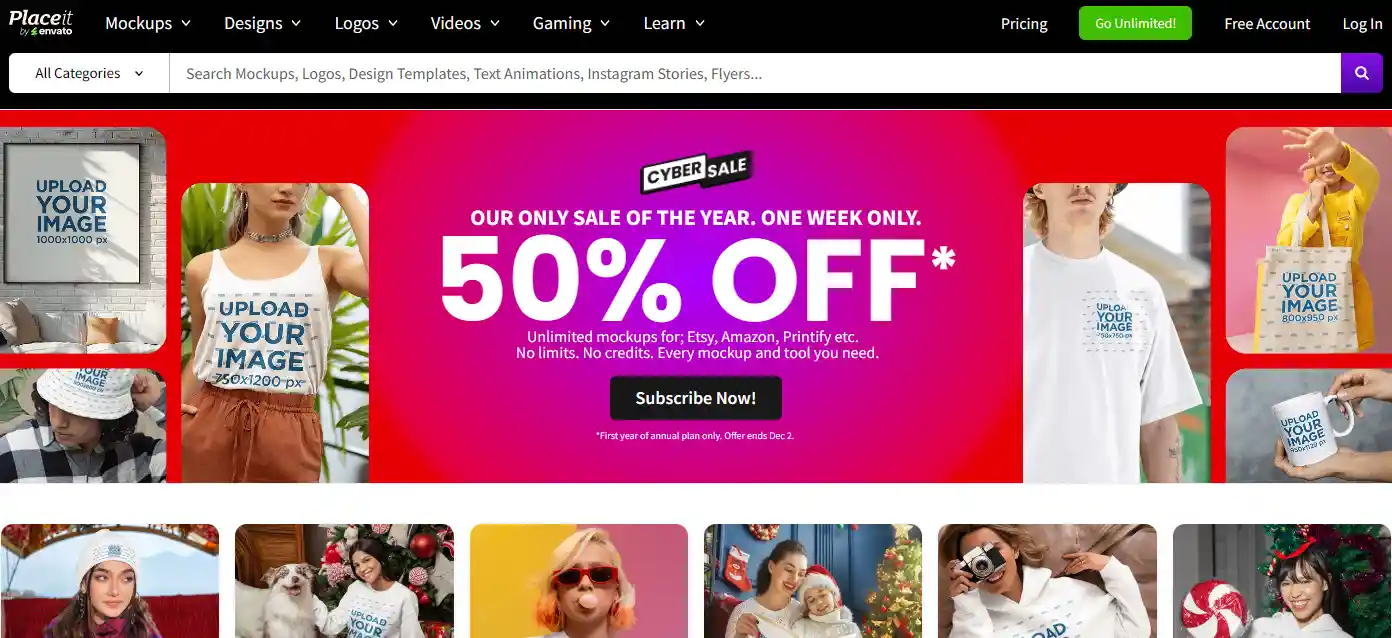
Placeit is an online tool for mockups, logos, and designs. You can upload your artwork and see it on real products like t-shirts or mugs.
It's simple and fast, helping you showcase products without needing photography or design skills.
Kittl
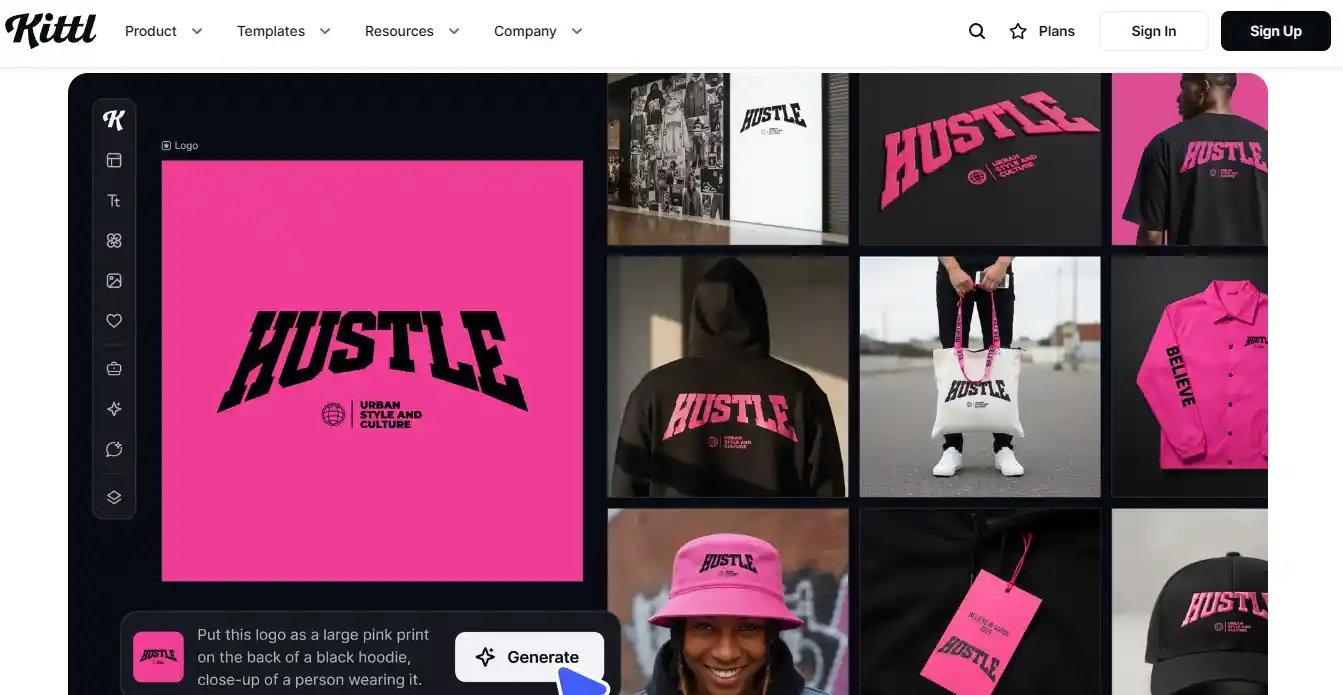
Kittl is a design platform focused on illustrations and text-based designs. You can make vector graphics and customize templates.
It's beginner-friendly but powerful enough for professional-looking POD artwork. You can export designs in formats ready for printing.
Imagine Art
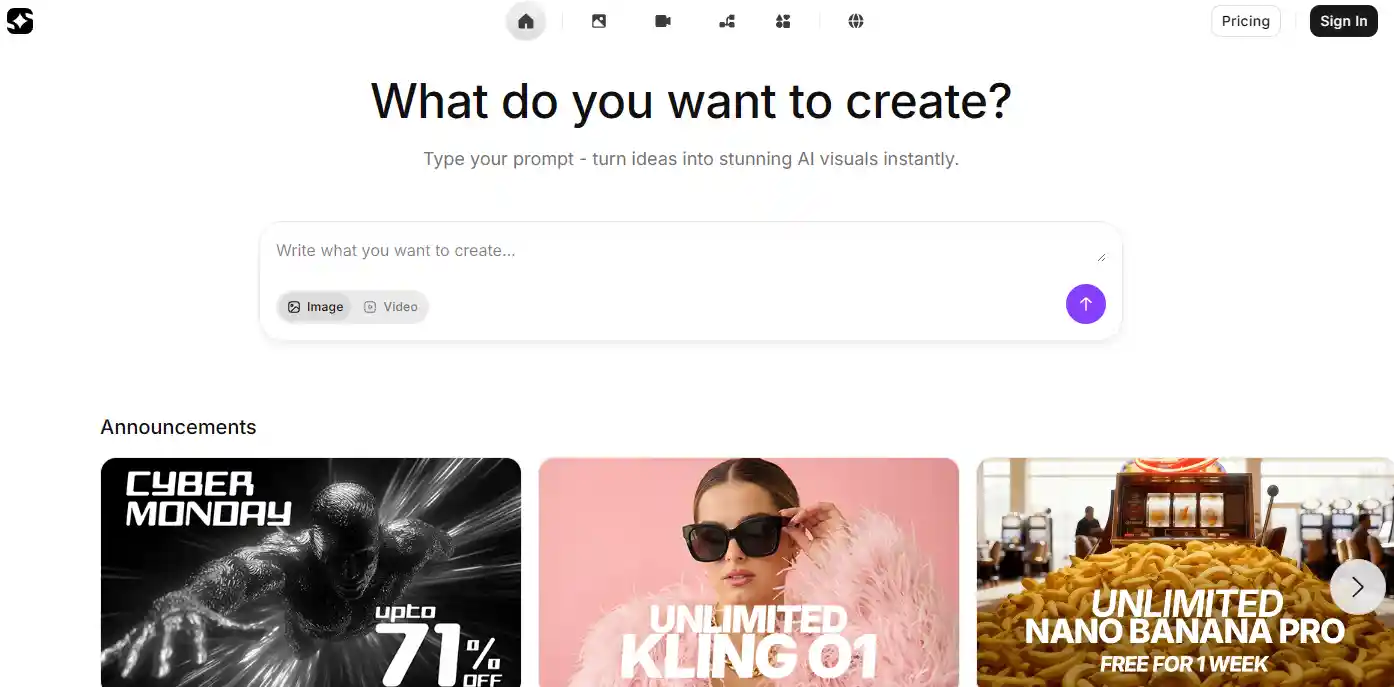
Imagine Art uses AI to generate images from text prompts. You describe the design, and the tool creates artwork for your products.
It's useful if you want unique designs quickly. You can refine outputs to match your brand style.
Creative Fabrica
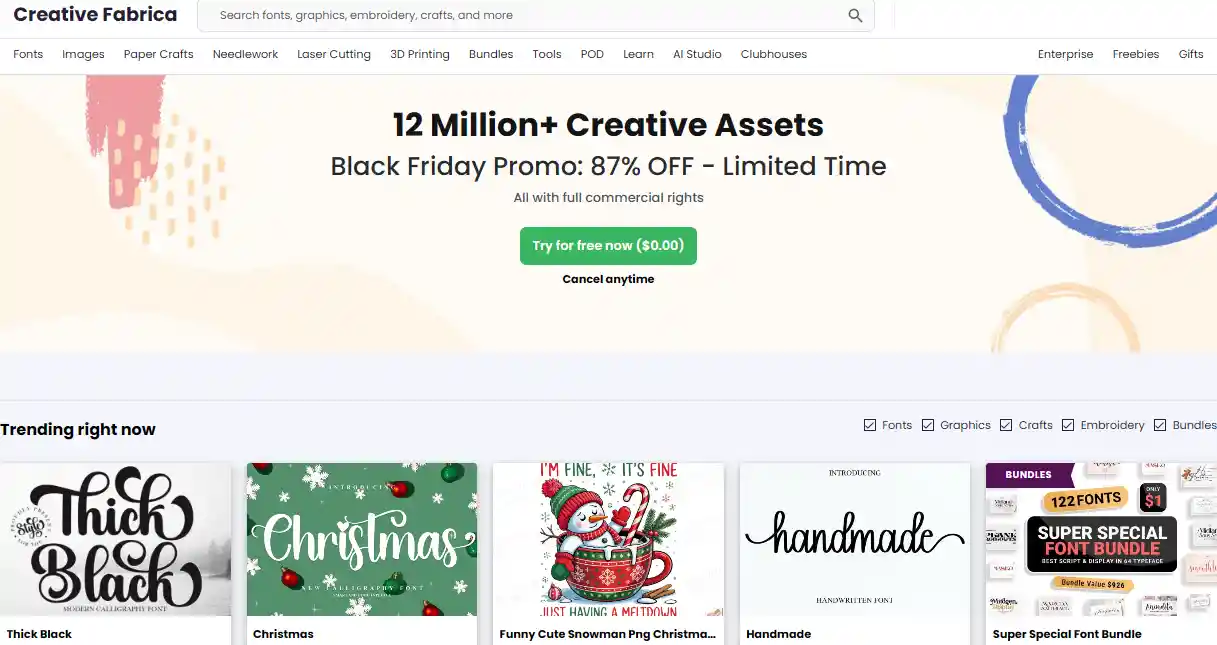
Creative Fabrica is an AI-powered design tool. You generate graphics, fonts, and illustrations for POD. It offers ready-to-use templates and creative assets.
It's good for testing ideas and creating designs without starting from scratch.
Mockey
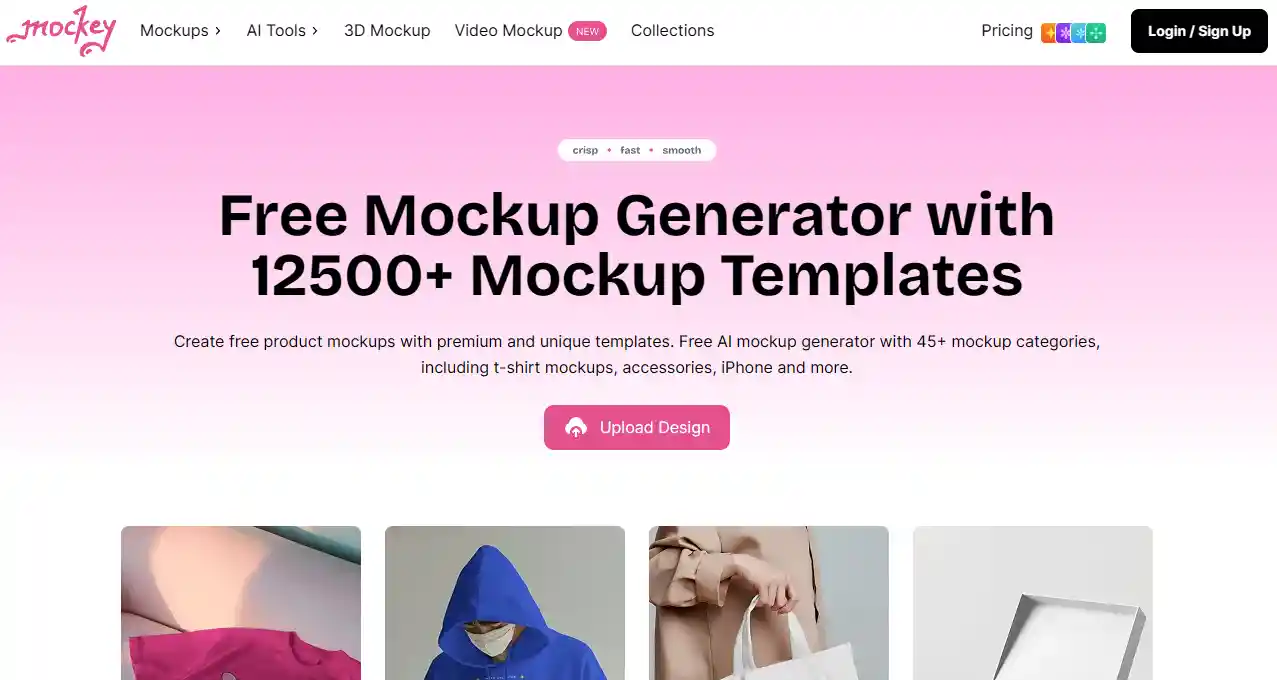
Mockey is a tool to create realistic product mockups quickly. You can see your design on apparel, mugs, or posters.
It helps visualize your products before listing them. It's useful if you want professional-looking images for your store without photography.
Playground
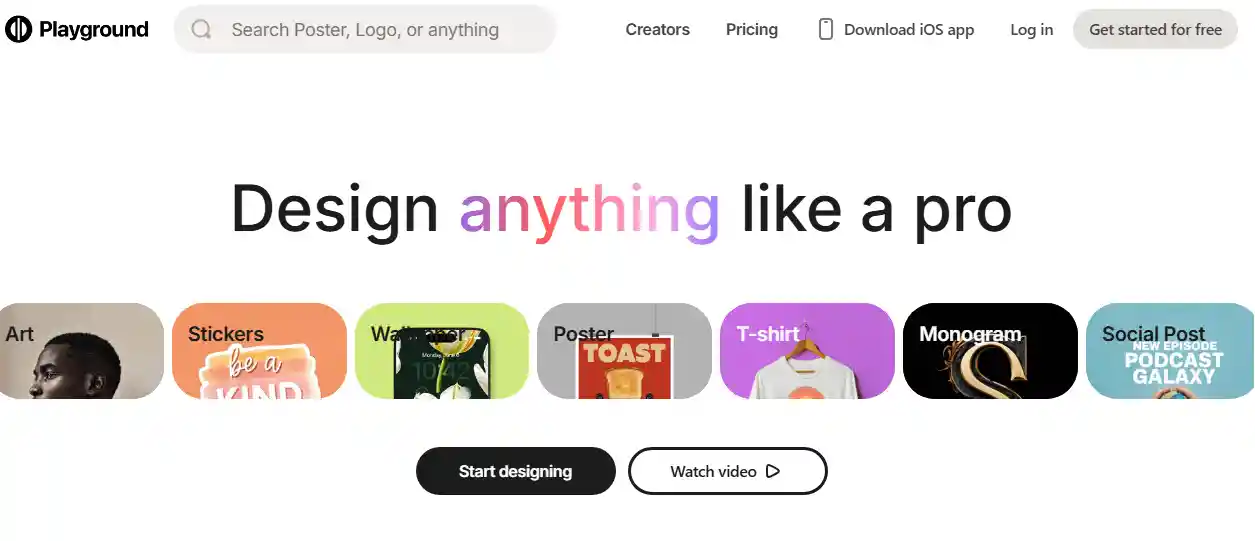
Playground is an AI platform for generating images from text. You type prompts, adjust settings, and get creative designs.
It's good for experimenting and making custom graphics fast. You can refine outputs for POD products easily.
Leonardo AI

Leonardo AI is a tool for AI-assisted art creation. You can generate illustrations, graphics, and concept art from prompts.
It helps speed up your design process and explore creative variations. You can use the results directly for POD products.
Email / Marketing Automation
Mailchimp
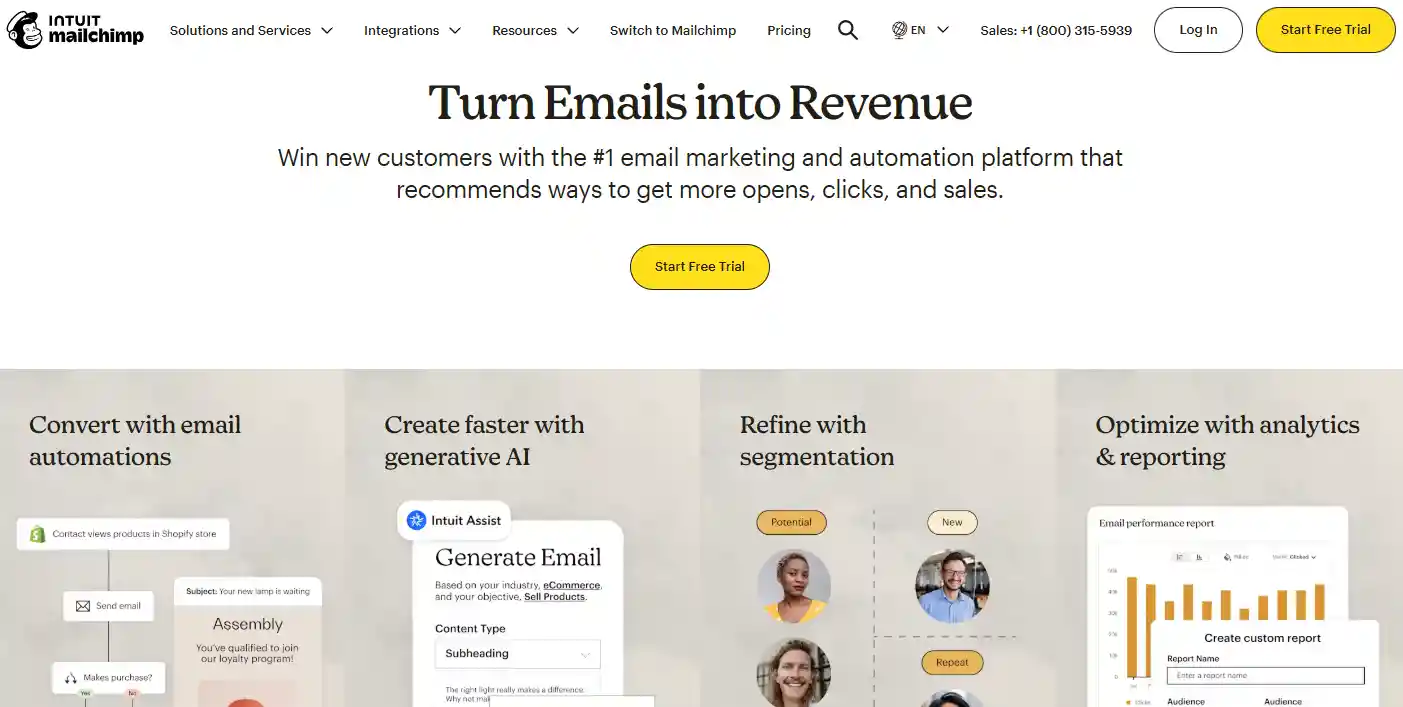
Mailchimp helps you build and schedule emails without guesswork. You can segment your audience based on interests or past purchases.
It also tracks who opens and clicks. Use it to test different subject lines or promotions. Knowing which emails get results saves wasted effort.
Klaviyo
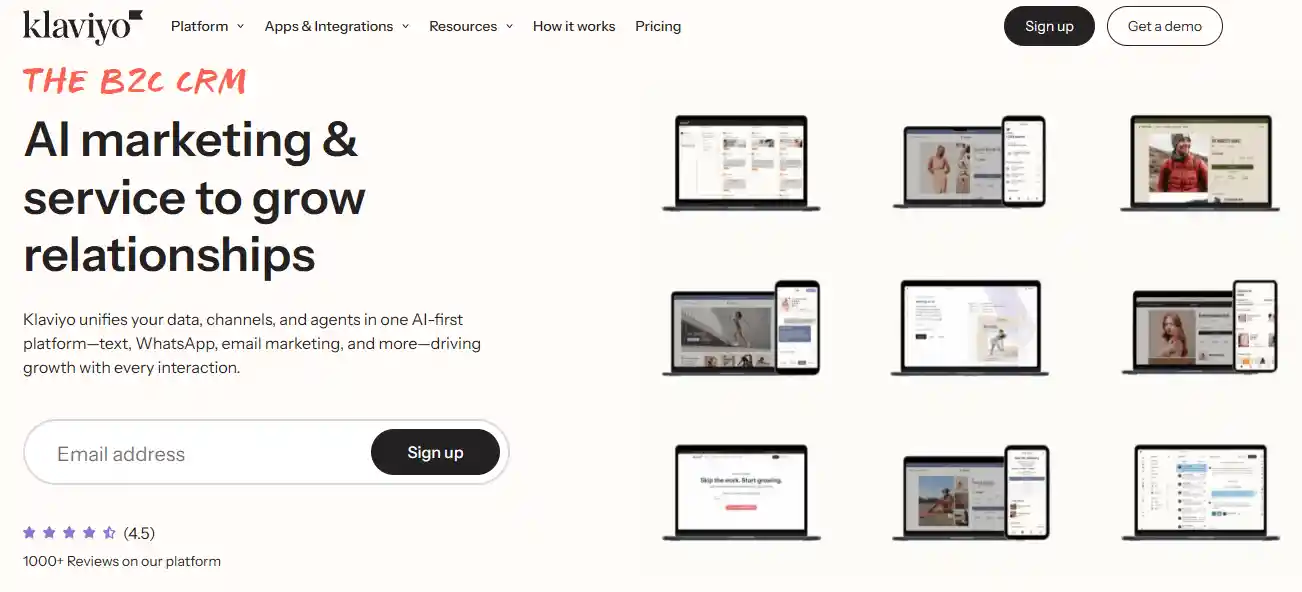
Klaviyo focuses on e-commerce. It tracks customer behavior and triggers emails automatically.
You can send follow-ups after purchases, abandoned cart reminders, or product suggestions. Look at revenue reports to see which campaigns actually drive money. You can refine your approach based on what works.
Hubspot
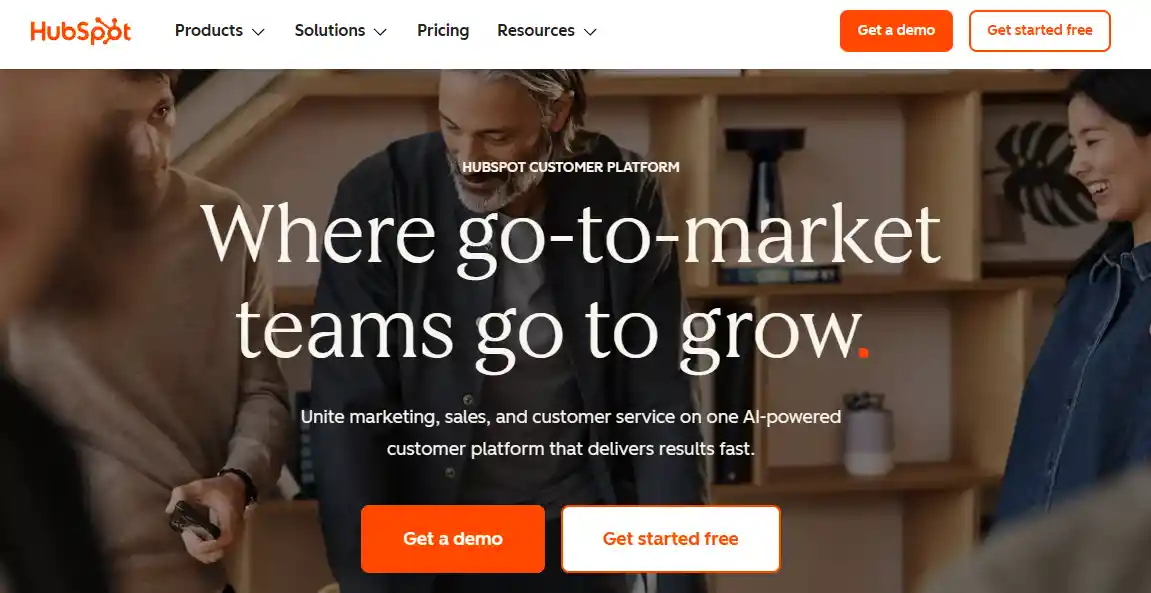
Hubspot combines emails, CRM, and workflows. You can track leads, schedule automated messages, and manage contacts in one place.
Use it to keep all customer info organized. If you want to grow a store without missing opportunities, Hubspot helps you stay on top of every interaction.
Drip
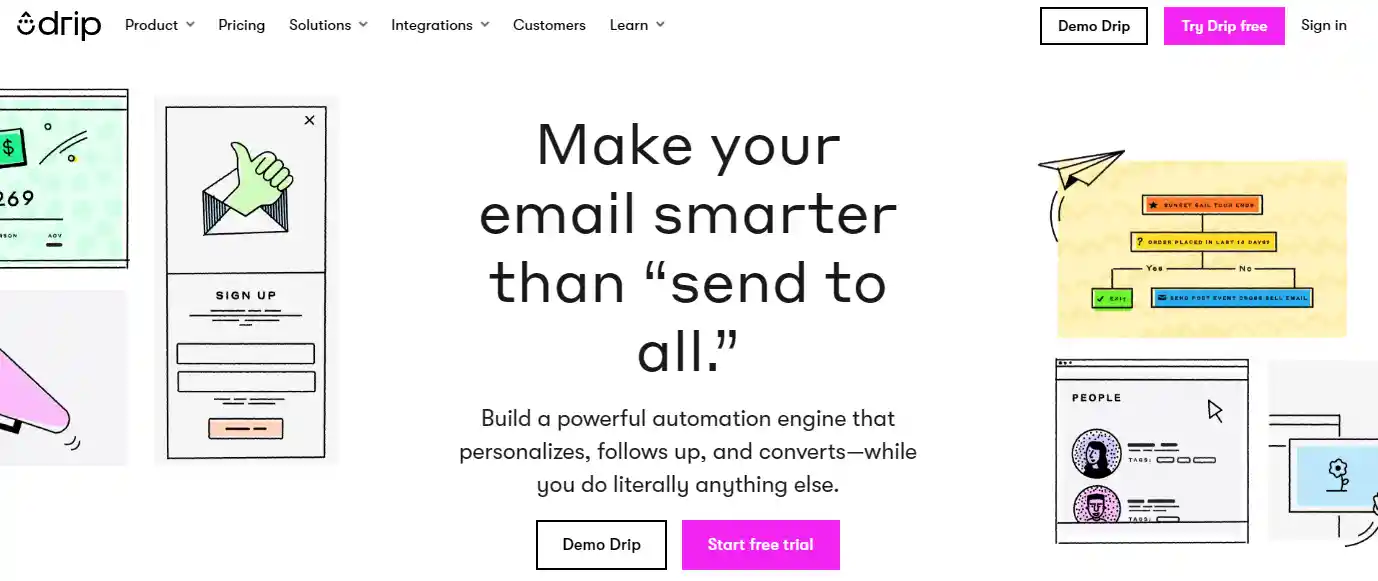
Drip personalizes email campaigns based on how people interact with your store. You can segment customers and send messages that match their behavior.
Track how many sales come from each email. Drip lets you experiment with different flows and see what increases repeat purchases.
Social Media Management
Hootsuite
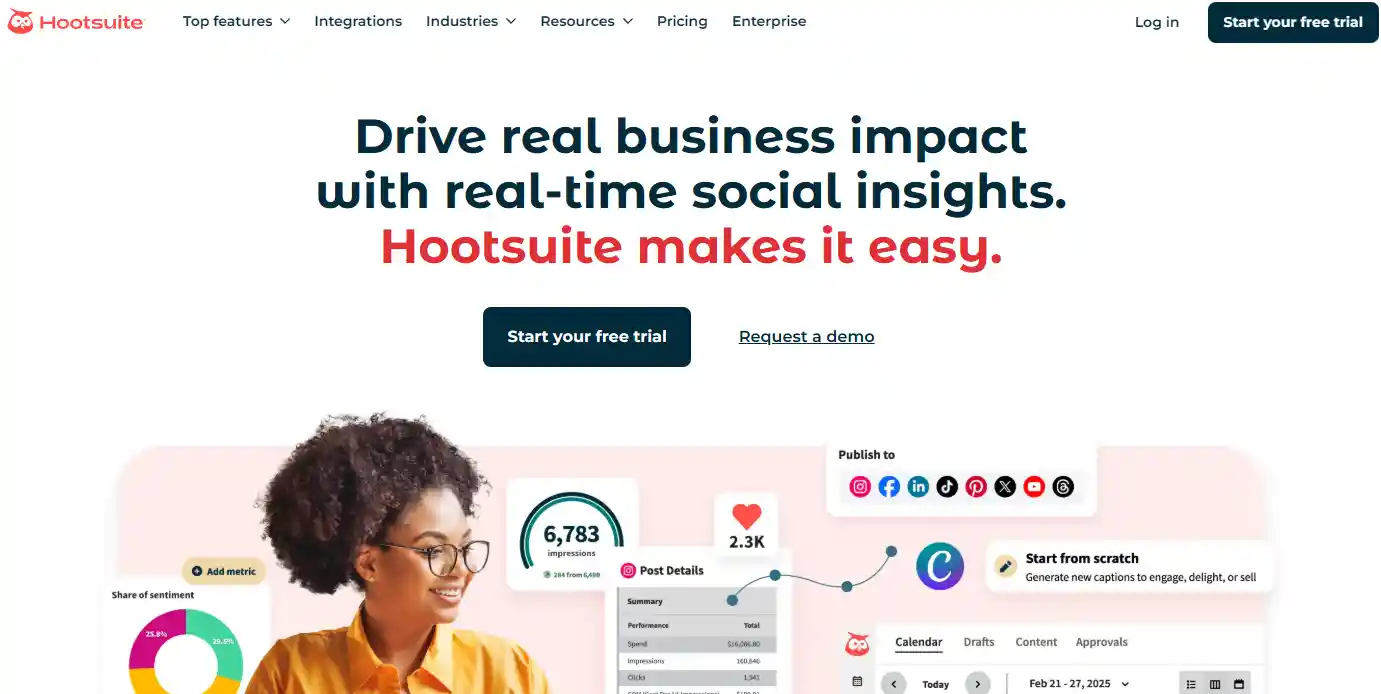
Hootsuite manages multiple accounts in one place. You can schedule posts for the week or month, monitor comments, and track what performs best.
Look at engagement trends to adjust posting times. You can maintain activity without logging into every account daily.
Buffer
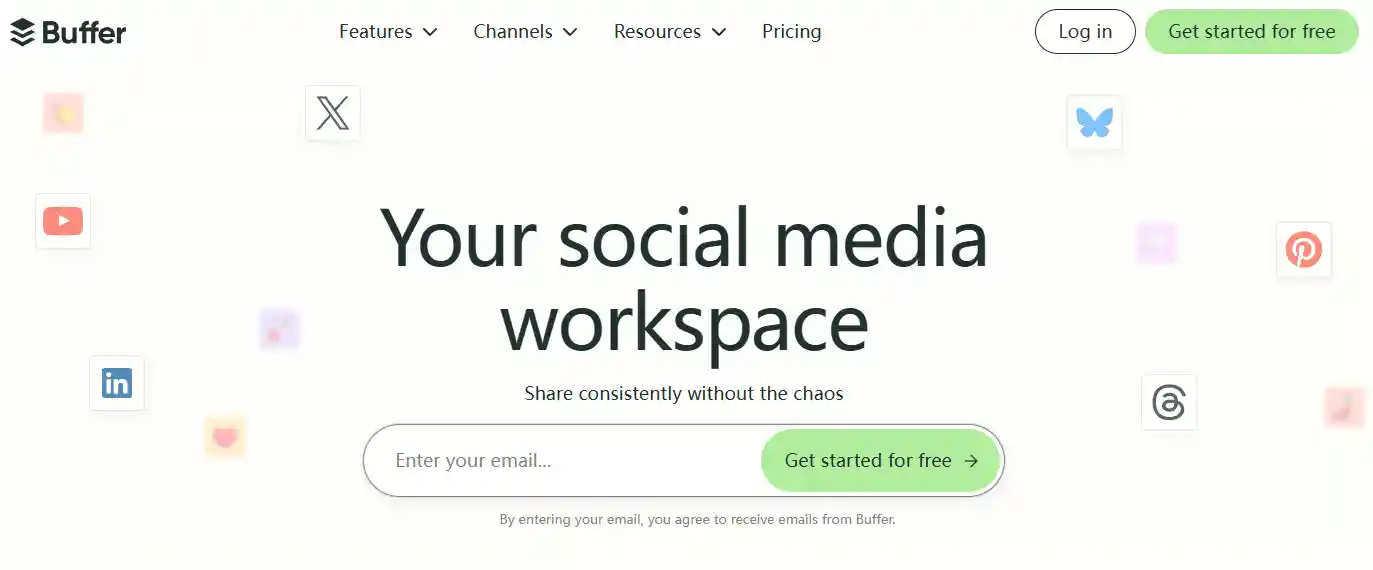
Buffer makes posting and analytics simple. You can queue content, see which posts get clicks, and adjust your strategy.
Use it to plan campaigns or test different types of posts. Consistent posting with insights helps you reach more potential buyers.
Tailwind
Tailwind specializes in Instagram and Pinterest. It recommends optimal posting times and suggests hashtags.
You can plan boards or grids for visual consistency. Look at which pins or posts drive traffic and focus on those. Tailwind helps you grow audiences that care about your products.
Meta Business Suite
Meta Business Suite lets you handle Facebook and Instagram in one place. You can schedule posts, reply to messages, and see analytics.
Ads can be managed alongside organic content. Use it to coordinate campaigns and check what drives traffic and conversions.
SEO / Advertising / Analytics Tools
Google Analytics
Google Analytics shows how visitors behave on your site. You can track clicks, conversions, and traffic sources.
Use it to see which products get attention, which pages lose visitors, and adjust your strategy based on real numbers, not assumptions.
eRank

eRank focuses on Etsy SEO. It helps you find keywords, track competitors, and see what sells in your niche.
Use it to improve your listings, test trends, and make informed decisions about designs and product titles.
Helium 10

Helium 10 is designed for Amazon sellers. It gives you keyword insights, product trends, and competitor data.
You can spot opportunities, optimize listings, and test ideas before investing. Even if you sell outside Amazon, it teaches you what works in e-commerce.
Ahrefs

Ahrefs tracks SEO and backlinks for websites. You can analyze competitors, find high-traffic keywords, and optimize product pages.
It's helpful if you run a store with content marketing or want to rank organically without relying solely on ads.
Market Research Tools
Flying Research
Flying Research gathers data on POD stores and designs. You can analyze top-performing products and see gaps in the market.
Use it to test ideas before launching. Knowing what works elsewhere gives you a better starting point.
Everbee

Everbee helps Etsy sellers research products and keywords. You can identify profitable items and understand competition. Use it to refine your listings and target the right buyers.
Insights from Everbee save time and increase the chance of making sales.
How to Choose The Right Print-on-Demand Tool?
Understand Your Needs First
Before you start scrolling through dozens of options, take a moment to think about what you really need. Are you looking to sell T-shirts, mugs, or maybe phone cases?
Some tools specialize in certain products. Others are better for scaling quickly. Knowing your focus will save you hours of trial and error later.
Write down a short list of must-have features—this becomes your personal checklist.

Look at Integration Options
A tool might look amazing, but if it doesn't work well with your store or platform, it can become a headache.
Check if it easily integrates with your website, marketplace, or social media shops. You want a tool that slides into your workflow without forcing you to learn a bunch of new software. Things to check include:
- Shopify or WooCommerce compatibility
- Automatic order syncing
- Marketing or email integrations
Check Quality and Fulfillment Speed
Even if a tool is cheap, poor product quality can hurt your brand. Read reviews or order samples before committing.
Pay attention to how fast they ship and how consistent the printing is. Fast fulfillment means happy customers, but reliable quality keeps them coming back.
Remember: a single bad review can ripple far more than you expect.
Consider Support and Resources
Running a store can throw curveballs, and having good support is a lifesaver. Look for tools that offer responsive customer service, guides, and tutorials.
Some even have community forums where sellers share tips and experiences. Feeling supported makes trying new strategies much less stressful.
Don't Ignore Pricing Structure
Pricing matters, but the cheapest option isn't always best. Compare setup fees, per-item costs, and shipping charges.
Some tools offer volume discounts or subscription plans that save money if you sell a lot. Make sure you know all the hidden fees so you can budget confidently without surprises.
Considerations for AI-Generated POD Artwork
1. Understanding Copyright and Ownership
AI-generated art isn't automatically free to use. Sometimes the tool owns it, sometimes you do, and some outputs fall into public domain.
Knowing who holds the rights matters because it affects whether your design can be sold or could be taken down.
2. Verifying Commercial Use Licenses
Not all AI image tools allow commercial use. MidJourney, DALL·E, and Stable Diffusion each have their own rules.
Before selling, check the license and save proof. This simple step protects you from future disputes.
3. Platform Policies and Takedown Risks
POD marketplaces have different rules for AI art. Designs that mimic copyrighted characters or other creators' styles can trigger removals. Review guidelines first to avoid surprises and protect your account.
4. Trademark and Brand Conflicts
Even original AI designs can accidentally resemble a trademark. Run a quick search to check for conflicts. Catching issues early can prevent legal headaches later.
5. Documentation and Record-Keeping
Keep records of your creations—dates, AI tool used, and license info. Having this on hand makes resolving disputes or answering platform questions much easier.
6. Best Practices for AI-Generated POD Artwork
Combine AI outputs with your own edits to make designs unique. Maintain quality checks and avoid sensitive topics. Clear product descriptions, optionally noting AI involvement, help customers know what they're buying.
How to Calculate Costs and Profits for Your POD Products
Identify Your Product Costs
Base Product Cost: This is what you pay for the blank item, like a t-shirt, mug, or hoodie. Different suppliers charge different prices.
Printing or Customization Fees: Some designs cost more. Colors, sizes, and premium options can add fees.
Packaging Costs: If you use branded or protective packaging, include that too.
Example: Imagine a mug costing $12, printing $3, and packaging $1. Your total product cost is $16. Knowing this helps set realistic prices.
Include Shipping and Fulfillment Fees
Each POD platform charges differently. Printful, Printify, Gelato—they all have unique rates.
Consider domestic vs. international shipping. International orders usually cost more.
Returns or lost items also affect profits. Factor them in.
Example: Domestic shipping $5, international $8. If a customer returns a mug, that $5–$8 is a loss you need to plan for.
Account for Platform and Payment Fees
Marketplaces take a cut. Etsy, Shopify, Amazon—they all deduct a percentage per sale.
Payment processors like Stripe or PayPal also take fees.
Example: Etsy fee 6.5% + payment processing 3% + $0.25 per transaction.
Formula: Total fees = (Price × % fees) + fixed fees. Knowing this helps you price to cover costs.
Factor in Marketing and Customer Acquisition Costs
Marketing isn't free. Ads on Facebook, Instagram, or Google cost money. Influencers may charge per post.
Organic marketing counts too: SEO, social media posts, email campaigns.
Example: You spend $17 per new customer. Average order is $25. That $17 reduces your profit. Factor it in when pricing.
Marketing costs can decide if a product is worth selling.
Calculate Your Break-Even Point
Break-even point tells you how many items to sell before making a profit.
Formula: Break-even price = Total costs ÷ Units sold.
Bundling products can help. Selling t-shirts in bundles increases order value and spreads fixed costs across multiple items.
Example: If one t-shirt costs $15, selling three in a bundle at $45 covers costs and reduces per-unit impact.
Determine Profit Margins
Profit = Selling price – Total costs (product + fulfillment + fees + marketing).
Know the difference between gross margin vs net margin. Gross margin is before marketing, net margin includes all costs.
Example: Mug sold for $25, total cost $14 → profit $11.
Aim for margins that let you grow. Too low, and scaling is risky. Around 30–50% is a good starting point.
Expert Tips
By now, you have seen a wide range of print on demand tools to help grow your business. Each tool serves a different purpose. Some help with design.
Others manage marketing, sales, or research. You can mix and match based on your needs. Using the right tools saves time and keeps your workflow smooth.
Focus on what matters most for your store. Track results and adjust as you go. With the right approach, you can run your POD business efficiently and make smarter decisions.
Take control of your process and use these tools to grow steadily and confidently.
FAQs
Is printing on demand profitable?
Print-on-demand can be profitable, but success depends on your niche, design quality, and marketing. Low upfront costs reduce risk, but consistent effort and smart promotion are key to turning designs into steady income.
Which products are best suited for print-on-demand?
T-shirts, mugs, phone cases, and posters are popular POD products. Items that are lightweight, easy to ship, and customizable tend to sell well. Choosing a clear niche helps your products stand out.
Which platform is best for print-on-demand?
There isn't a single best platform. Shopify, Etsy, and Printful each have strengths. Your choice depends on your audience, integration needs, and how much control you want over branding and pricing.
Is POD platform 100% free?
Most POD platforms are free to start, but fees often apply for premium features, shipping, or transaction costs. True "free" use is limited, so plan your budget to include production and optional upgrades.

 Global Shipping
 Free shipping