




The smartest stores crush it with ai tools for ecommerce. They automate the grind, personalize every touchpoint, spot winning products early, and turn visitors into repeat buyers without extra effort.
These tools aren't magic. They're real weapons that save you time, boost sales, and make scaling feel easy.
Stick around. This list of the top 20 shows you exactly which ones deliver results in 2026—and how to use them to win.
What Are AI Tools for Ecommerce?
You run an online store facing daily demands: quick customer replies, accurate stock levels, targeted ads, and changing sales patterns. AI tools for ecommerce use artificial intelligence to handle these tasks. They analyze your store's data—clicks, buys, browsing—and deliver real-time actions or smart suggestions.
They go beyond basic automation by learning from your customers and adapting instantly. One tool shows visitors products they're likely to purchase. Another predicts what will sell out soon. A third creates natural product text or chat responses.
Businesses invest heavily in AI because it drives clear gains: more sales with less manual work. Forecasts point to AI infrastructure spending nearing $1.4 trillion annually by the end of the decade to power these systems at scale.
Pick ones that solve your top pain points first. Small steps bring measurable results without tech expertise.
Top 20 AI Tools for Ecommerce to Success in 2026
1. PrintKK AI Image
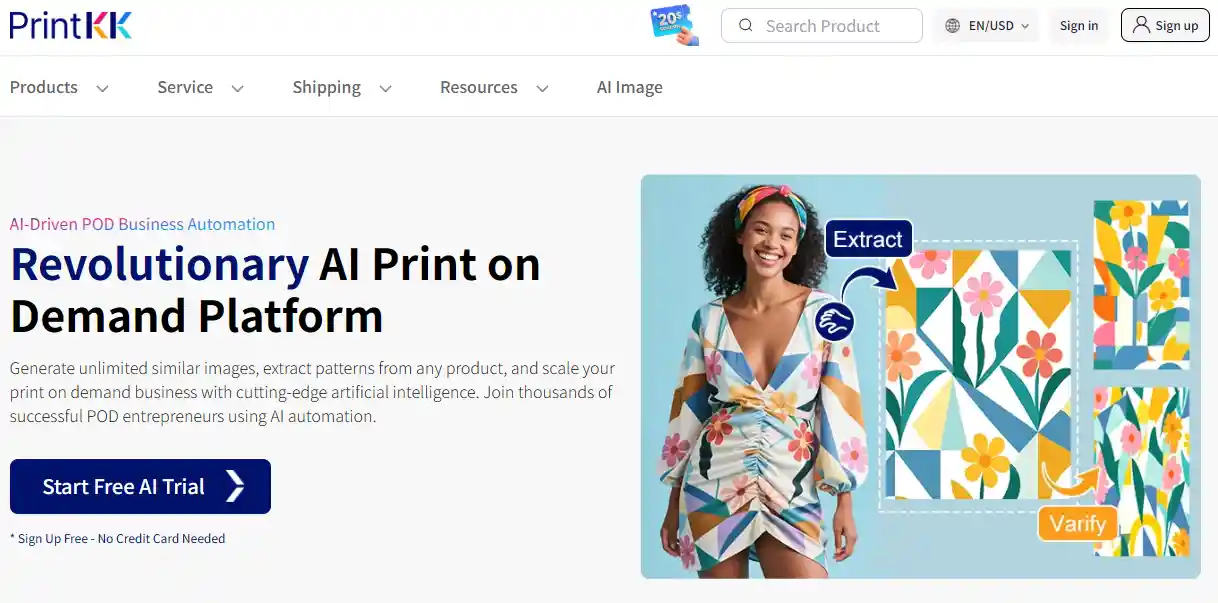
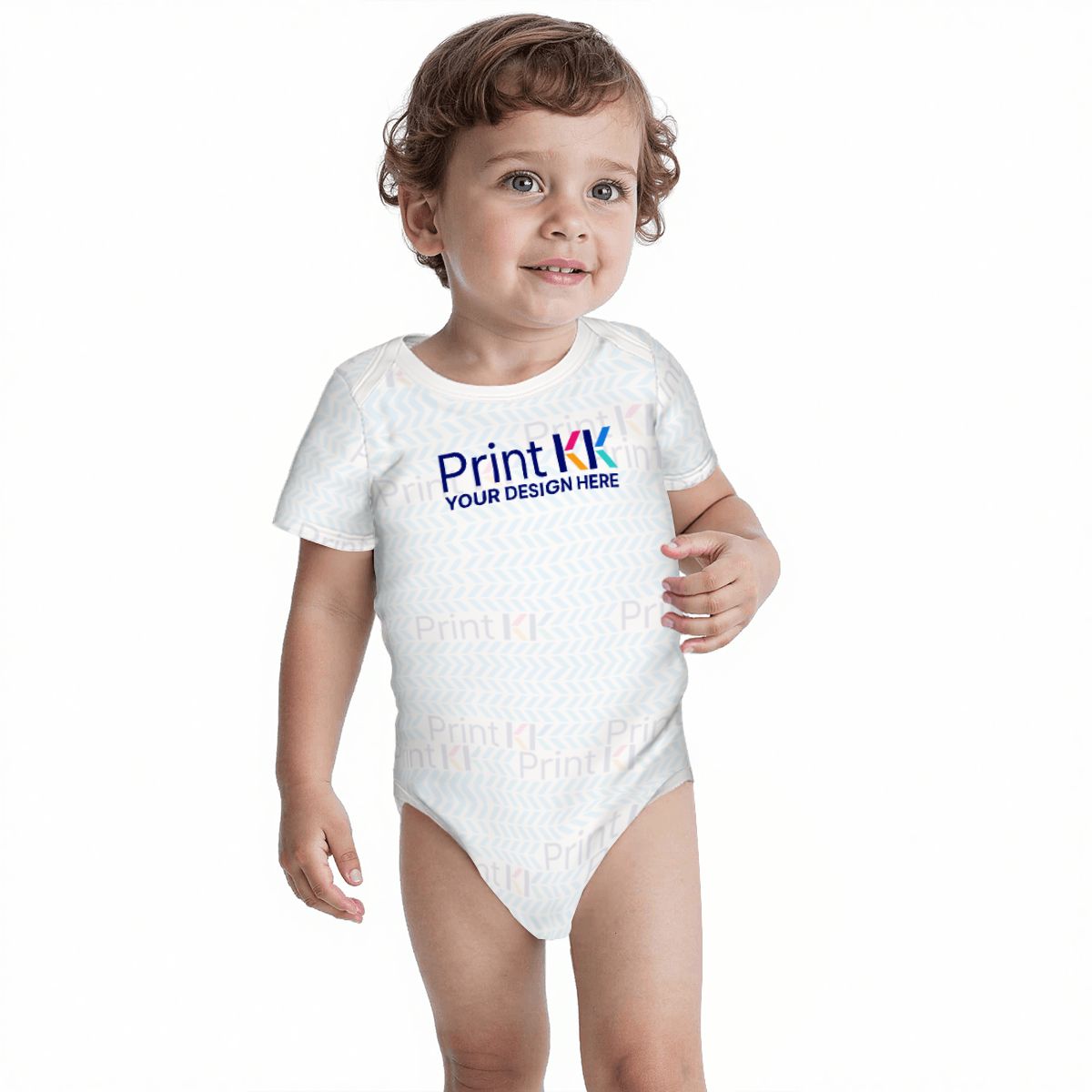
Print-on-demand sellers use PrintKK AI Image to turn ideas into listing-ready mockups in minutes. Just drop a text prompt or photo.
It generates designs, removes backgrounds, creates color and pattern variations, and builds high-res mockups for t-shirts, mugs, hoodies, and more.
The biggest advantage is testing 20–30 new designs per week without designers or photo shoots. Stores running frequent drops see faster launches and better sales velocity on Etsy and Shopify.
2. Surfer SEO

Surfer scans current top-ranking pages and delivers a precise optimization checklist: keyword placement, headings, word count, related terms, and internal links. Feed it product pages or blogs, edit in their tool, and publish.
Optimized pages often gain 30–80% more organic sessions in 1–3 months. It shines on mid-tail keywords where competition is realistic, not head terms.
3. Notion AI
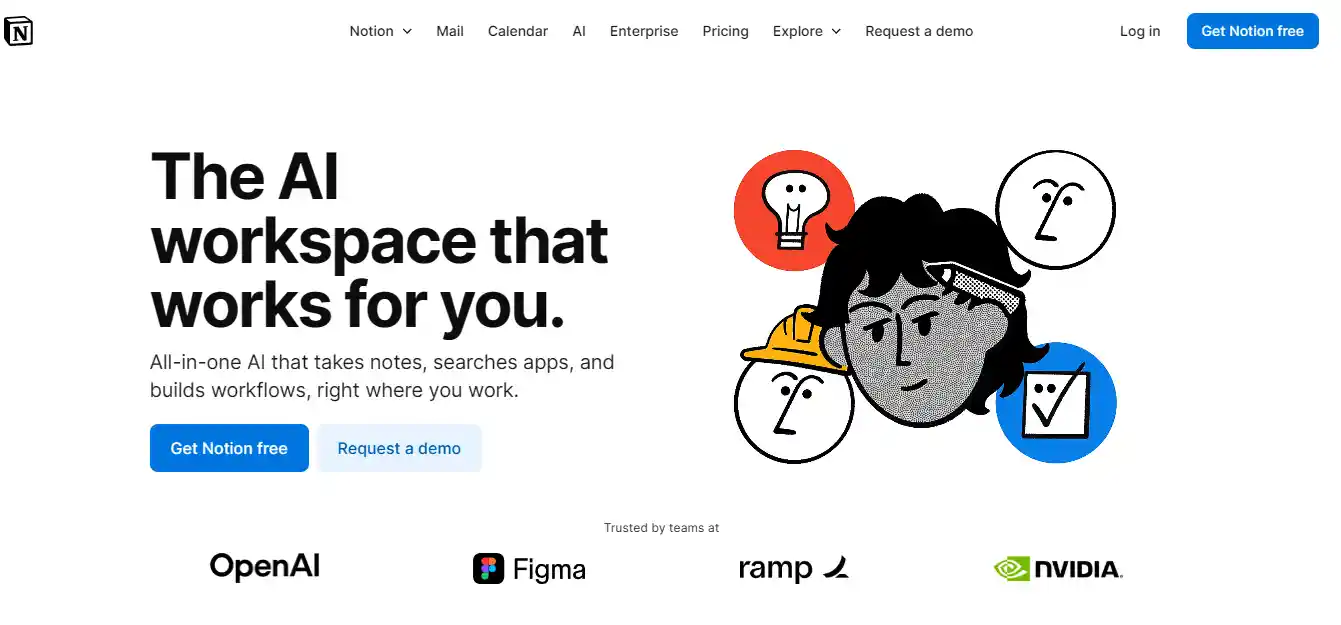
Notion AI keeps small teams organized in one workspace. It summarizes supplier emails, turns voice notes into tasks, drafts launch plans, and tracks inventory or content calendars.
Ecommerce crews replace scattered docs and tools, saving hours weekly on coordination. The value peaks during busy seasons when everyone needs the same updated view without constant pings.
4. Jasper AI
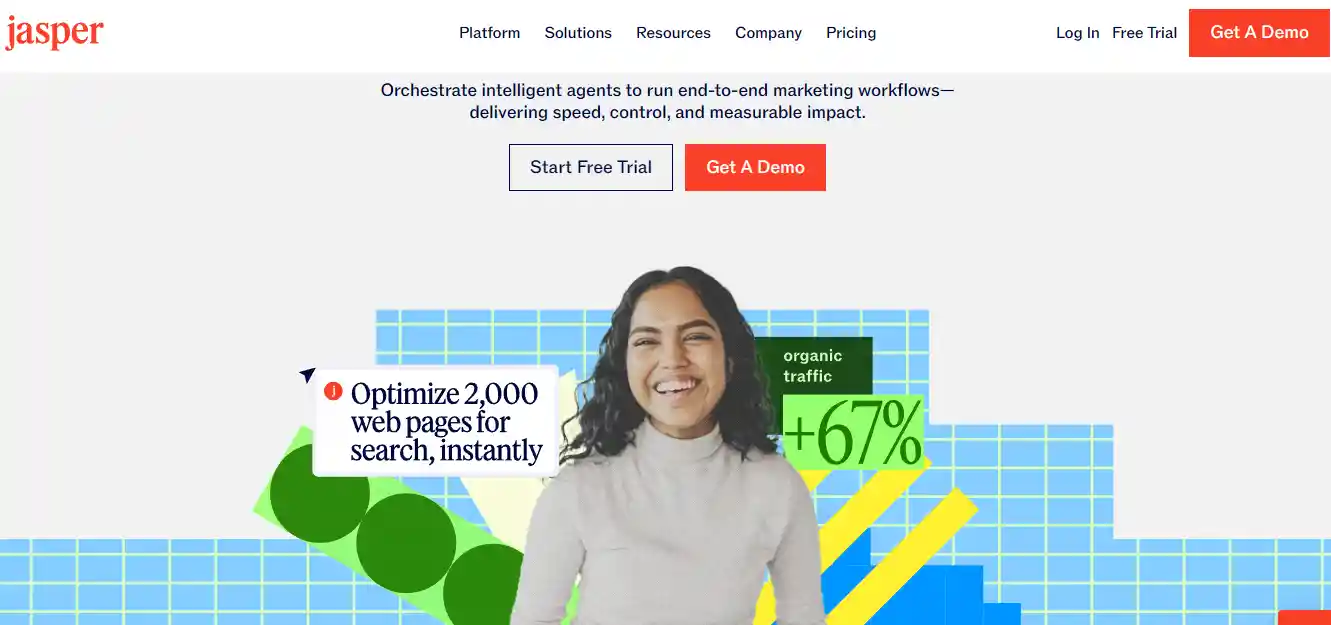
Jasper writes bulk copy that matches your brand once trained on winning examples. It produces product descriptions, upsell text, abandoned cart emails, and ad variations in batches.
Input features and benefits, then adjust tone for different audiences. Stores with thousands of SKUs use it to refresh listings during seasonal pushes, cutting rewrite time while holding conversion rates steady.
5. Zendesk
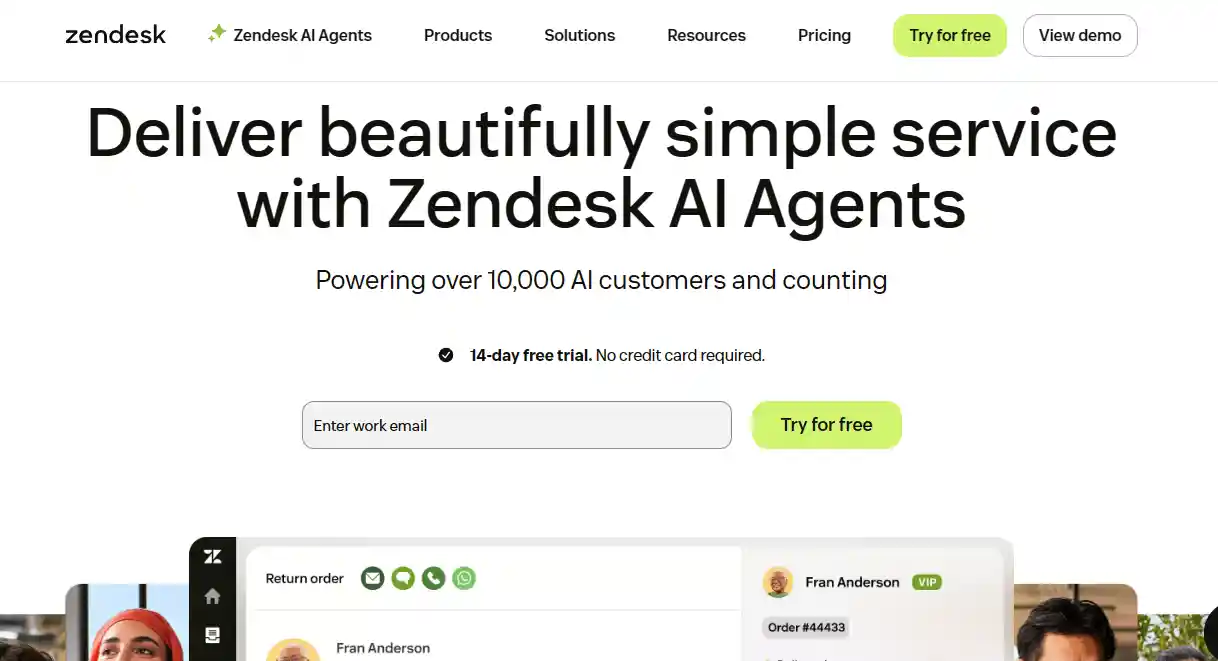
Zendesk AI agents handle routine tickets on their own—order tracking, basic returns, FAQs—with live store data. During high-traffic periods, this cuts human tickets by 60–80%.
Reps get suggested replies and quick actions for tougher cases, shortening resolution time. The outcome is better CSAT and fewer lost sales from slow support, especially on chat.
6. Prisync
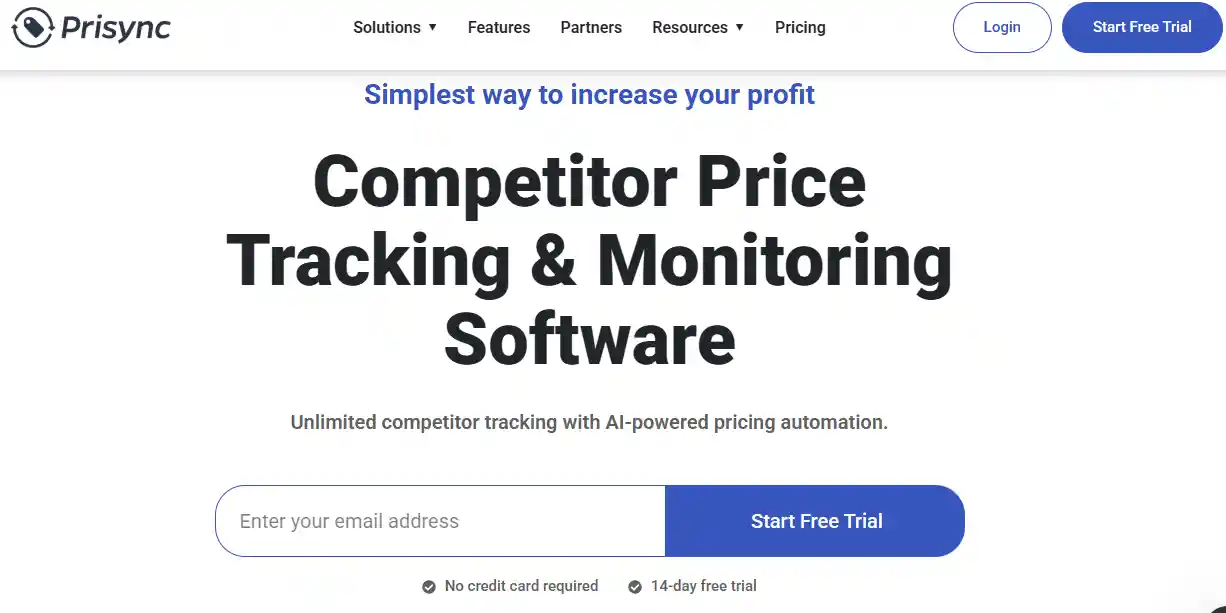
Prisync tracks competitor prices and stock across major sites, then auto-adjusts your pricing based on rules you set—match the low, stay a dollar above, or guard margins.
Price history graphs show when rivals run sales or go out of stock. On competitive categories, this captures 10–25% more wins without daily manual checks.
7. WRITER
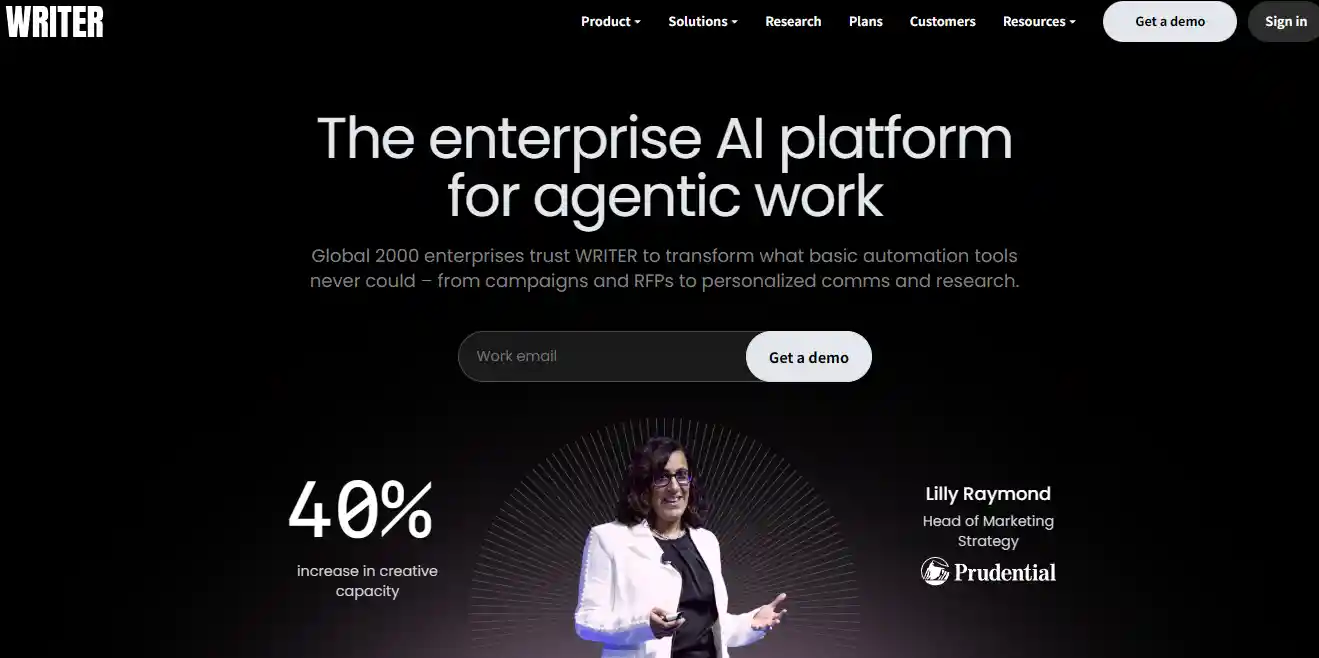
WRITER excels at large-scale content with strict brand and fact controls. Load your style guide and attribute data, and it generates or rewrites product pages, meta titles, and category copy that stays accurate and on-brand.
Big stores use it to create unique, SEO-friendly descriptions across thousands of SKUs without generic output. The result is stronger trust signals and smoother international or private-label expansion.
8. Originality AI
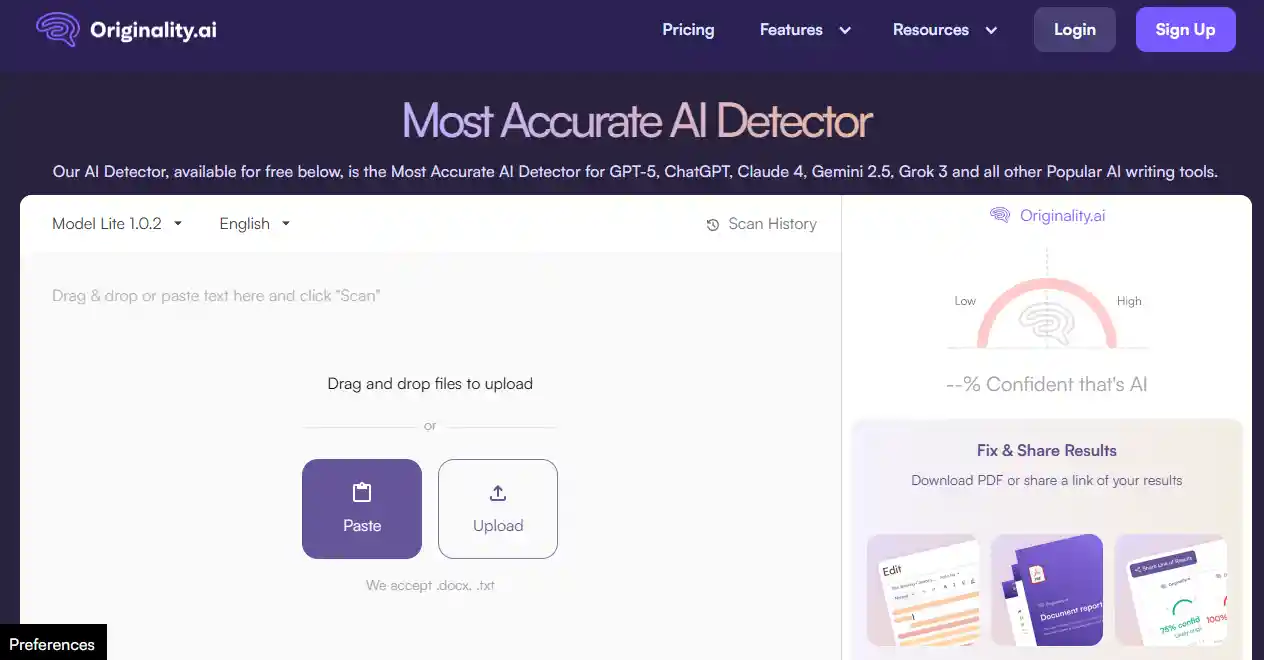
Originality AI scans product descriptions, blogs, and listings for AI-generated content or plagiarism before publishing. Ecommerce teams run bulk checks on Jasper or WRITER outputs to ensure Google ranks them as human-written.
It flags factual errors too, so descriptions stay accurate across SKUs. Stores with heavy AI content use it weekly to avoid penalties, keeping organic traffic steady while scaling copy volume.
9. Undetectable AI
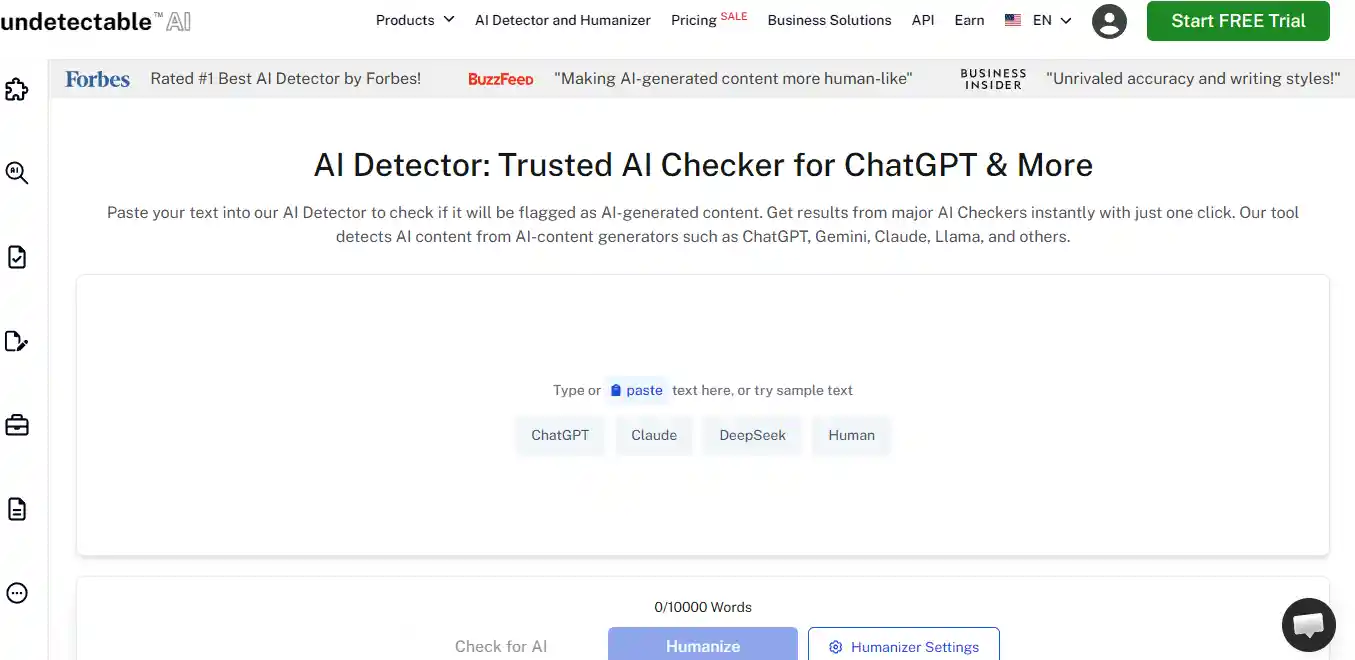
Undetectable AI rewrites Jasper or WRITER drafts to bypass detectors like Originality, making product pages and emails read human. Input AI text, pick a style, and it adjusts readability and burstiness for natural flow.
Ecommerce sellers apply it to high-volume listings or ad copy, boosting SEO dwell time and conversions by 15-20% on platforms that penalize robotic text. Best for post-generation polish without full rewrites.
10. Zapier
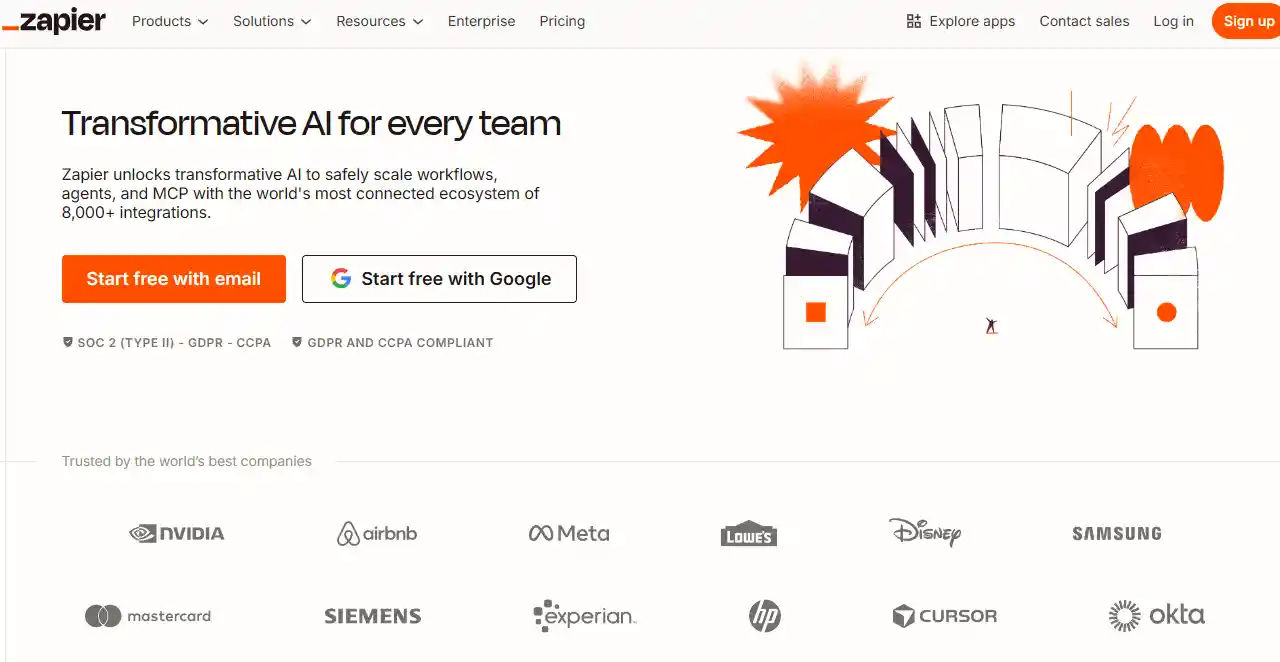
Zapier links Shopify orders to 8,000+ apps via AI agents that route data—no code needed. Set flows to tag high-value buyers from Stripe payments, update inventory in Google Sheets, or trigger Braze emails on abandoned carts.
Ecommerce ops teams build these in minutes, cutting manual syncs by 70% during peaks. It scales for multi-store setups, freeing time for growth over tool juggling.
11. Gumloop
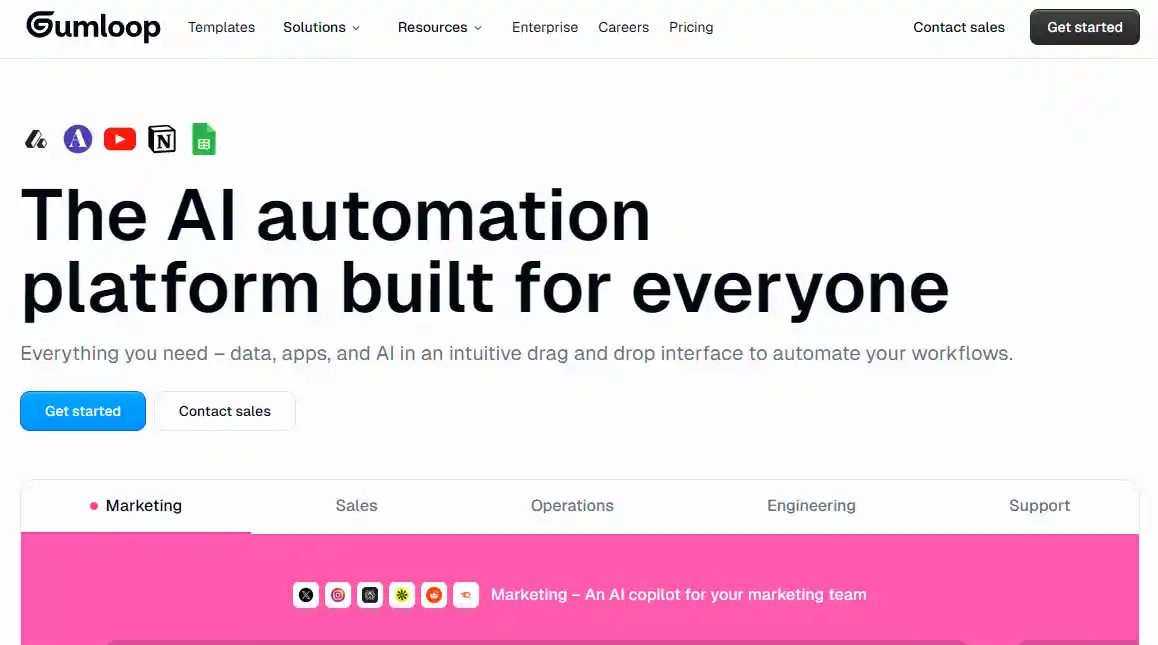
Gumloop builds no-code AI workflows for marketing tasks like competitor price scraping or social sentiment tracking. Drag nodes to pull Shopify data, analyze with Claude, and alert Slack on low-stock bestsellers.
DTC brands use it for daily reports on brand mentions across Reddit and Instagram, spotting trends early. Teams replace custom scripts, automating insights that double outreach meetings without extra headcount.
12. Chatfuel
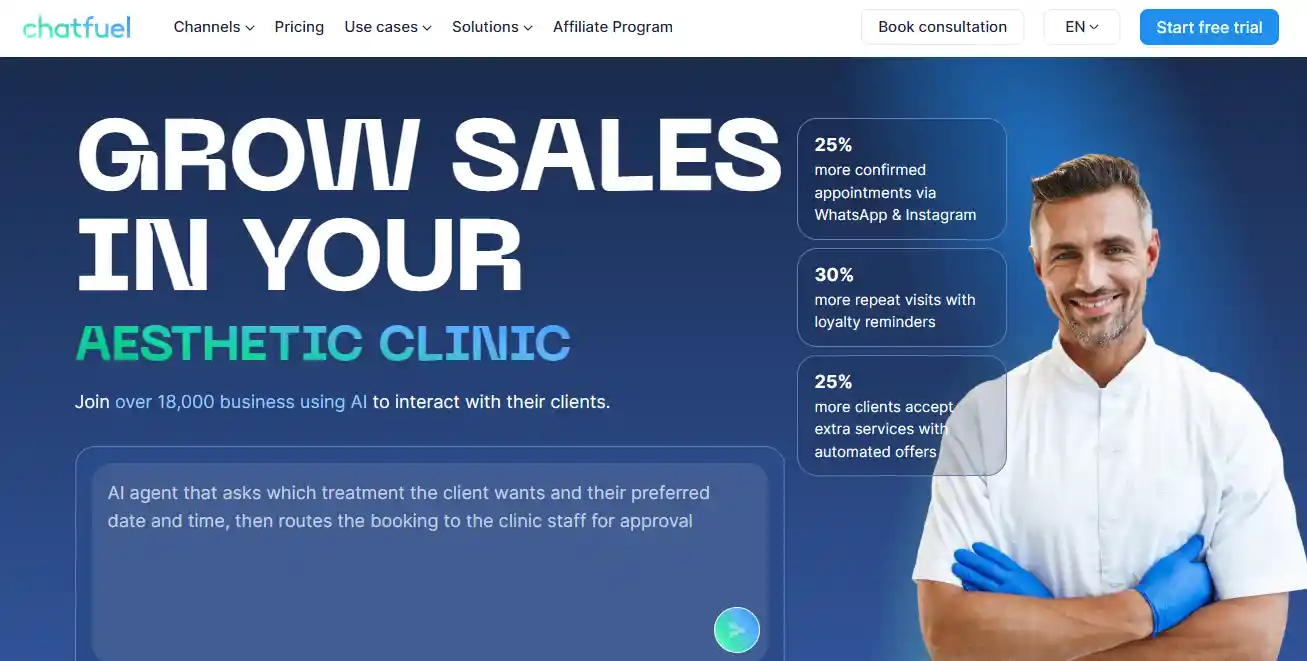
Chatfuel deploys no-code bots on WhatsApp, Instagram DMs, and Messenger for order queries and upsells. It pulls live Shopify stock for "track my order" replies or bundles add-ons during checkout chats.
Ecommerce stores running social ads see 25% more conversions from automated follow-ups on comments like "interested." It handles peaks 24/7, merging leads into CRM without human intervention.
13. Braze
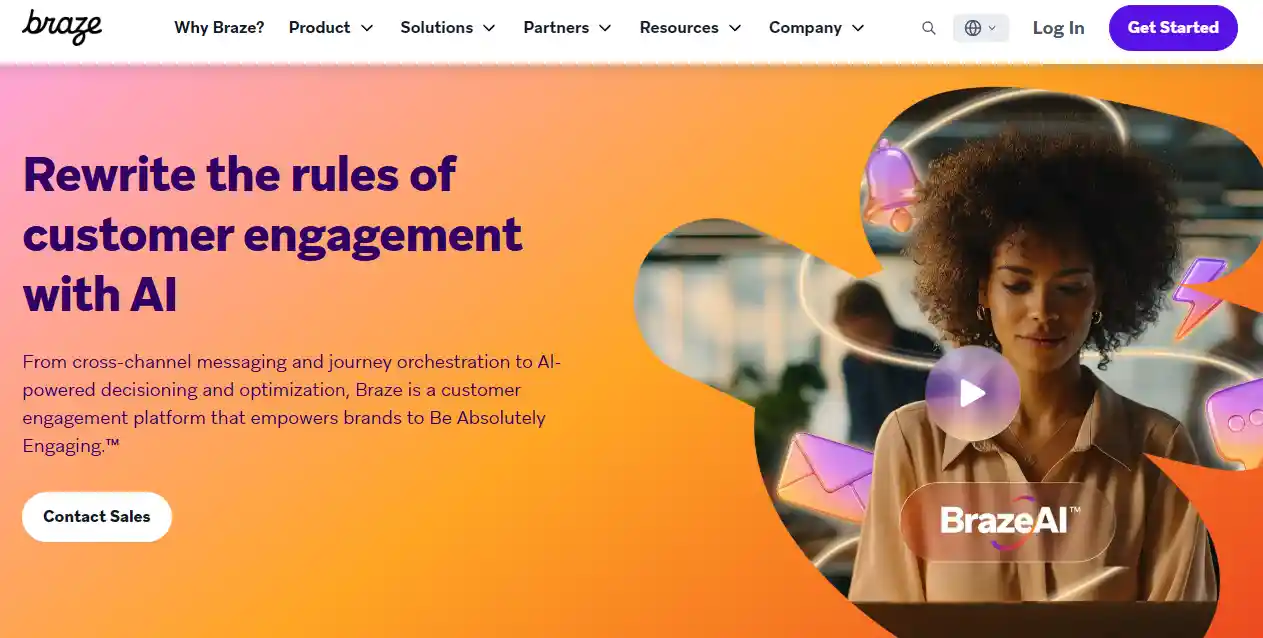
Braze uses AI to segment customers from real-time data and send personalized emails or pushes via BrazeAI Decisioning. Feed it purchase history and behavior signals to predict churn or next buys, then auto-optimize send times and offers.
Retailers apply it for post-purchase upsells, lifting repeat rates 20-30% on Shopify flows. The edge is cross-channel journeys that adapt without manual rules.
14. FullStory
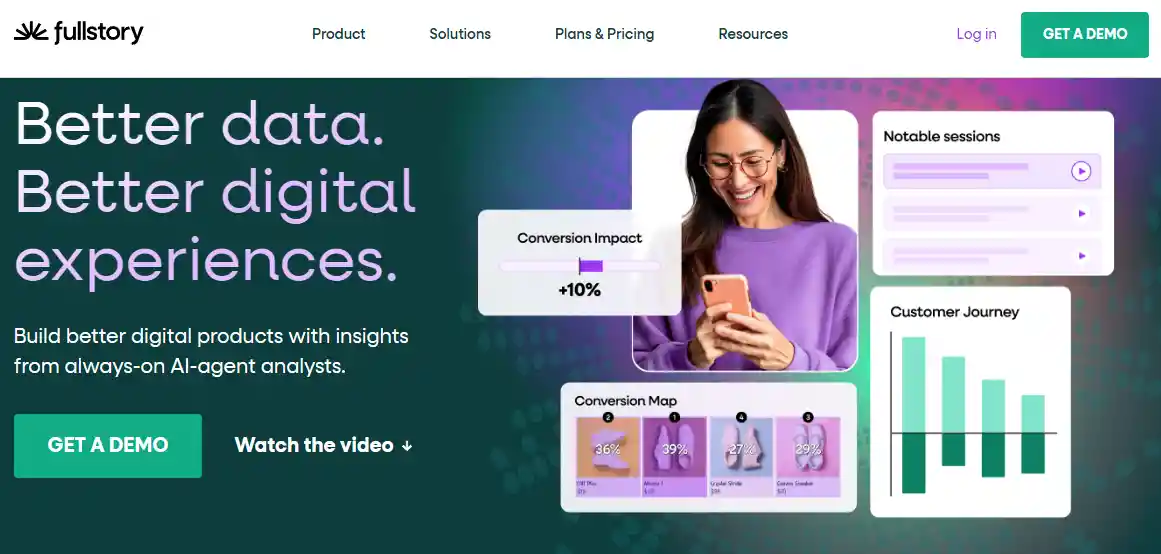
FullStory captures full session replays and uses StoryAI to pinpoint cart drop-offs or rage clicks on product pages. It auto-surfaces friction like slow checkouts, with AI agents suggesting fixes tied to revenue loss.
Ecommerce analysts review 100+ sessions weekly to boost conversions 10-15%, as seen in brands like Yankee Candle. Teams shift from guesses to behavioral data for A/B tests that stick.
15. Salsify

Salsify manages product content at scale with AI that automates data enrichment, generates descriptions, and prepares catalogs for AI shopping agents. Its Angie AI assistant and Intelligence Suite handle complex tasks like formula creation or content optimization via natural language prompts.
Brands use it to keep product info consistent across marketplaces and feed accurate data to emerging agentic commerce platforms. The payoff shows in faster syndication, fewer errors, and stronger visibility when shoppers verify recommendations on multiple sites.
16. Bloomreach

Bloomreach uses Loomi AI for real-time personalization across email, SMS, web, app, and search. It predicts next-best actions, delivers dynamic content, and powers autonomous search that understands intent beyond keywords.
Ecommerce teams see revenue per visit rise 20%+ from intent-based results and higher conversions from tailored recommendations or conversational shopping agents. It integrates deeply with catalogs and behavior data, making it strong for brands scaling 1:1 experiences without heavy manual rules.
17. Attentive
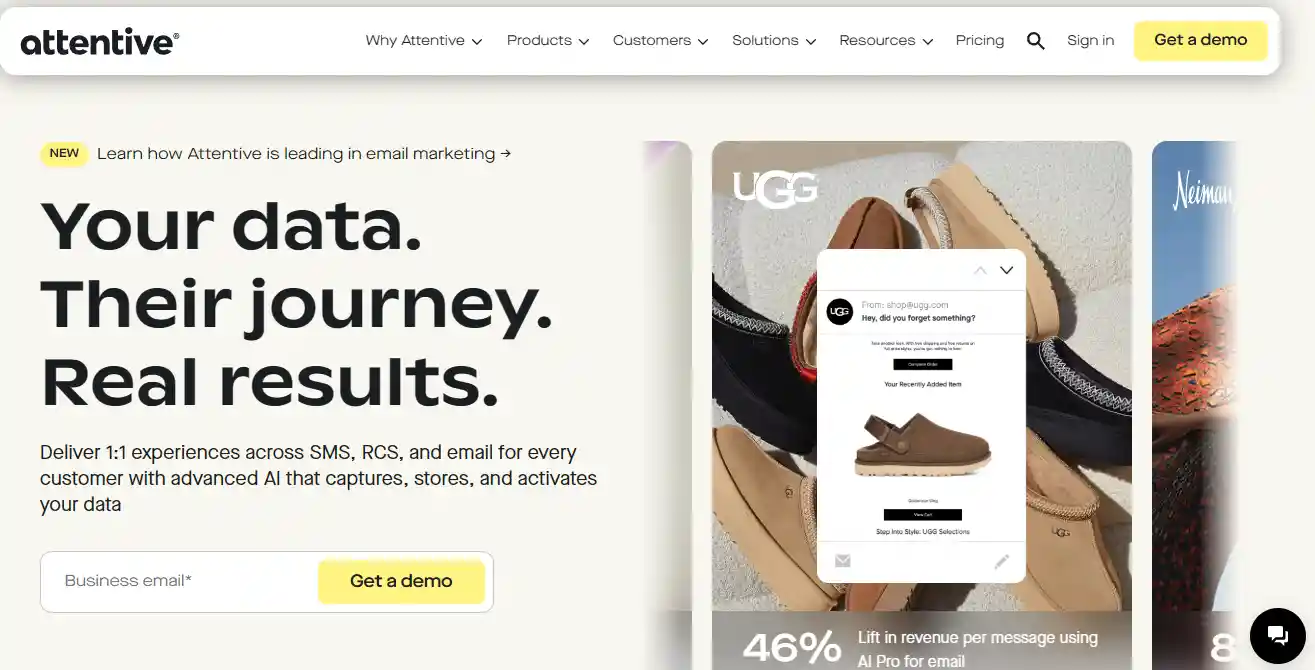
Attentive drives SMS and email with AI that personalizes timing, content, and channel choice based on every interaction. It analyzes behavior to send high-performing campaigns quickly and boosts revenue through value-focused messaging.
Brands report 40%+ lifts in coordinated cross-channel efforts. For ecommerce, it excels at re-engaging shoppers with timely alerts, abandoned cart flows, or loyalty nudges—turning owned channels into reliable revenue drivers during value-sensitive periods.
18. Algolia
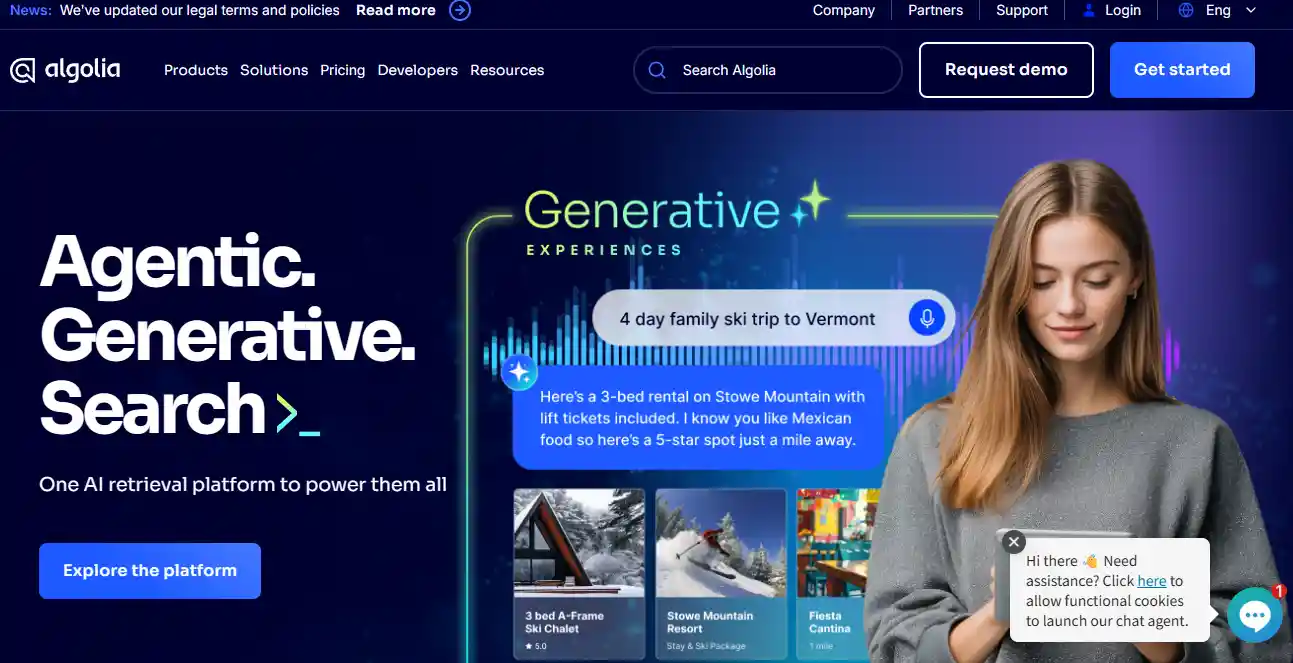
Algolia powers AI-driven search and discovery with neural retrieval that combines vectors and keywords for precise, intent-aware results. It supports agentic experiences, generative recommendations, and multi-modal shopping beyond traditional sites.
Retailers use it to handle massive query volumes while keeping relevance high—leading to better conversion and reduced bounce on complex catalogs. In 2026, it helps brands stay competitive as AI agents and voice/text prompts shift discovery patterns.
19. Tidio
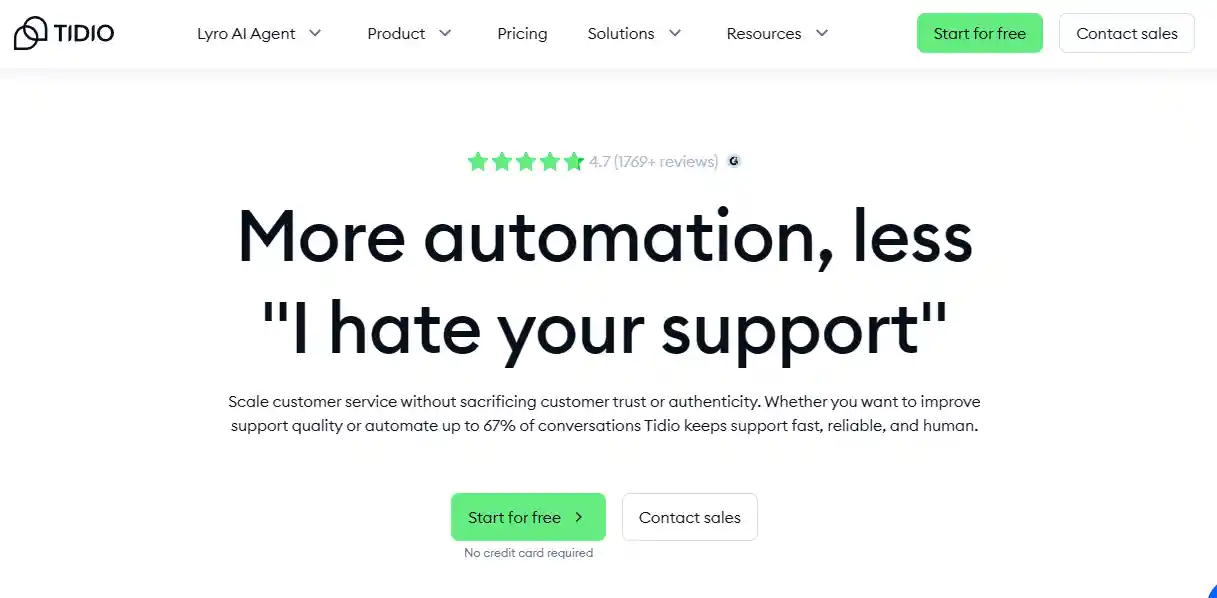
Tidio deploys Lyro AI agents for chat and social channels that answer instantly, recommend products, and handle actions like order checks via secure workflows. It deflects repetitive queries across ecommerce sites, freeing agents for complex cases.
Stores see support workload drop significantly while keeping engagement human-like. The edge comes from blending automation with live handoff, turning chat into a reliable conversion tool for browsers asking pre-purchase questions.
20. Gorgias
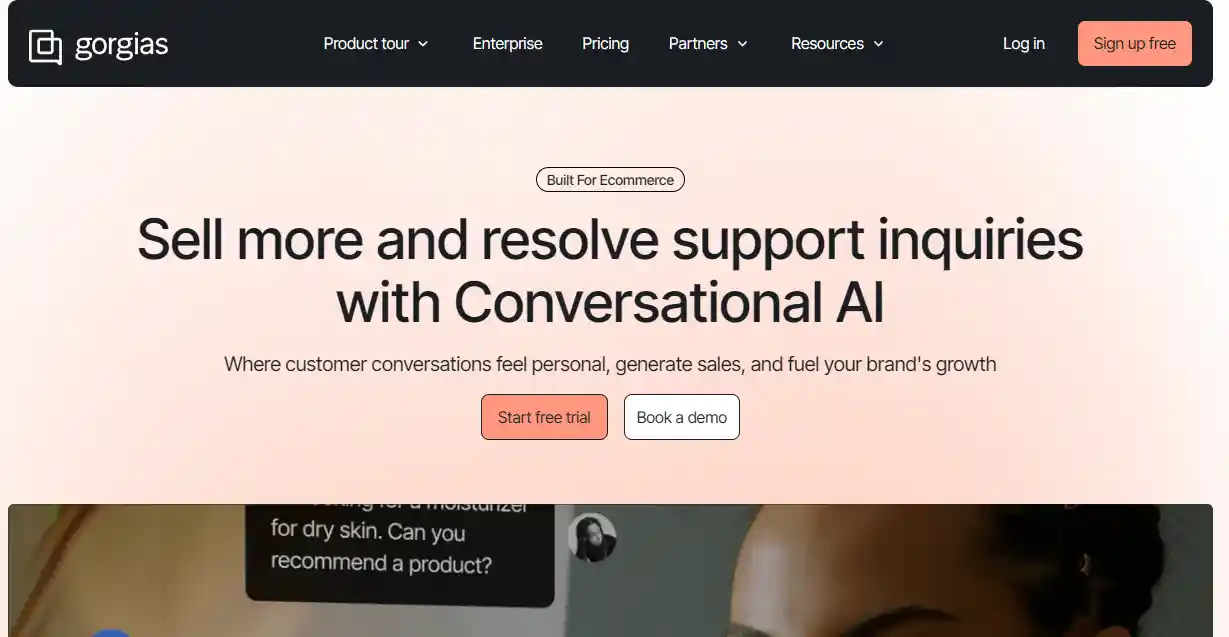
Gorgias combines helpdesk with conversational AI that resolves 60% of inquiries autonomously while suggesting upsells and recommendations. It pulls full order context from Shopify or similar platforms into tickets, blending support with sales.
Teams automate tagging, routing, and responses trained on millions of ecommerce tickets for brand-aligned accuracy. The result is faster resolutions, higher CSAT, and direct revenue gains from proactive guidance during support interactions.
How to Use AI Tools for Ecommerce
Start with Your Biggest Headache
Look at last month's numbers. Where do you lose the most sales or spend the most hours? Slow customer replies eating up your evenings? Stockouts killing momentum?
Ads that cost too much for too little return? Pick one pain point first. When you solve that single issue with AI, the results show up fast and give you confidence to add more tools later. Trying to fix everything at once usually leads to overwhelm and weak results.
Choose Tools That Plug In Easily
You don't want to spend weeks on setup. Stick to tools built for your platform—Shopify, WooCommerce, BigCommerce, whatever you use. Most good ones install in minutes with a few clicks.
- Check the app store or marketplace rating and recent reviews.
- Look for "no code" or "low code" in the description.
- Test the free trial or starter plan before you commit. This way you see real data from your own store quickly instead of guessing.
Feed the Tool Good Data and Let It Learn
Connect the AI tool to your real data right away—sales history, website traffic, email list. The sooner it sees your actual customers, the faster it improves.
Don't stress over perfect data at the start. Messy works fine. In just a week or two, recommendations, pricing, or chat replies usually feel much more accurate because the tool now knows your shoppers.
Watch the early reports closely. If anything seems off, adjust the settings right then.
Track Results and Adjust Every Month
Pick one or two key numbers—like average order value or cart abandonment rate. Write down where they are now, before you turn on the tool.
Check them again after 30 days. Any real improvement?
If not, tweak settings, test a new feature, or switch tools. These small tests cost little and quickly show what fits your store.
Once one tool pays off, picking the next one gets easier and smarter every time.

Challenges of Using E-Commerce AI Tools
Data Quality Issues Slow You Down
Your AI is only as good as the data it gets. Dirty, outdated, or missing info from orders, customers, or inventory leads to wrong suggestions and lost sales. Clean your data early—fix duplicates, fill gaps, and connect sources properly. Many stores lose weeks fixing bad outputs later. Start with solid data to make predictions reliable from day one.
Privacy and Security Risks Are Real
AI needs customer data to personalize, but one mistake can break trust or bring fines under GDPR or CCPA. Be clear about what you collect, limit access, and use secure tools. Transparency with buyers keeps them loyal. Handle data carefully so privacy never becomes a headline about your store.
Integration Feels Like a Headache
Connecting AI to Shopify, email, or your CRM often means API work, bugs, or extra developer time. Small teams get stuck here the most. Pick tools with easy plug-ins first. Test one area, then expand. Plan for setup time so workflows don't break when you go live.
Bias Can Sneak In and Hurt Sales
AI learns from your past data. If that data has unfair patterns, it repeats them—maybe in pricing, recommendations, or ads. Audit results regularly, mix in diverse data, and add human reviews on big decisions. Catch bias early to keep your store fair and avoid angry feedback.
Costs and Learning Curve Add Up Fast
Subscriptions, setup, and training eat budget quicker than expected. You also need time to master each tool. Choose ones with free trials and good guides. Train one person first, focus on high-return tasks like support or copy, and watch for real wins before scaling.
Too Much AI Can Kill the Human Feel
AI does routine work great, but it misses emotion in tough customer moments or brand storytelling. Shoppers sense when everything feels cold. Use AI for speed on simple tasks, then step in with humans for personal touches. That balance builds stronger loyalty.
Bad Outputs Need Constant Checks
Generative AI can make up facts or write off-brand copy. Wrong product details confuse buyers and hurt trust. Set clear guidelines, use fact-check prompts, and always do a quick human review. This habit catches mistakes fast and protects your reputation.

How to Invest Budget for AI Tools in E-commerce
1. Pick the Key Areas That Match Your Store
Start with the parts of your business that hurt most or give the biggest lift.
- Product content generation (descriptions, images, videos) helps when you add many new items fast.
- Personalized recommendations and search optimization drive more sales from existing traffic.
- Customer service automation cuts support time on repeat questions.
- Inventory and supply chain forecasting stops stockouts or overstock.
- Marketing and ad optimization lowers cost per sale.
Look at your biggest pain point first. A store with 10,000 products needs content tools more than one with 200 items. Match investment to what moves your revenue needle right now.
2. Set Realistic Budget Ranges by Store Size
Divide your total AI budget based on business scale. Small stores (under $500K/year) often spend $500–$2,000 per month total. Medium stores ($500K–$5M) go $2,000–$10,000. Large ones go higher.
- Content generation: 20–35% of budget (biggest for fast-growing catalogs).
- Recommendations and search: 25–40% (high traffic stores get best return here).
- Customer service: 15–25%.
- Inventory forecasting: 10–20%.
- Marketing optimization: 10–25%.
Traffic volume, catalog size, and goals change these splits. High-traffic stores put more toward recommendations. Goal to grow fast? Shift toward content and ads.
3. Calculate ROI So You Know What Works
Use this simple formula: (Revenue Increase – AI Cost) / AI Cost × 100%.
Example: Spend $1,200/month on a recommendation tool. It lifts average order value by 12% and brings $8,000 extra revenue. ROI = ($8,000 – $1,200) / $1,200 × 100% = 567%.
For content tools, track extra sales from new listings. Customer service AI shows savings in staff hours. Small stores see slower ROI but steady gains.
Large stores hit high numbers faster because of scale. Check ROI every 3 months and cut tools below 100% after 6 months unless they improve.
4. Run A/B Tests Before You Commit Big Money
Test small to see real value before you spend more. Split your traffic: one half gets the normal version of your site or emails, the other half gets the AI-powered version. Run the test for 2–4 weeks so you have enough data.
Track these key metrics:
- Conversion rate
- Average order value
- Cost savings (for tools like customer service or inventory)
- Total revenue per group
Calculate incremental revenue this way: (AI group revenue – control group revenue) – AI tool cost.
If the AI side shows a clear lift—like 8–15% more sales or lower costs—scale up the budget for that tool. If the numbers stay flat or go negative, pause the tool or switch to a better one.
5. Handle the Operational Side Right Away
Assign clear roles from the start: one person sets up and connects the tool, another reviews outputs every day to catch mistakes.
Make sure your data is ready—clean product info, up-to-date order history, and good connections between your store and the AI tool. Bad data leads to bad results fast.
Build a quick check process to spot AI errors, like made-up facts in descriptions or wrong pricing suggestions. A short human review step saves bigger problems later.
Handle these details early so AI becomes a smooth part of your store instead of a source of constant fixes. Good operations turn your investment into reliable growth.
Expert Tips
The right ai tools for ecommerce can save you time, boost sales, and make running your business easier.
Start small. Pick one or two tools that solve your biggest pain points right now. Test them. See real results. Then add more.
2026 is your year to work smarter. These tools put the power in your hands. Go build the store you want. You've got this.
FAQs
How can small businesses start using AI without spending too much?
Begin with free trials or low-cost plans from tools like Notion AI or Jasper. Pick one task, such as writing product descriptions, and test it for a month before adding more.
What data do I need before launching AI?
You need clean product details, past sales records, and customer info. Start with basic order history and inventory lists so the AI gives useful results from day one.
What are the best AI tools for ecommerce right now?
Top picks include PrintKK for images, Surfer SEO for search, Jasper for copy, Zendesk for support, and Prisync for pricing. Each solves a clear part of running your store.
What's the difference between AI tools vs AI tools built for e-commerce?
General AI tools work for many tasks but need extra setup. E-commerce-specific ones connect directly to your store, understand products and customers, and save you time on integration.
How can businesses keep AI tools compliant with privacy laws?
Choose tools with strong security features. Only share needed data, get customer consent, and follow GDPR or CCPA rules. Review settings often to stay safe and build trust.
Can I use AI to enhance product search and discovery on my website?
Yes. AI tools improve search by understanding what shoppers mean and suggest related items. This helps visitors find products faster and increases sales on your site.


 Global Shipping


 Free shipping