



You started with Kajabi. Maybe it worked for a while. Now you feel the price is too high. Or the setup feels too stiff. You are not alone. More creators are switching to simpler or cheaper tools.
You have plenty of solid options in 2026. This list covers 12 kajabi alternatives. Read through. Pick two that fit your business. Then test them out. No need to stay stuck with a platform that does not work for you.
Why Creators Are Leaving Kajabi
Kajabi is an all-in-one platform for online courses, memberships, and marketing.
But more creators are leaving now. Two main reasons: price and flexibility. Kajabi's monthly cost starts high and jumps fast as you add features.
Many creators don't need all the built-in tools. They want lighter platforms that do one thing well—like email or courses—for less money.
Others find Kajabi too rigid. Changing your site's design or integrating outside tools takes extra work.
Competitors now offer similar automation and better support for a lower price. Creators aren't angry at Kajabi. They just found simpler, cheaper options that fit their actual workflow.

12 Best Kajabi Alternatives to Consider
Podia
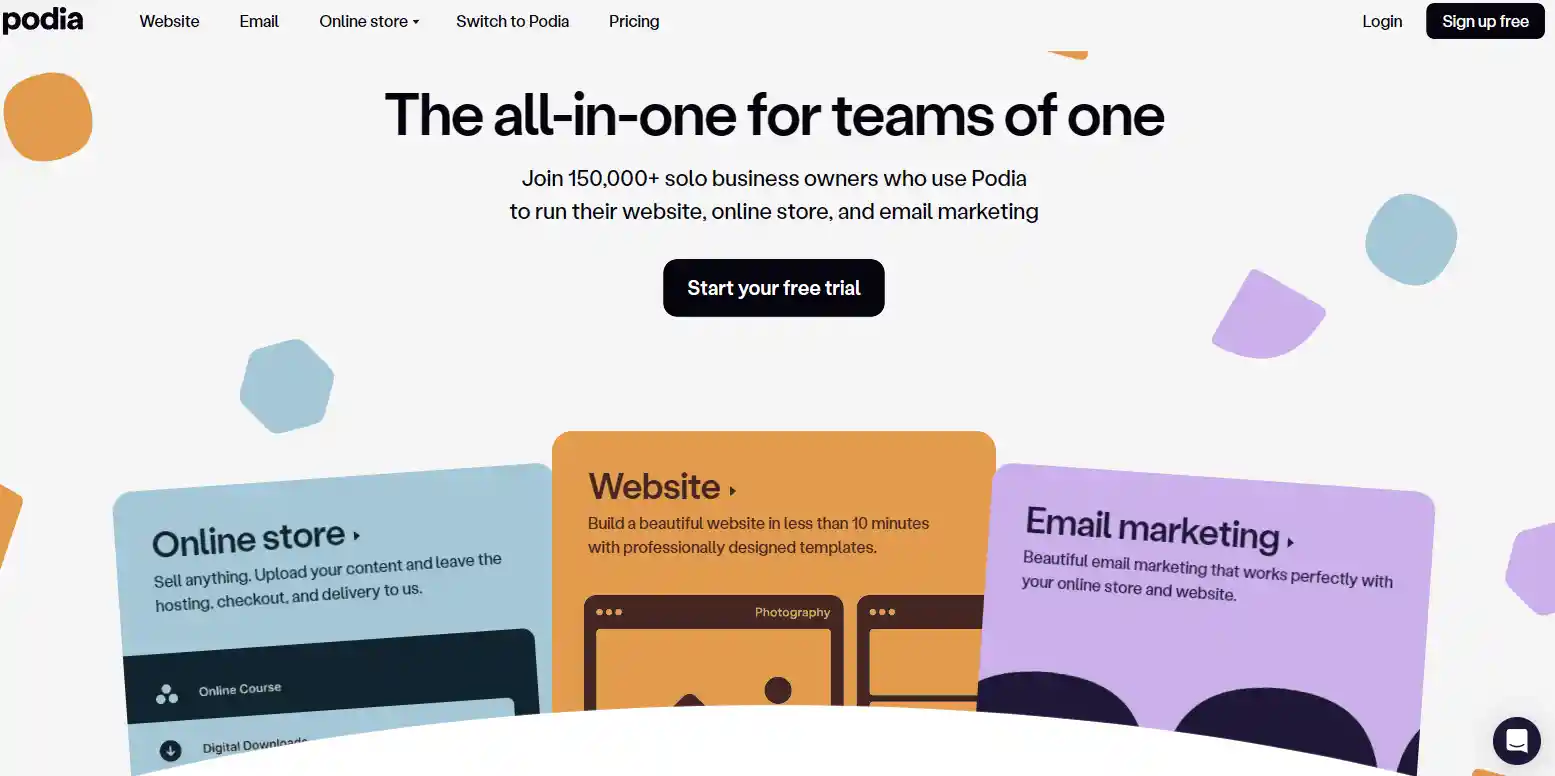
Podia is a straightforward platform made for independentcreators and small online businesses. It hosts courses, digital files, and one-on-one coaching with basic email tools. People without technical knowledge use it to run a simple, neat online business storefront.
Teachable

Teachable is a user-friendly platform built mostly for people who make online courses. It includes easy editing tools, safe payment processing and basic student tracking.
It is a solid pick for tutors that only need simple course selling features.
LearnWorlds
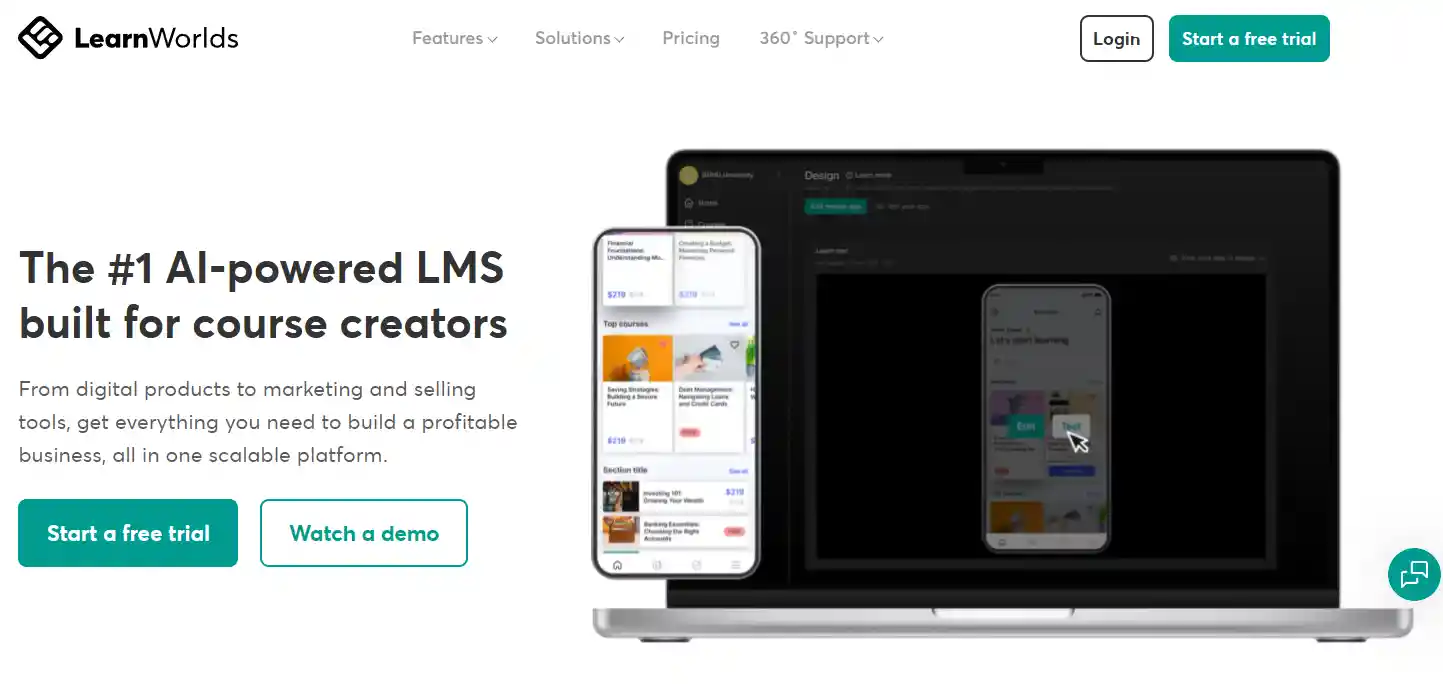
LearnWorlds provides professional tools designed specifically for online learning. It has interactive tests, adjustable video settings and flexible course page designs.
This platform works well for teachers who want polished and engaging educational content.
Systeme.io
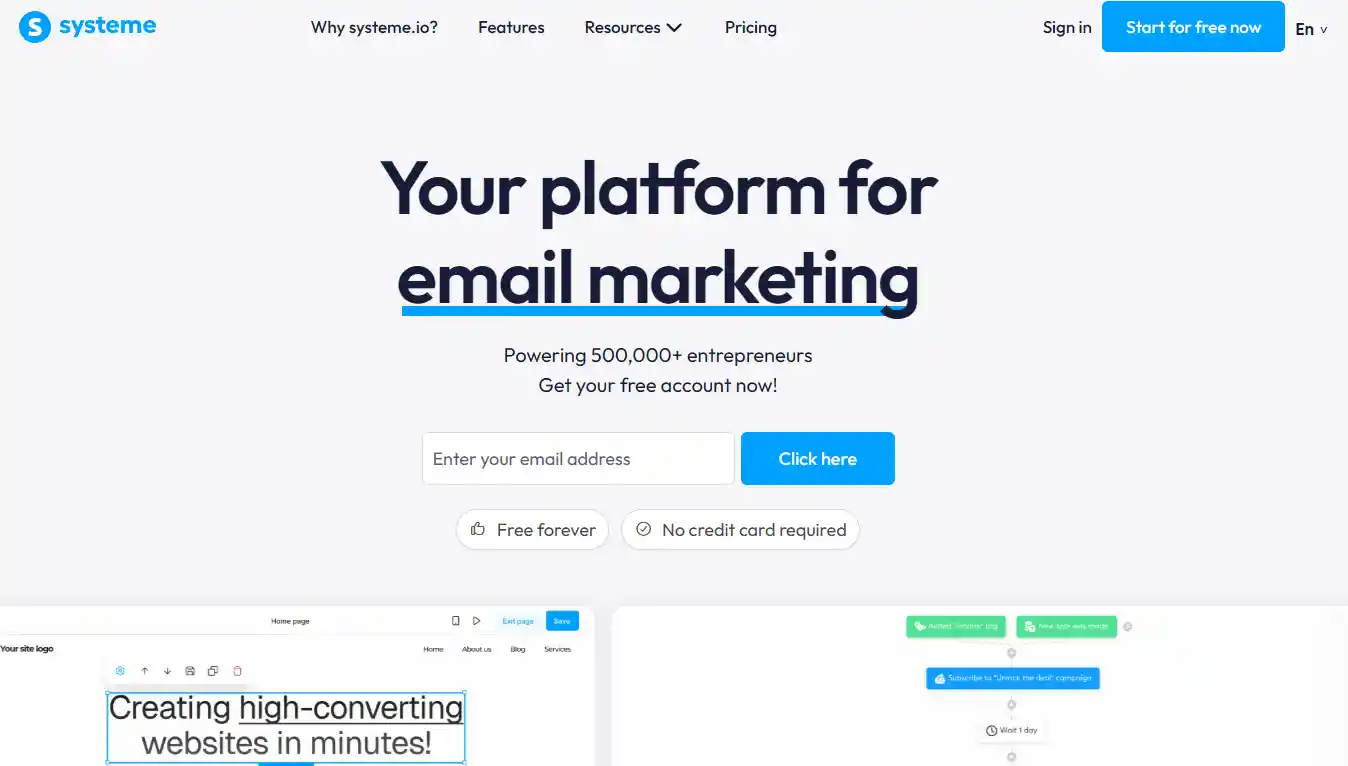
Systeme.io is a low-cost platform for new online business owners. It packs course hosting, email marketing, sales funnels and website builders in one system.
It is perfect for entrepreneurs who want all key tools on a tight budget.
Mighty Networks
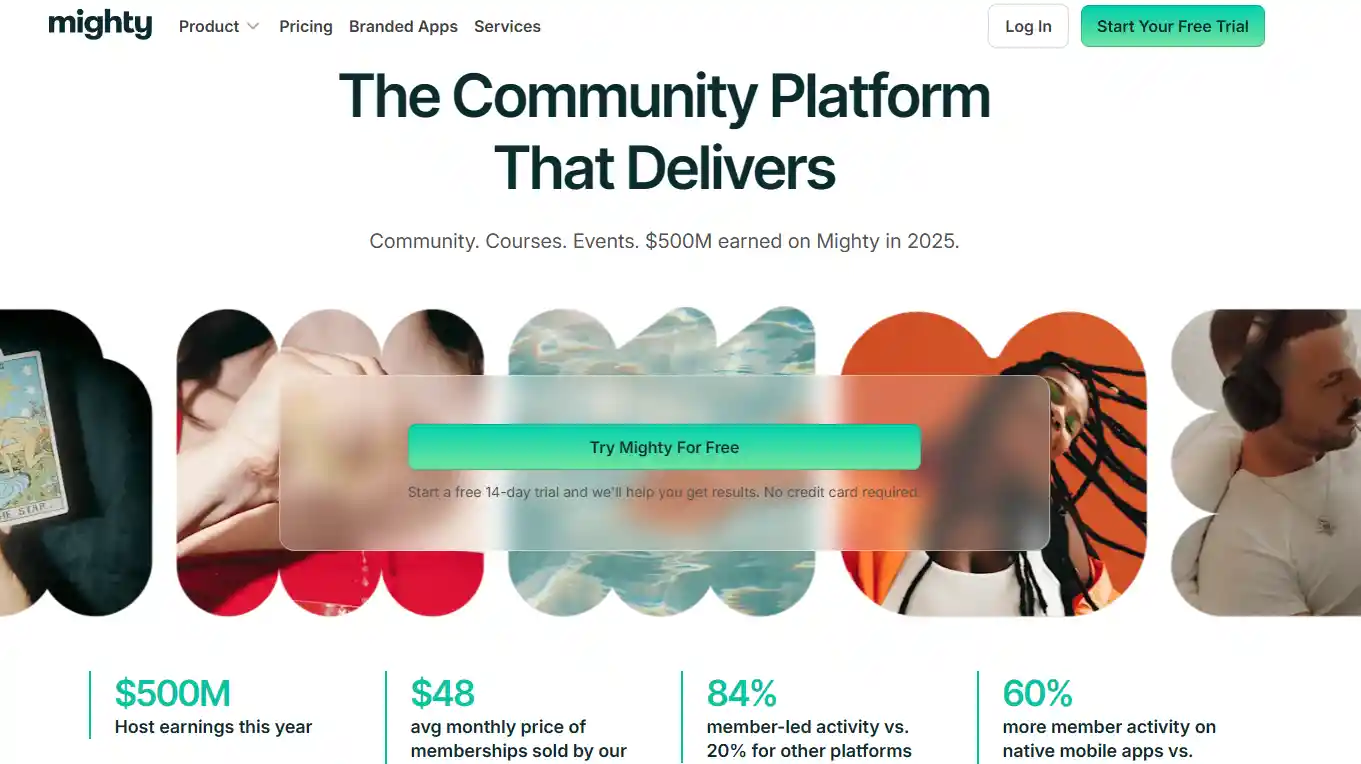
Mighty Networks puts community interaction as its main feature. It offers group chats, paid member groups and basic course posting options. It fits creators that want to build loyal, active connections with their followers.
Circle

Circle is a community-focused platform designed for creators, coaches and membership businesses.
It offers discussion spaces, live events, private groups and course features within a clean and organized interface. It is best for users who want to build engaged communities alongside digital content and memberships.
Kartra

Kartra is an all-in-one business platform for seasoned online marketers. It covers course hosting, advanced sales funnels, video hosting and customer analytics.
It suits serious businesses that need full marketing automation features.
Squarespace

Squarespace is a website builder with simple digital product selling functions. It offers modern templates, clean page designs and basic payment systems.
It works for creators who want attractive websites to sell courses or digital goods.
Thinkific

Thinkific is a reliable course platform focused on customizable learning structures. It supports unlimited course uploads, student data reports and diverse content formats.
It fits educators who need stable tools to scale their online courses.
GoHighLevel
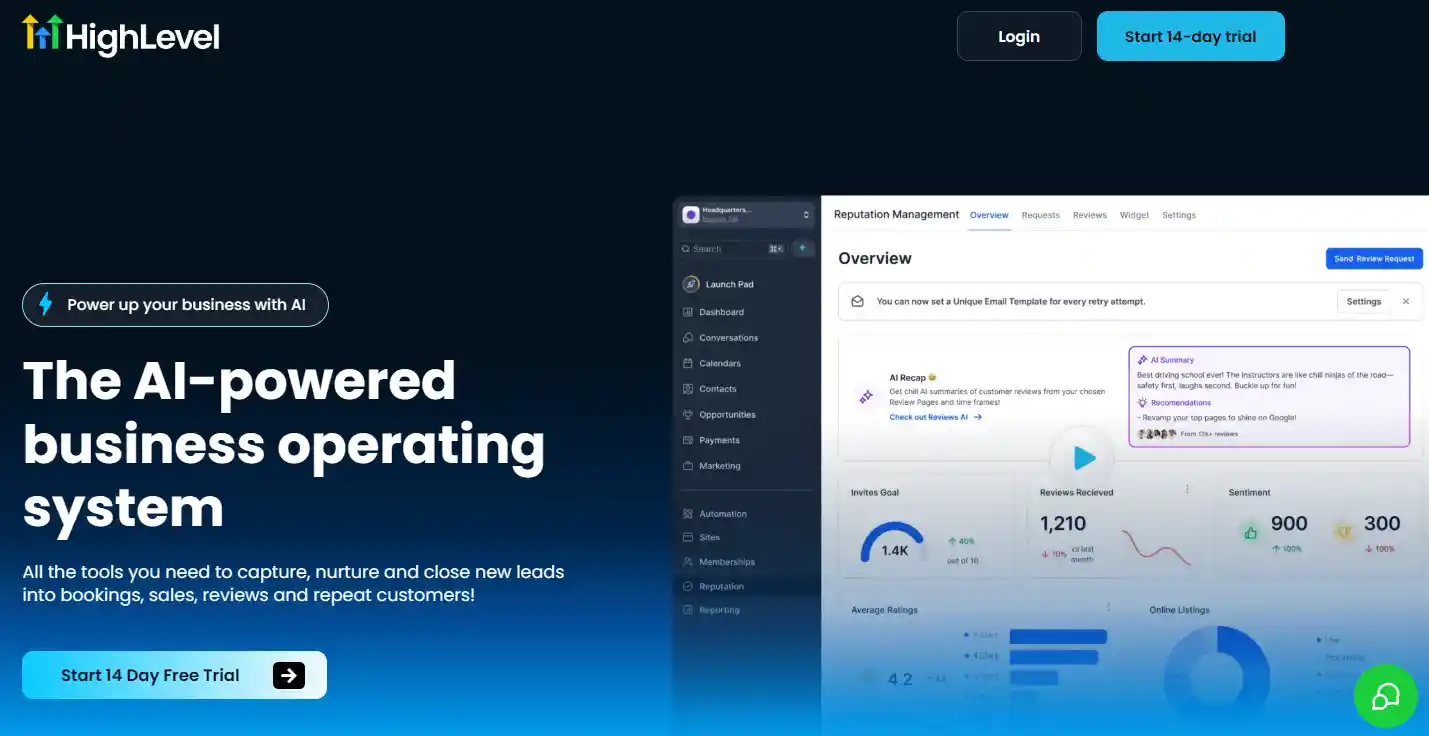
GoHighLevel is an advanced tool for agencies and large online businesses. It combines course hosting, client management, automated messages and marketing pipelines.
It serves professional teams that handle multiple business clients.
Skool
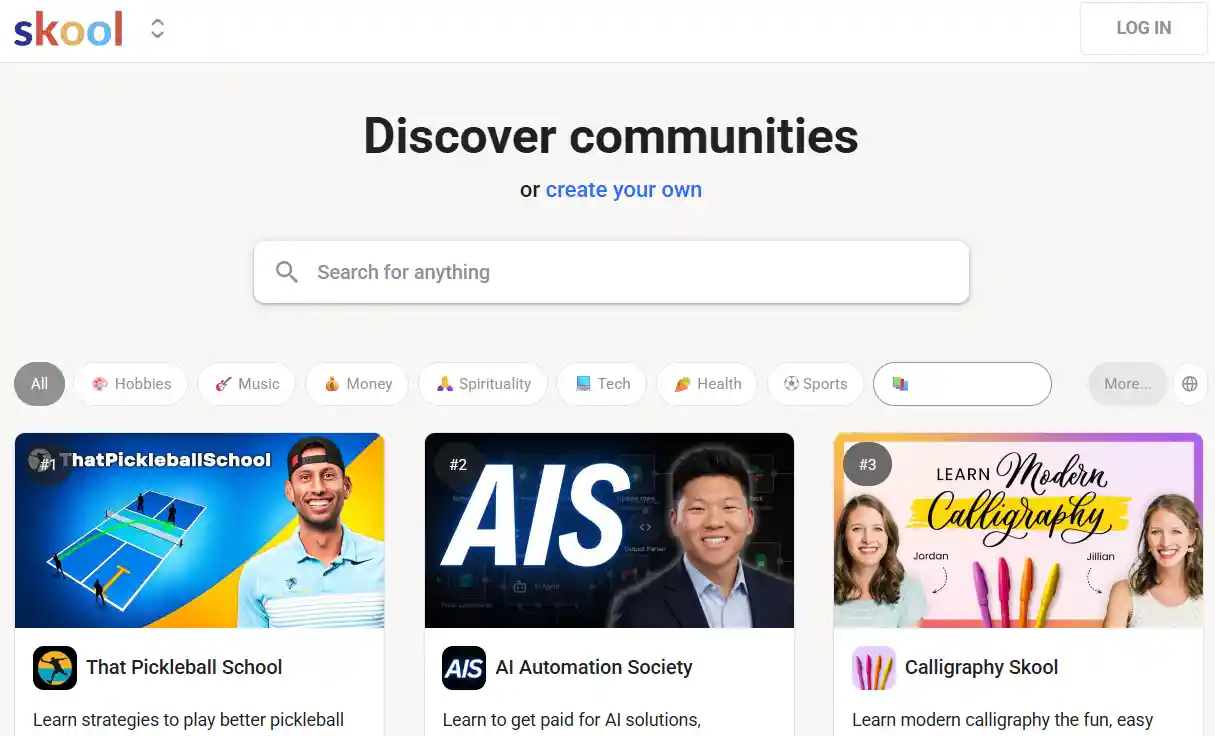
Skool is a minimal platform for simple communities and short courses. It has neat group feeds, easy member management and uncomplicated lesson layouts.
It is ideal for casual creators who prefer plain and clutter-free interfaces.
Ruzuku

Ruzuku is a beginner-focused platform for hosting easy online classes. It supports live lessons, simple course layouts and direct student interaction. It is a good choice for casual teachers who want to launch classes without complex settings.
How to Choose the Right Kajabi Alternative
1. Match Features to Your Actual Business Needs
Skip platforms with dozens of tools you will never use. Clear up your core business goals first. Most online businesses only need one to three main functions.
Common useful tools include course hosting, simple sales funnels and member communities. Cut extra features to avoid unnecessary monthly fees.
2. Stick to a Realistic Monthly Budget
Kajabi has a high starting price, so budget control is your top priority for alternatives. Compare transparent monthly plans and hidden transaction fees.
Do not pay for locked advanced upgrades. Small creators can pick low-tier plans with basic stable functions to test business operation at low cost.
3. Check Ease of Use for Your Technical Level
Different platforms require different technical skills. You should judge based on your own operating ability. Consider these simple factors:
- Drag-and-drop editing for beginners
- Clear backend data dashboard
- Simple product release steps
Hard-to-use tools waste your daily operating time.
4. Confirm Third-Party Integration Compatibility
Most online businesses rely on extra daily tools. Make sure your chosen platform connects with your existing software.
Common necessary integrations include payment gateways, email marketing tools and social media links. Poor compatibility will block data flow and reduce work efficiency.
5. Evaluate Long-Term Scalability
Your business will slowly grow in the next one to two years. Avoid platforms with strict user or product limits.
Check whether upgraded plans offer more storage, student access and marketing tools. A scalable platform prevents frequent migration and keeps your business data stable.
Why Leaving Kajabi Might Cost You More
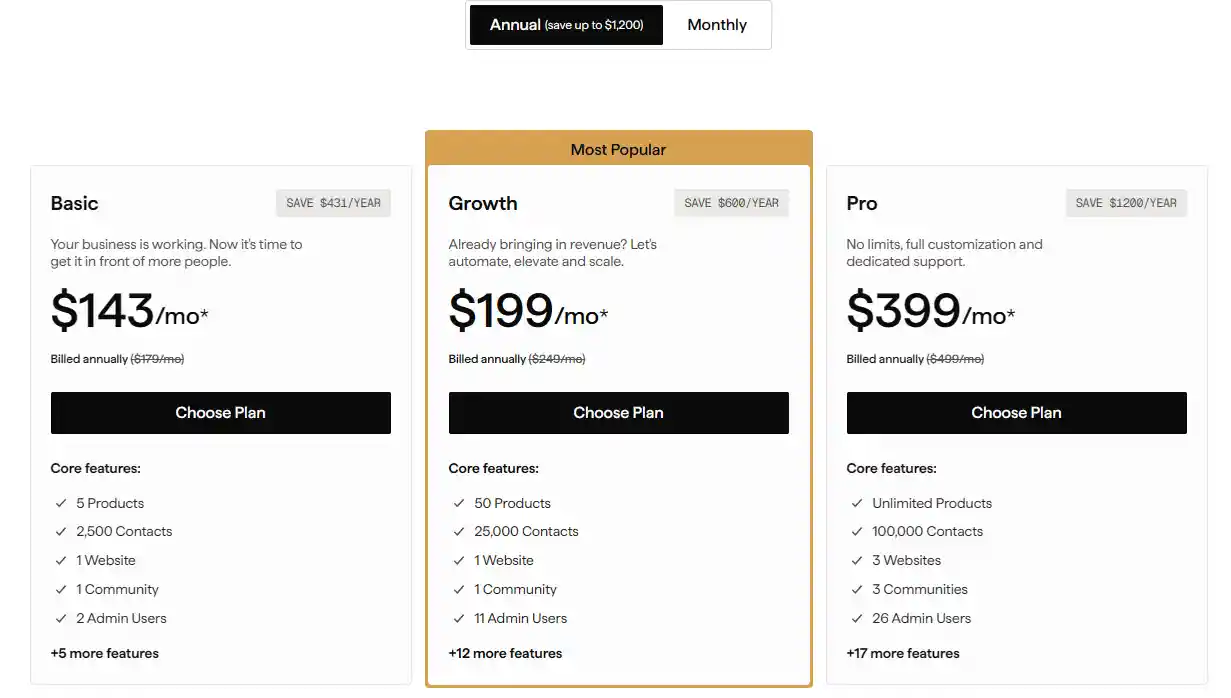
Kajabi's price tag — $143 to $399 a month — looks high. Many creators switch to a cheaper platform that costs $49 a month. But leaving Kajabi often leads to bigger costs. Here is why.
1. The Surface Illusion: Cheaper Base Price Hides Missing Tools
You might think you are saving money by paying $49 instead of $149. But that $49 platform does not include email marketing, high-conversion checkout pages, or automation.
Kajabi includes all of those. When you leave, you have to buy them separately. The base price is not the full price.
2. The Micro-Subscription Stack Adds up Fast
To replace what Kajabi gives you, you will likely need:
- An email tool like ConvertKit or ActiveCampaign. Price goes up as your subscriber list grows.
- A checkout tool like ThriveCart or SamCart to keep sales high.
- An automation tool like Zapier or Make to connect everything.
Each of these costs money every month. A $49 platform plus these add-ons can often end up over $200 a month, depending on usage and business size. That can be more than Kajabi's $199 plan in some cases.
3. Hidden Math: Flat Rate vs Split Stack
Kajabi gives one predictable bill. You pay one price and get everything. With separate tools, you pay many small bills.
Email might be $59. Checkout might be $39. Automation might be $30. The platform is $49. Add them up.
The total can be higher than Kajabi depending on your setup and scale. And you still have to manage multiple logins and support teams.
4. Tech Tax: Your Time and Revenue Get Drained
Fragmented tools cost you in two ways. You spend hours fixing broken connections between your email, checkout, and course platform. That is time you could use to create or sell.
Moving away from Kajabi can sometimes break your sales funnels if migration is not handled carefully.
You may lose sales during the switch. You may also lose recurring subscribers when you ask them to re-enter payment details on a new system. That lost revenue can take months to recover.
Who Should Not Switch From Kajabi
Think twice before leaving Kajabi if your business already runs smoothly and brings in steady revenue. Three types of owners should stay put:
- Heavy Automation Users: If you rely on Kajabi's built-in email sequences, pipeline builders, and affiliate tracking, moving those complex workflows takes weeks and risks breaking your sales funnels.
- Simple Course Creators: If you sell straightforward courses or memberships with no complex technical needs, Kajabi already handles this perfectly.
- All-in-One Lovers: If you hate juggling multiple tools, Kajabi keeps everything—payments, content, and emails—under one roof.
Moving a large student base creates tech friction, and you risk losing recurring members during the migration. Unless a missing feature is actively costing you time or money, stick with what works and focus on growth.
Read More:
Top 13 WooCommerce Alternatives for Better Store Solutions
Expert Tips
Choosing the right platform matters. You don't have to stick with Kajabi if it doesn't fit your budget or workflow. The kajabi alternatives listed above give you real choices. Some focus on courses. Others do communities or email funnels.
Think about what you actually need. Then pick one tool that solves that need well. No platform is perfect for everyone. But there is a good match for you.
Start small. Test a free trial. You can always switch later. The online business world keeps growing. So do your options. Stay open and keep moving forward.



 Global Shipping