Help Centre
How can we help you?


General Help Topics
How to modify your design after a product has been published
Requirement: The new design must already be saved in My design.
Modify for a single order
You can only edit designs for unpaid orders.
1. After the order is synced, click Order detail on the right side of the order.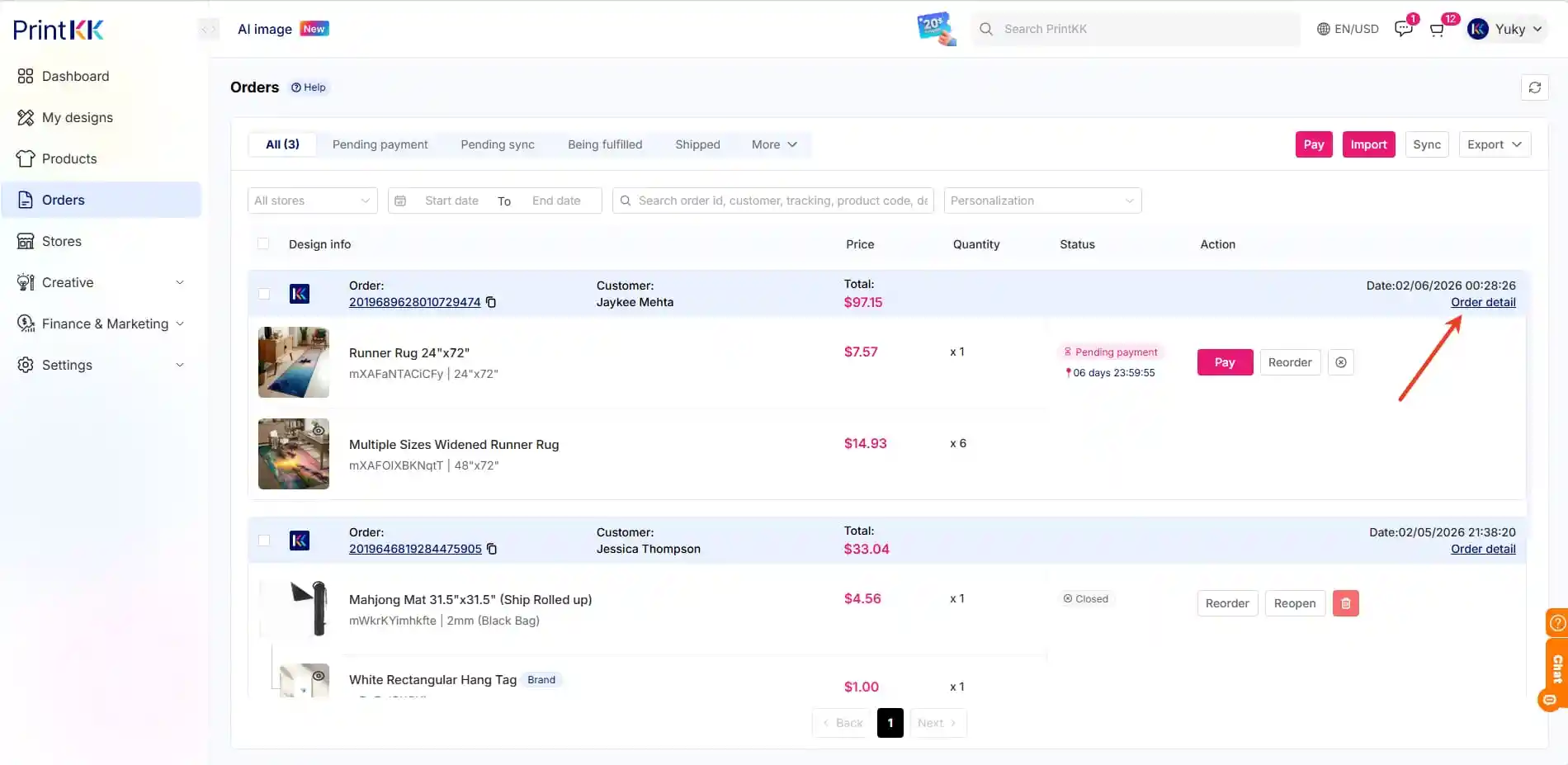
2. In the order details page, find and click Edit products.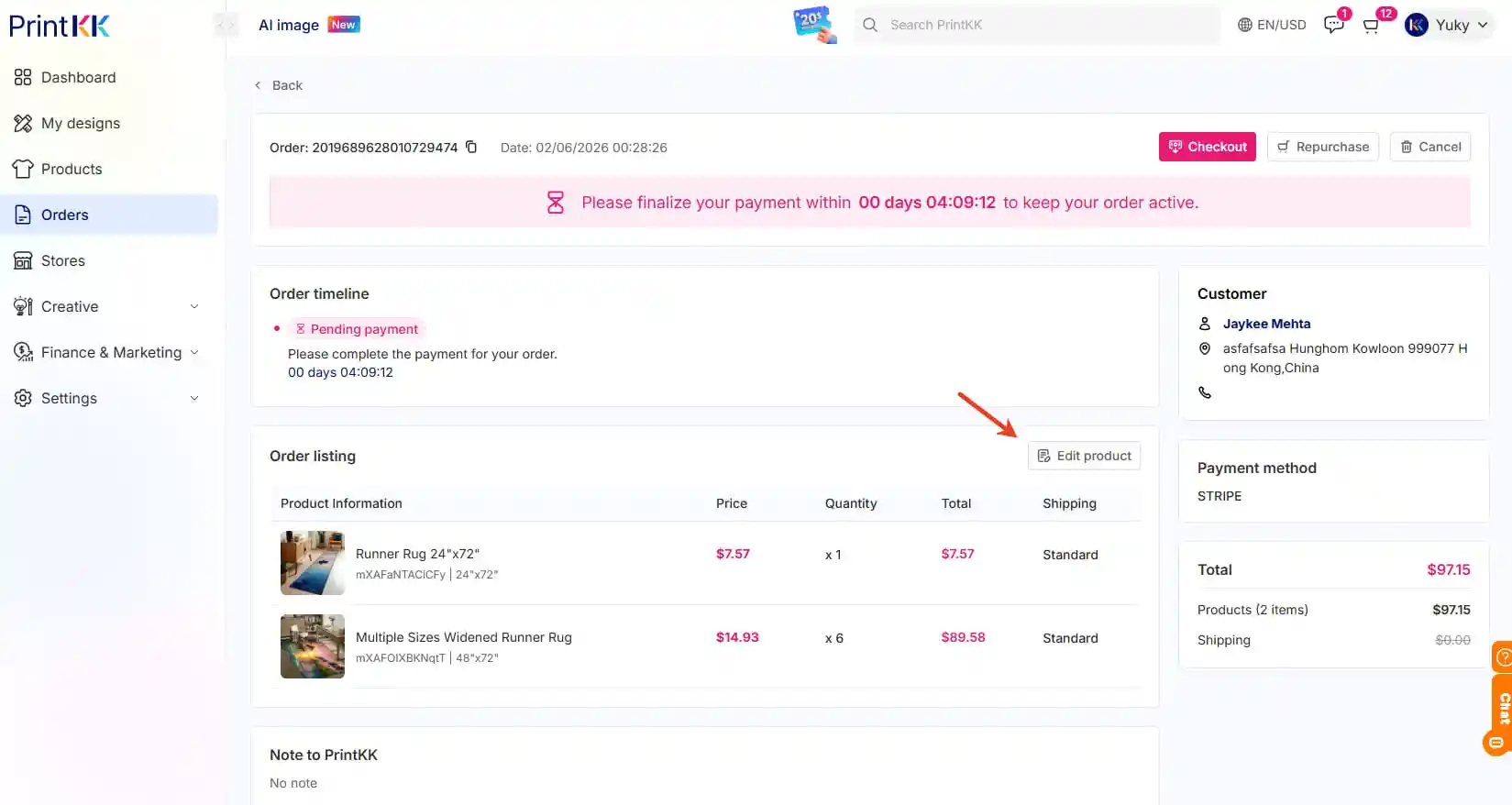
3. You can then add or replace the design.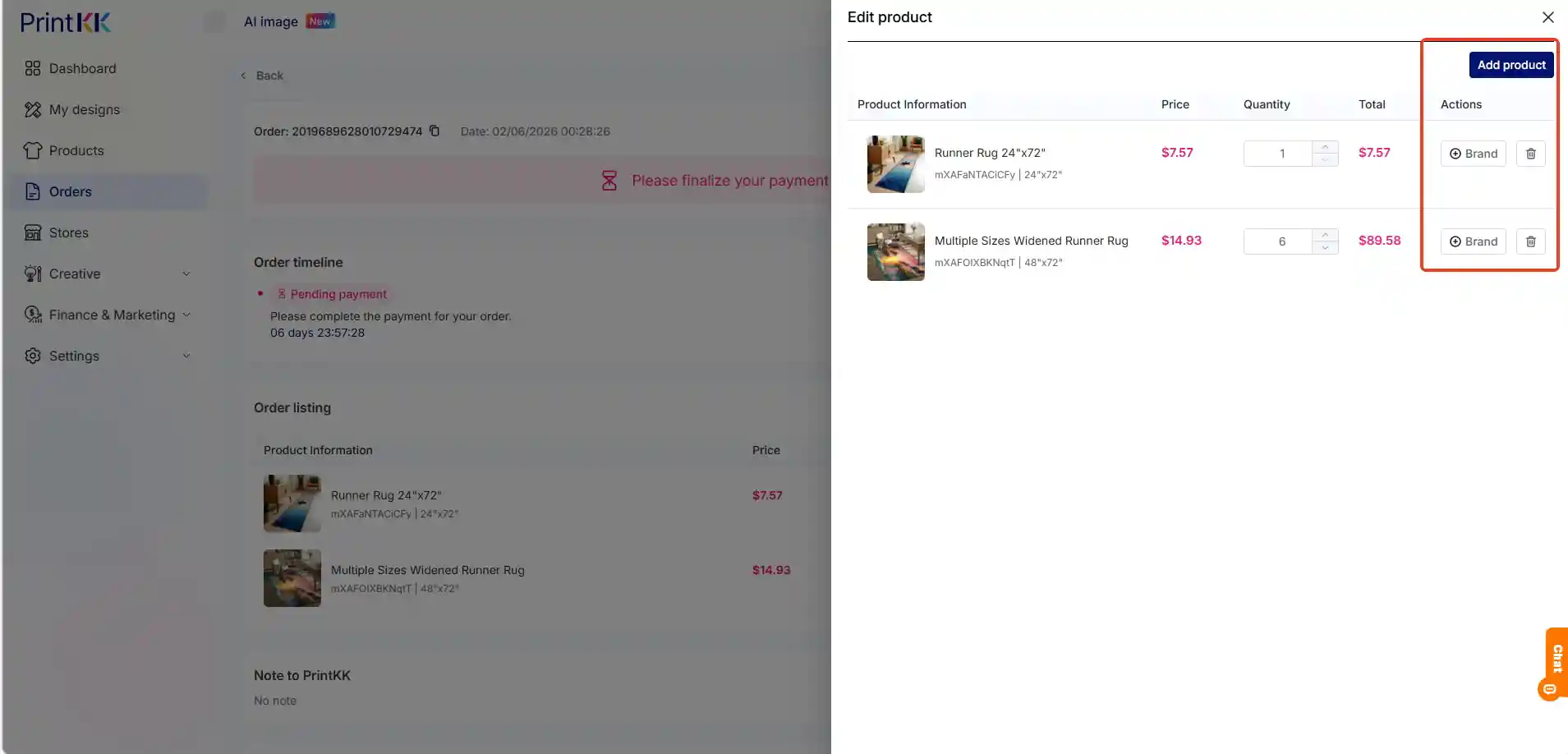
If you need to change the design for every order, we recommend using the Personalizable feature.
You can find the tutorial at: https://www.printkk.com/gb/help/products/1821347686071087132
Modify for all future orders
This change can only be done in your PKK store and will not sync to your external store
You will need to manually update the design image in your external store.
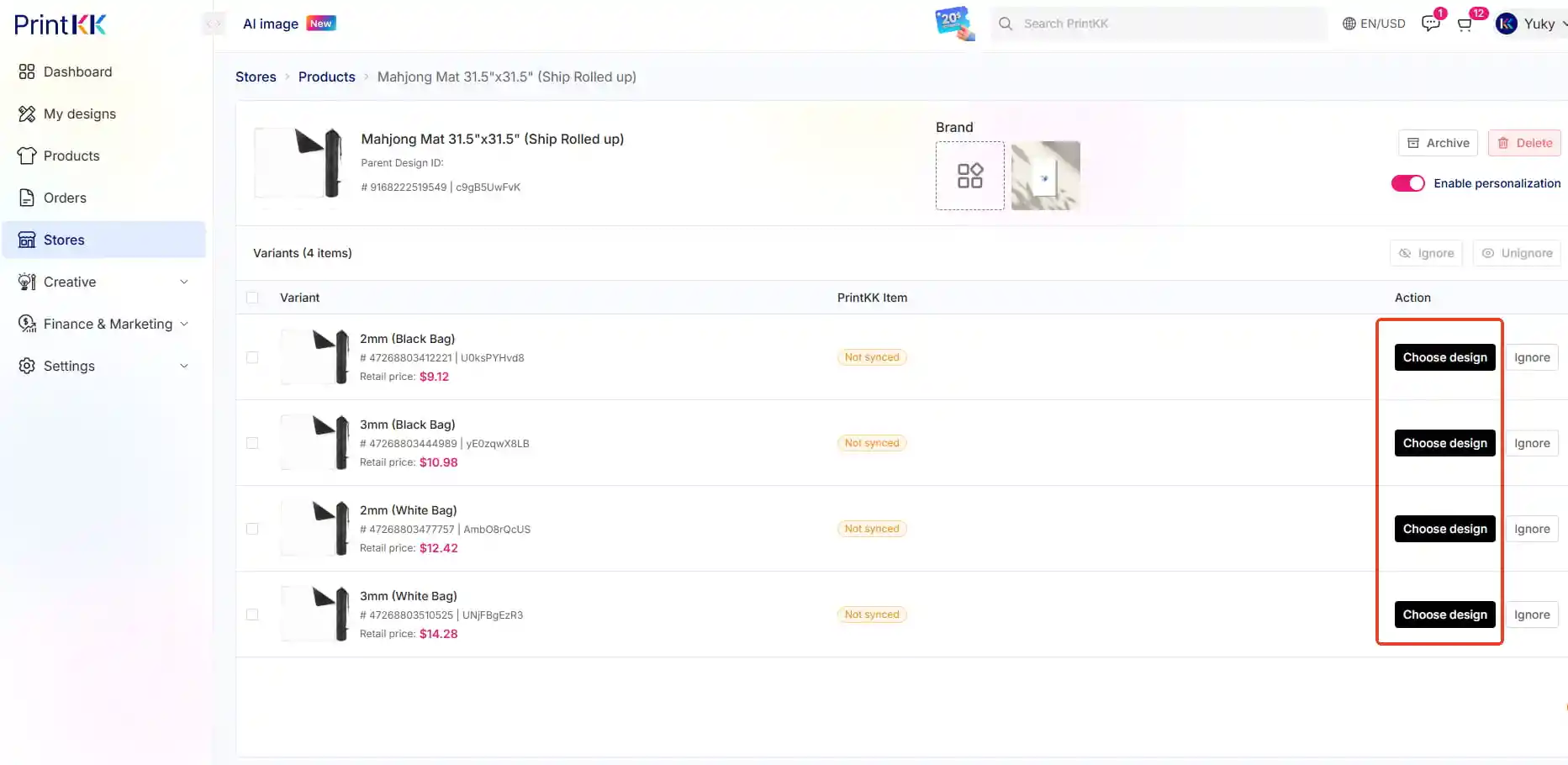
1. Go to Stores and select the corresponding store.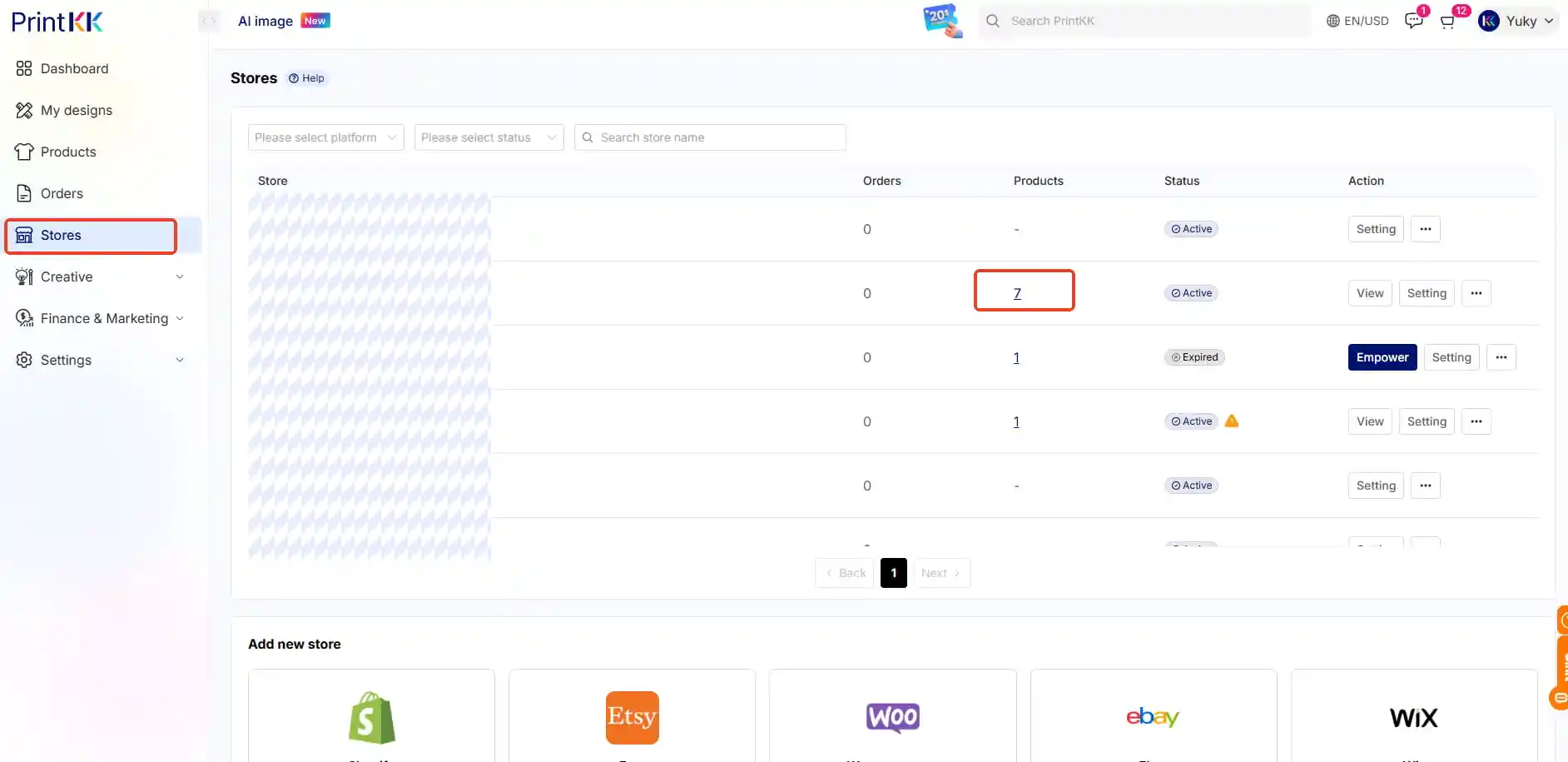
2. Find the product you want to update, then click View.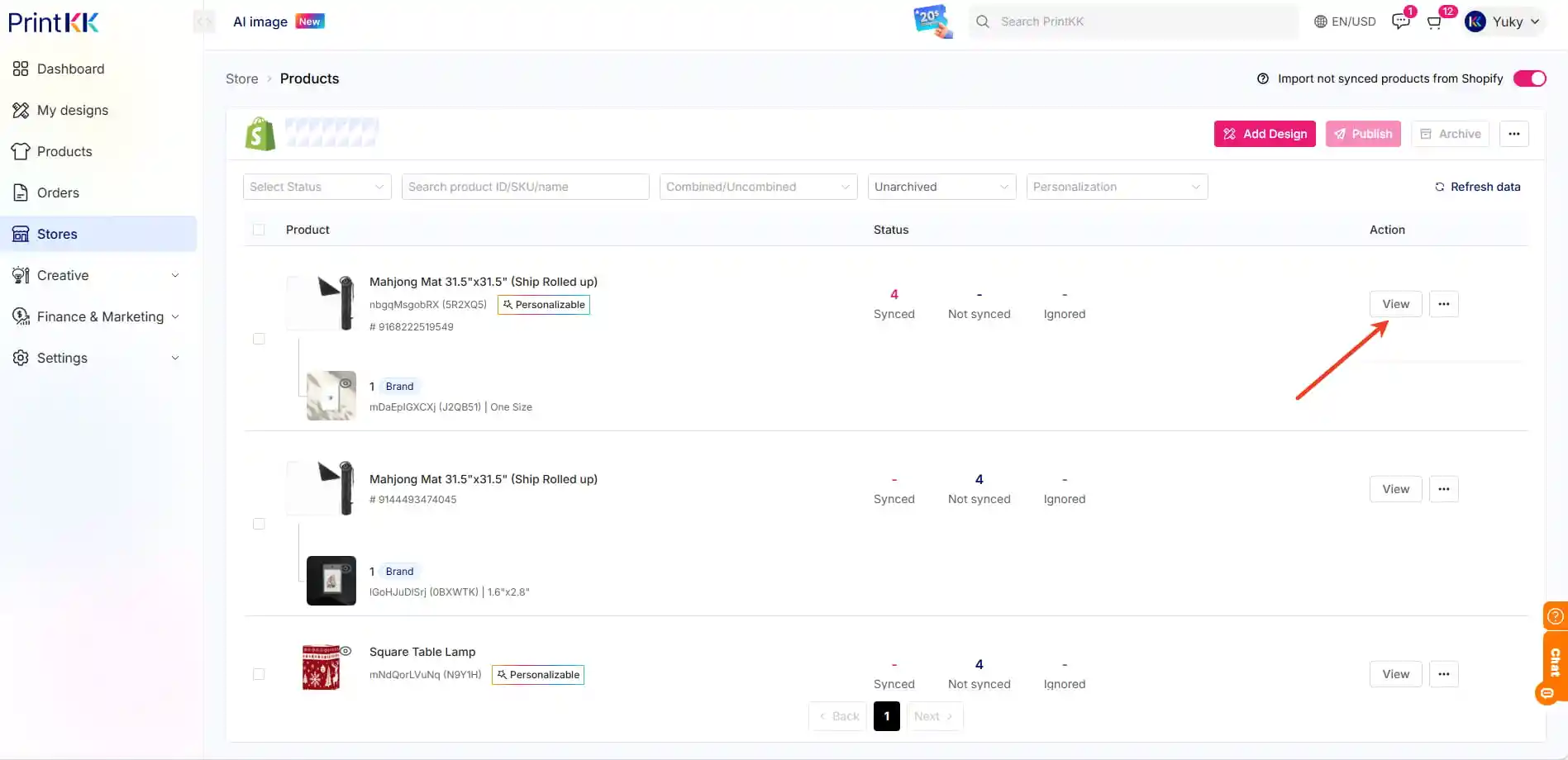
3. Locate the variant and click Unsync to unlink the old design.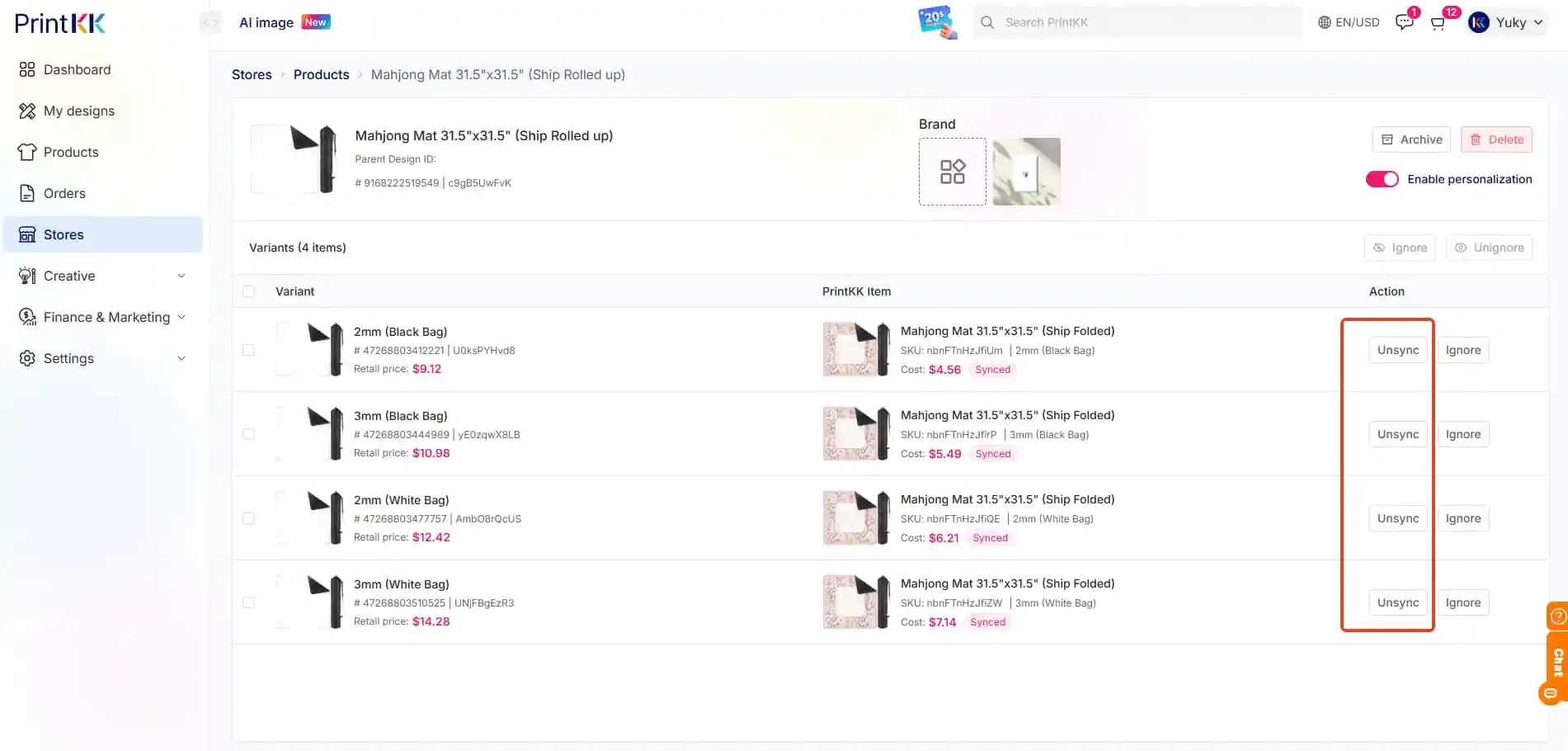
4. Click Choose design to link your new design.