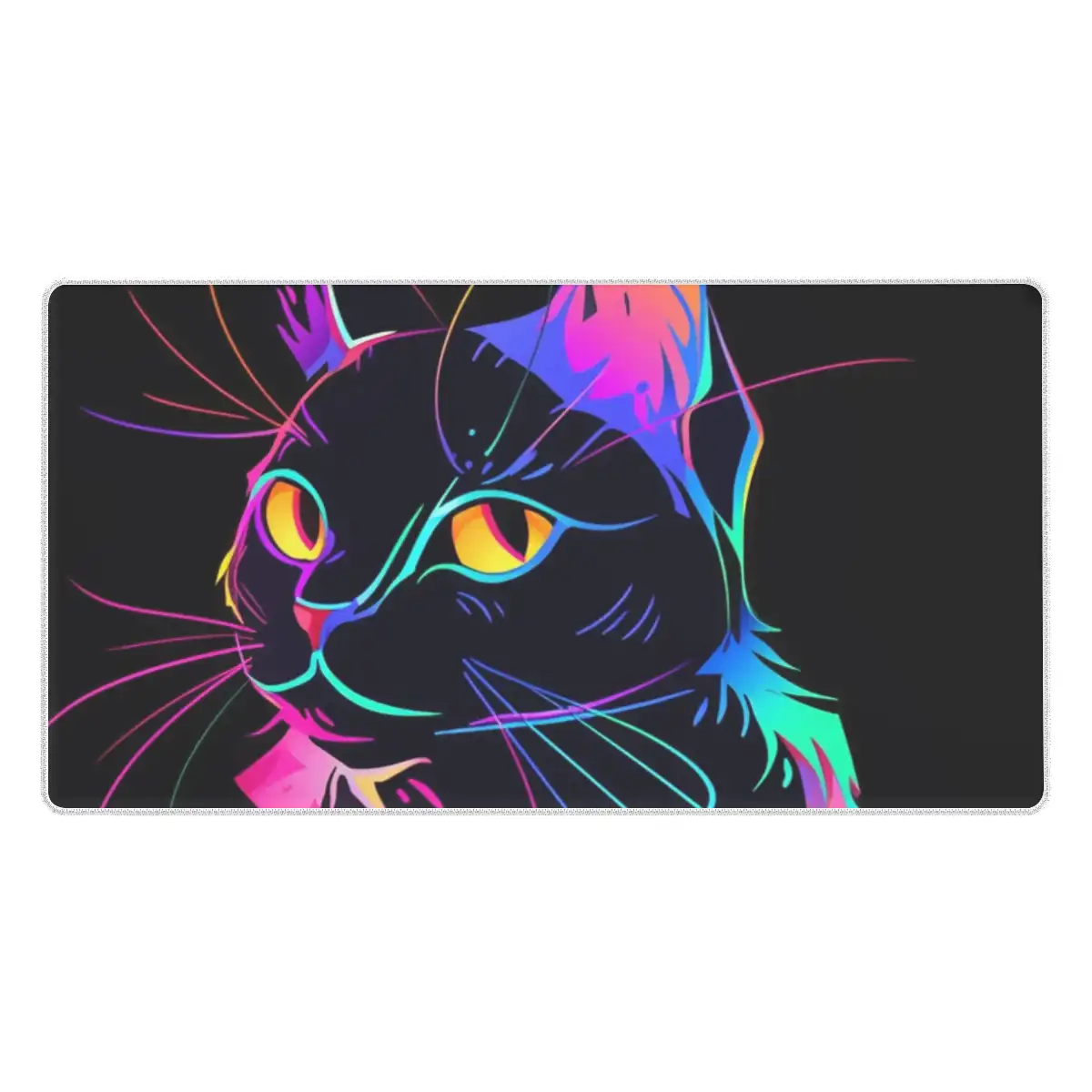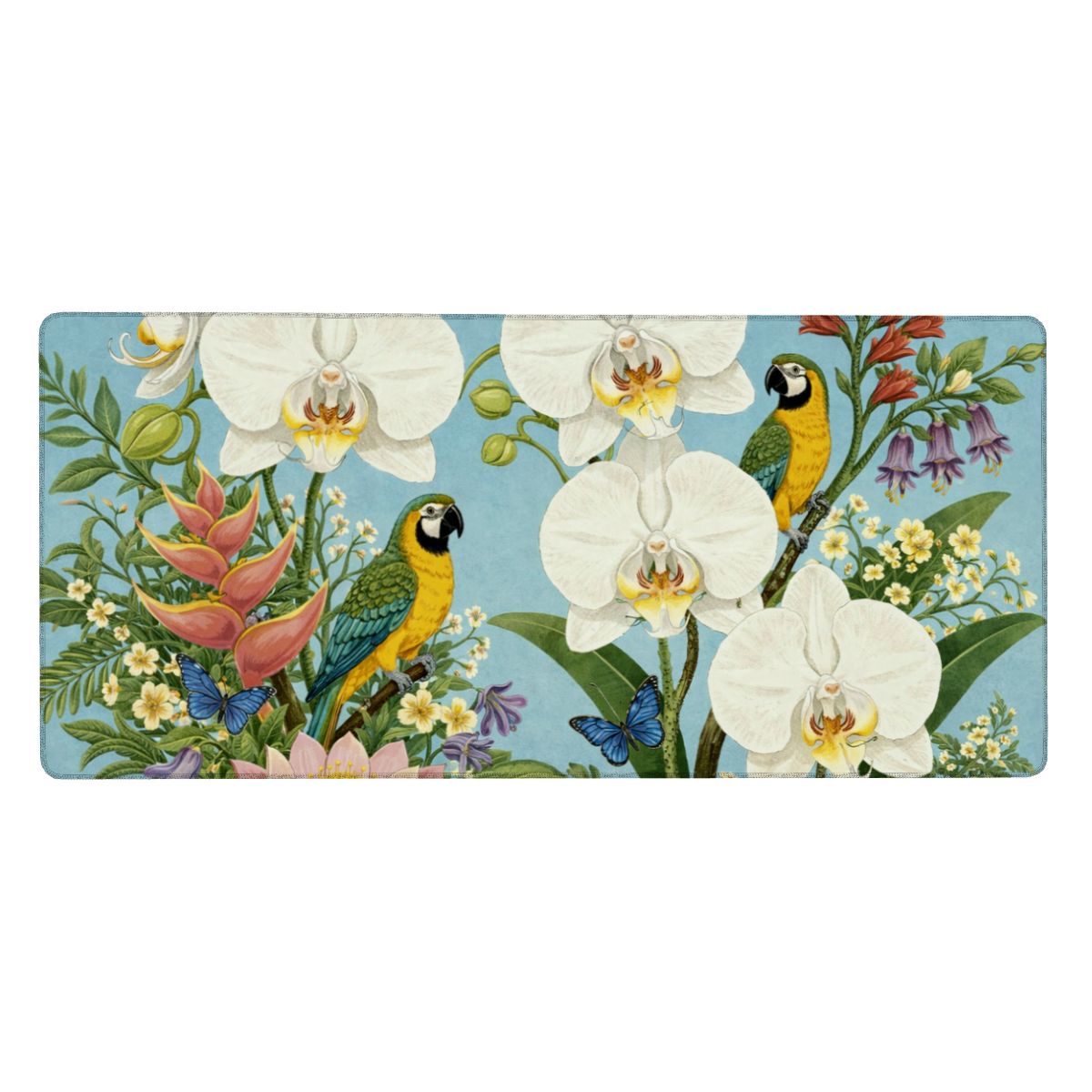




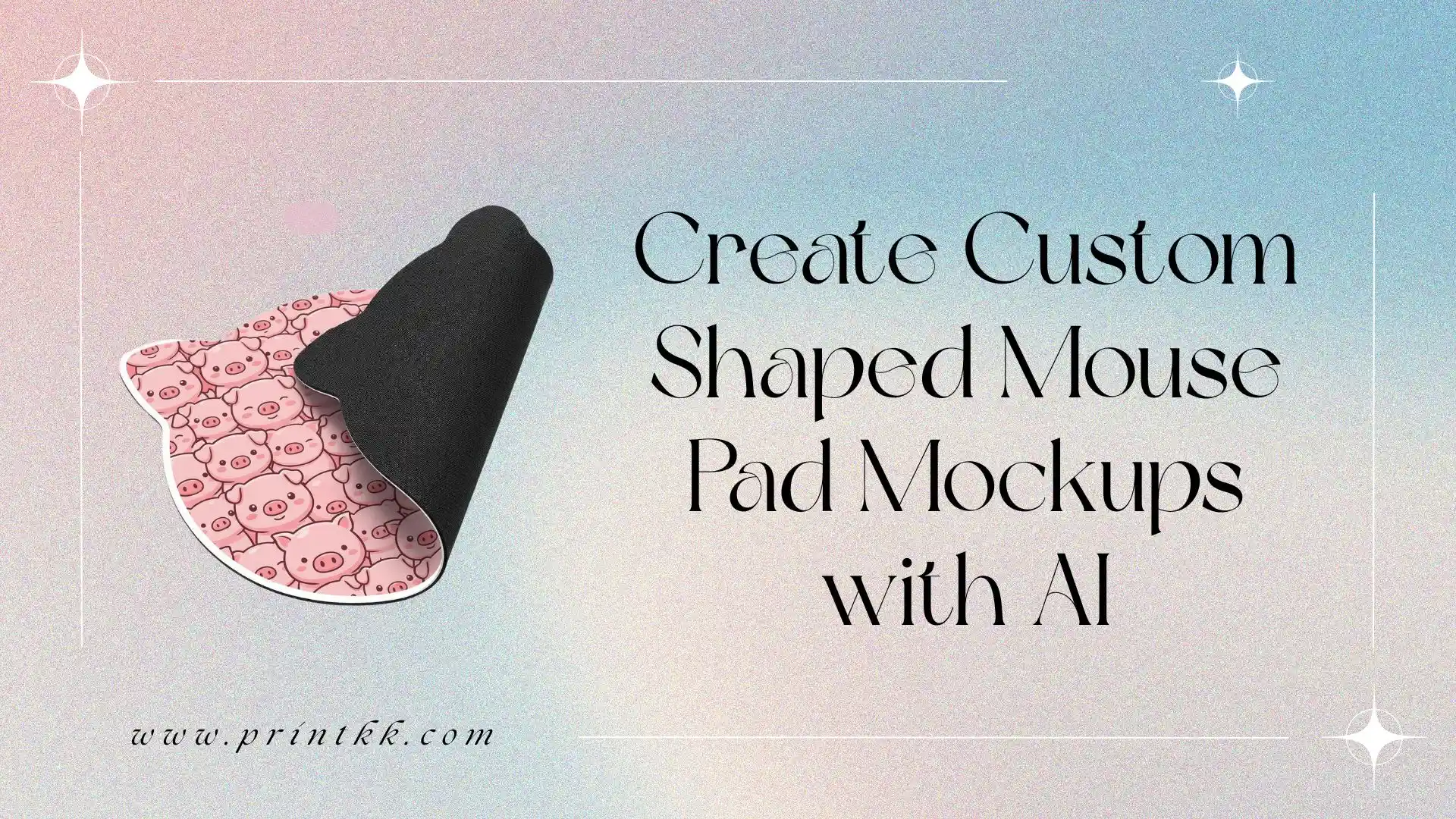
Custom-shaped mouse pad mockups offer a clear and practical way to present product ideas. Instead of relying on imagination, designs can be visualized directly, showing how different shapes, patterns, and layouts come together in a finished product.
This guide focuses on shaped mouse pad mockups, highlighting how different visuals can be created and presented effectively. It also introduces simple prompt ideas to help control key elements and achieve clean, consistent results.
Why Use AI for Custom Shaped Mouse Pad Mockups
Using AI for custom shaped mouse pad mockups helps bring product ideas to life in a more direct way. Different shapes, prints, and styles can be visualized clearly, making it easier to understand how the final product will actually look.
It also allows quick testing of multiple design directions without repeating the same work. Small details like edge shape, pattern placement, and overall balance can be refined step by step, which makes the whole process feel more controlled and less time-consuming.
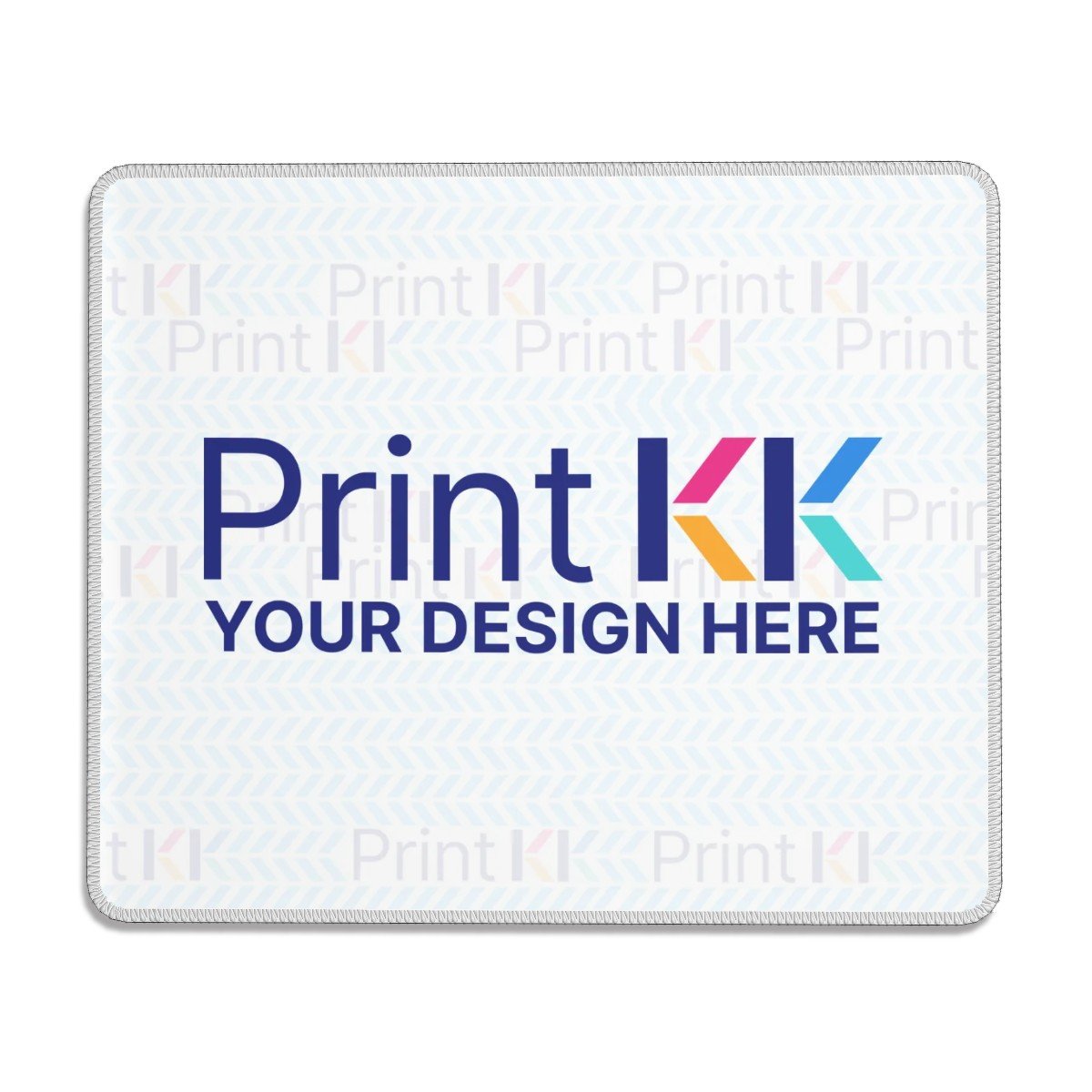
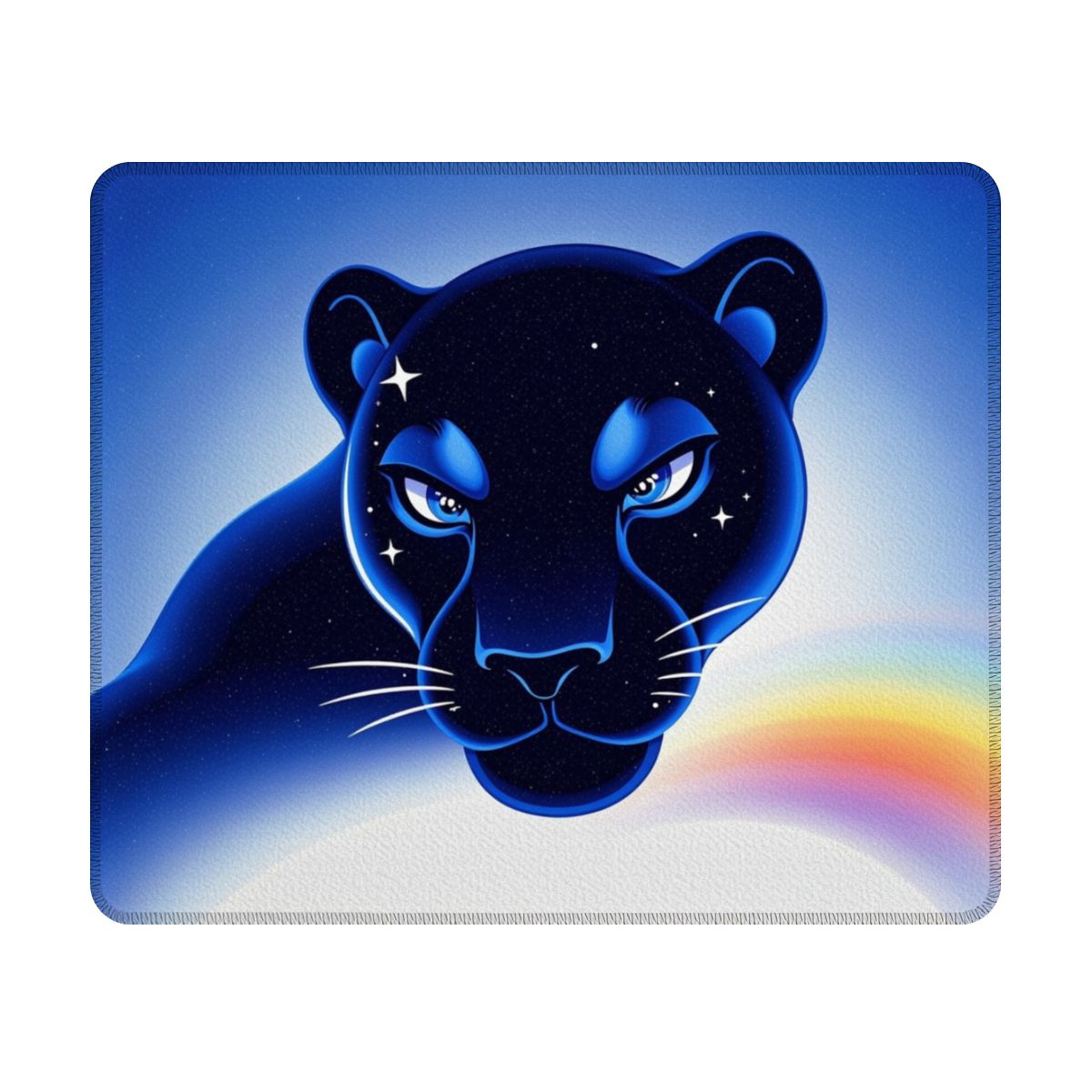
Print On Demand Shaped Non-Slip Mouse Pad - PrintKK
Prompts for Custom Shaped Mouse Pad Mockups
1. Product Display Image
A pure white background product shot of a cat-shaped flat mouse pad (no raised edges, seamless design). The mouse pad features a cute cartoon cat face printed across the entire surface. The print fully covers the pad, with a clean white printed border matching the reference style and no stitching. The composition is a top-down close-up with bright, even lighting for a clean product presentation.
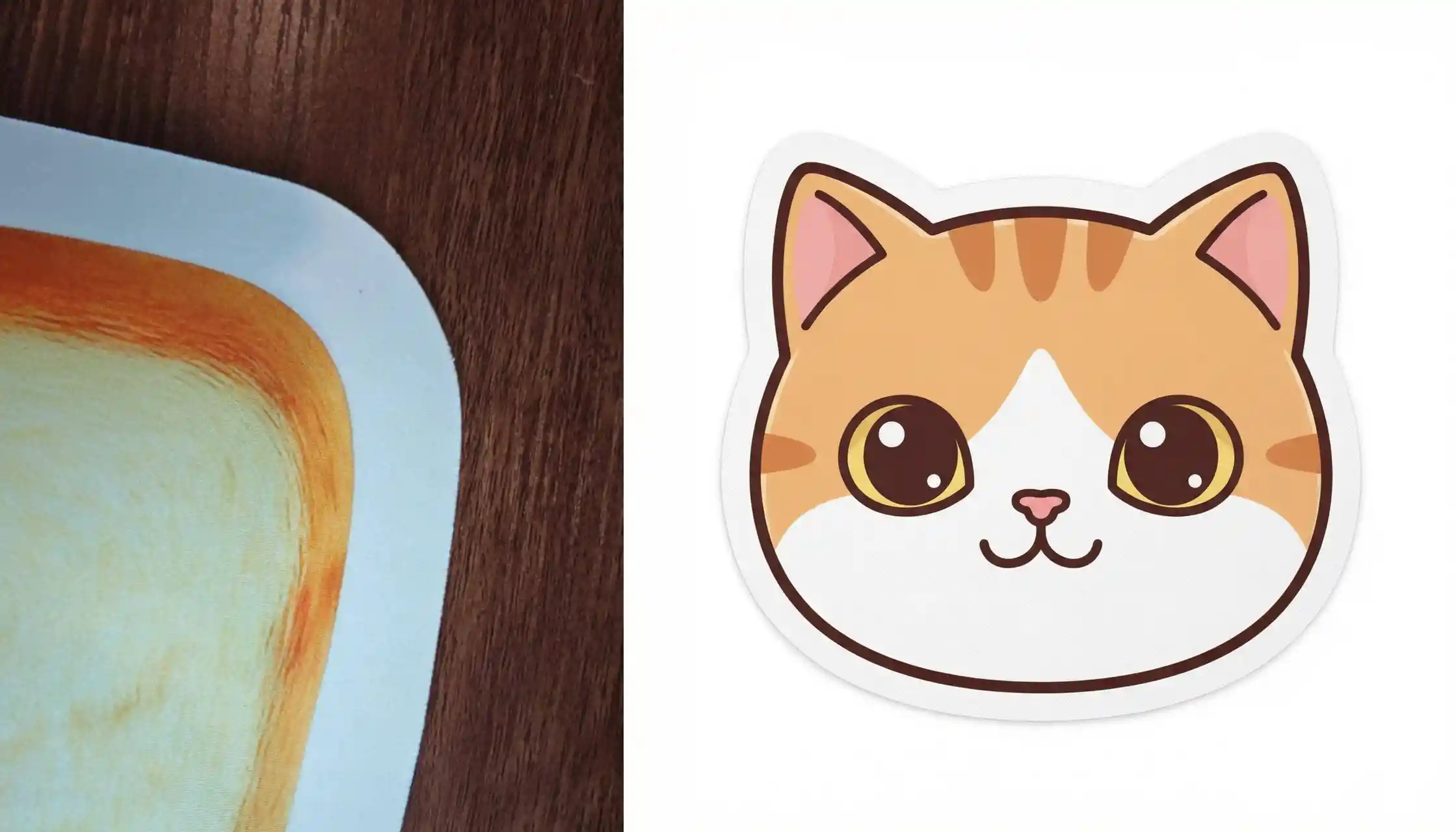
Reference Images & Generated Results
2. Product Size Comparison Image
A white background showing two flat cat-shaped mouse pads in different sizes (no raised structure, seamless edges). Both feature full-surface cartoon cat illustrations with white printed borders.
- Left mouse pad labeled with black guide lines: "12inch (30cm)" for width and length
- Right mouse pad labeled with black guide lines: "16inch (40cm)" for width and length
At the top center, brown artistic text reads: "Product Sizes". The composition is a top-down close-up with bright lighting for clear scale comparison.
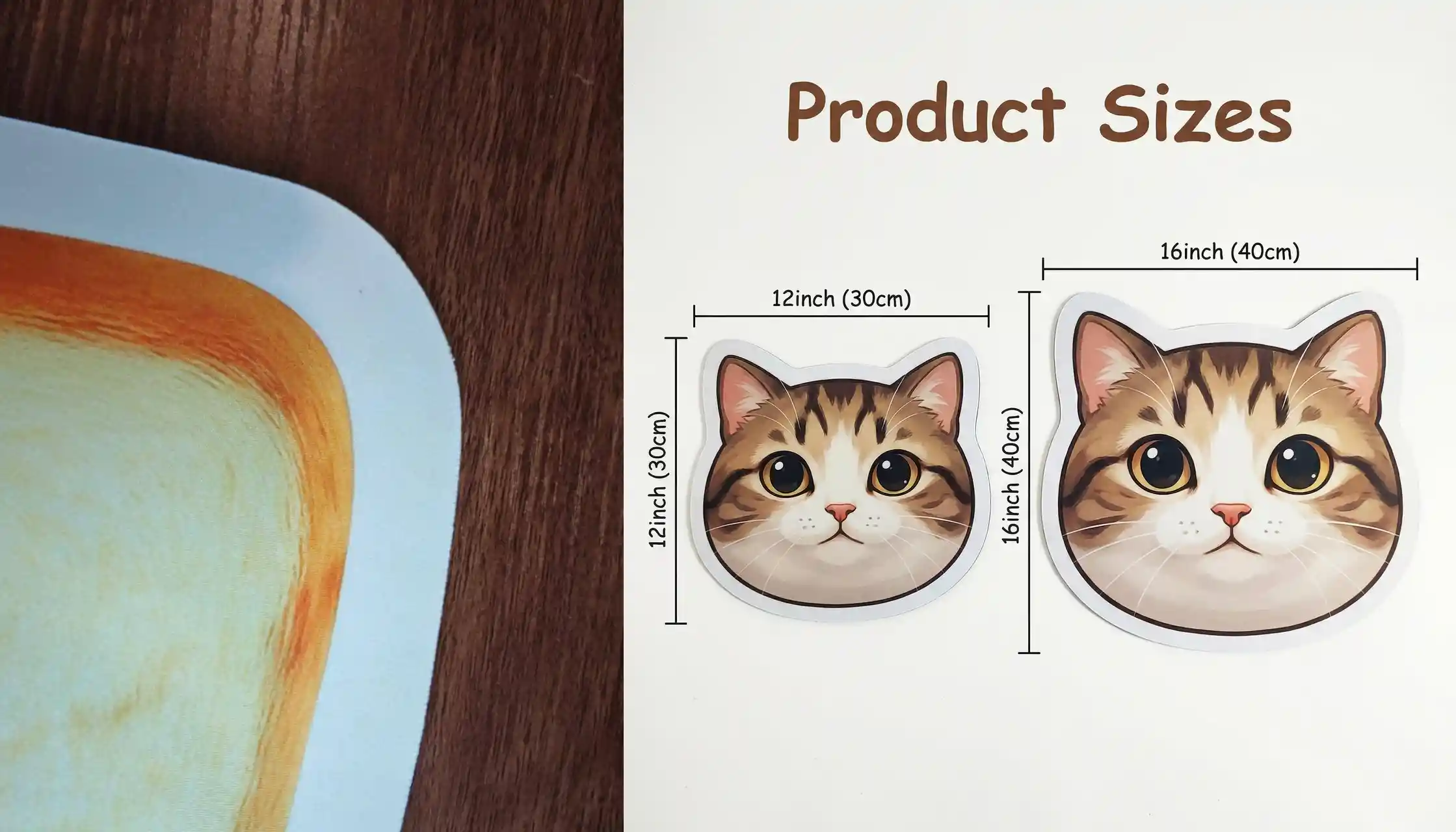
Reference Images & Generated Results
3. Surface Material Usage Image (Cat Mouse Pad)
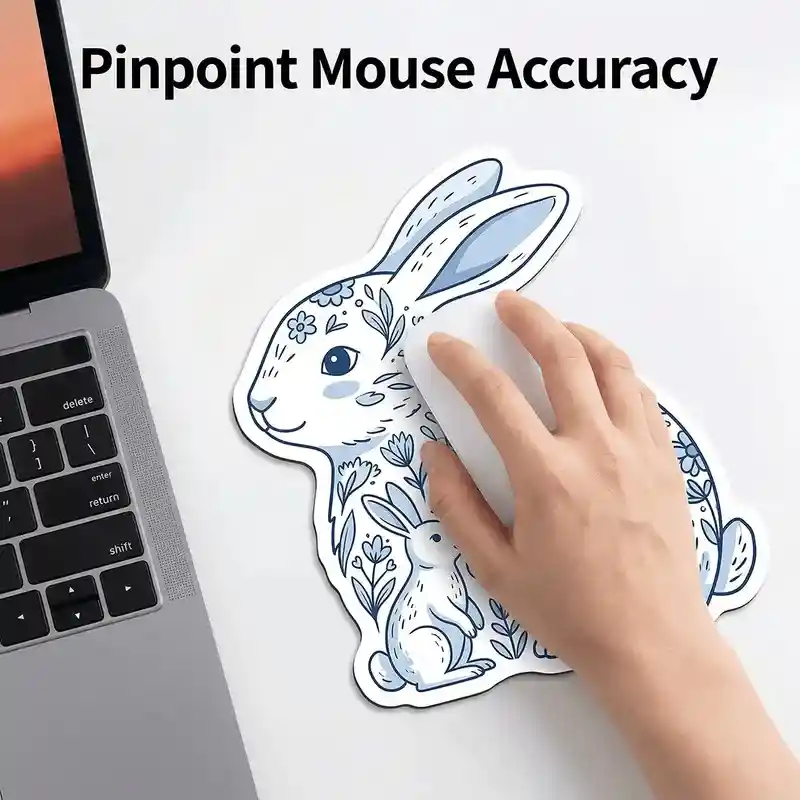
On a white office desk, a light-skinned hand is using a white wireless mouse on a small cat-shaped flat mouse pad. The surface features a cute cartoon cat illustration, fully covering the pad, with a seamless white printed edge.
On the left, part of a silver-gray laptop keyboard is visible, including keys like delete, enter, return, shift, and arrow keys. A soft orange-red light appears on the laptop screen corner.
At the top, black text reads: "Pinpoint Mouse Accuracy". The image is a top-down close-up with bright lighting.
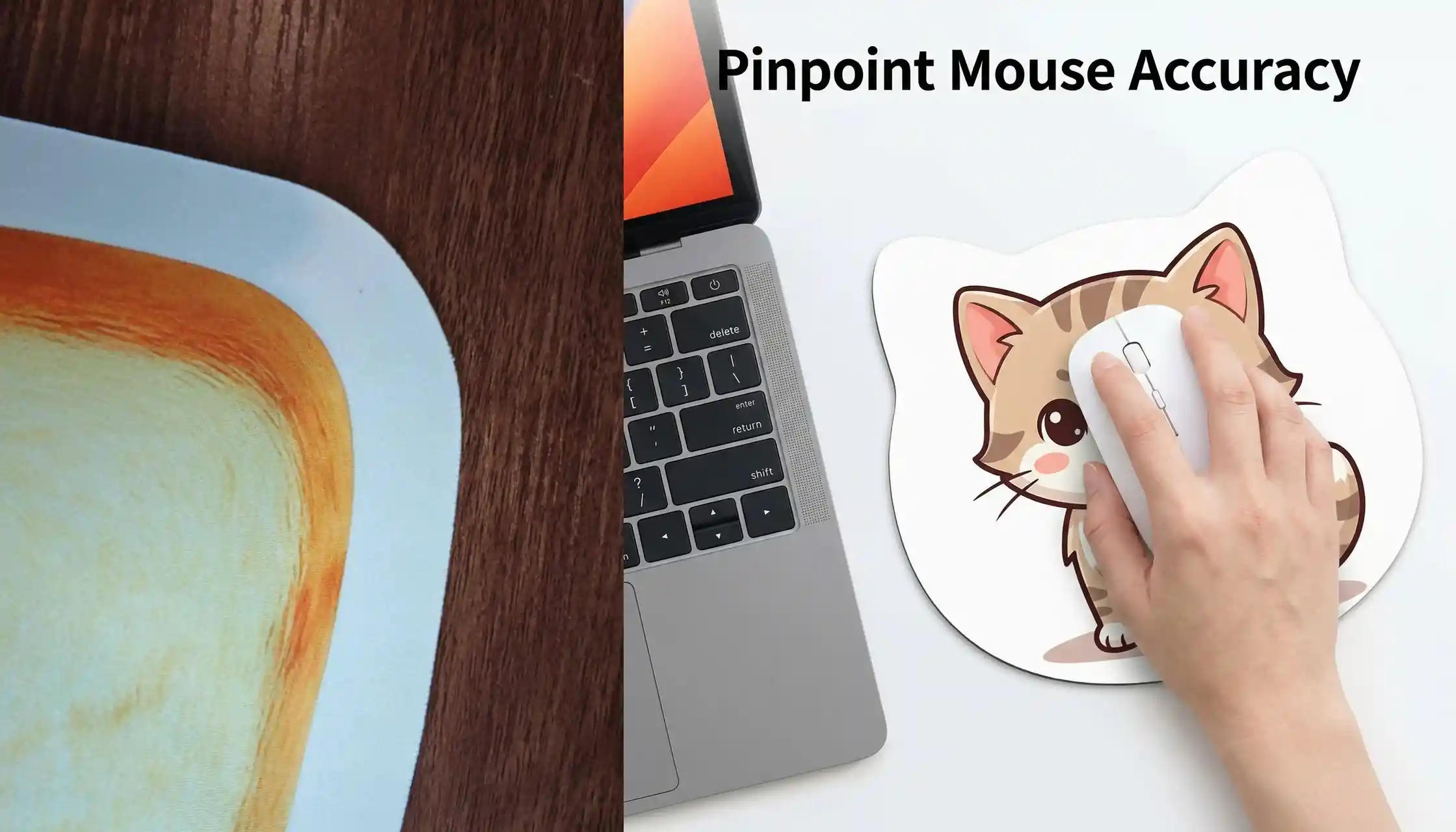
Reference Images & Generated Results
4. Customization Display Image
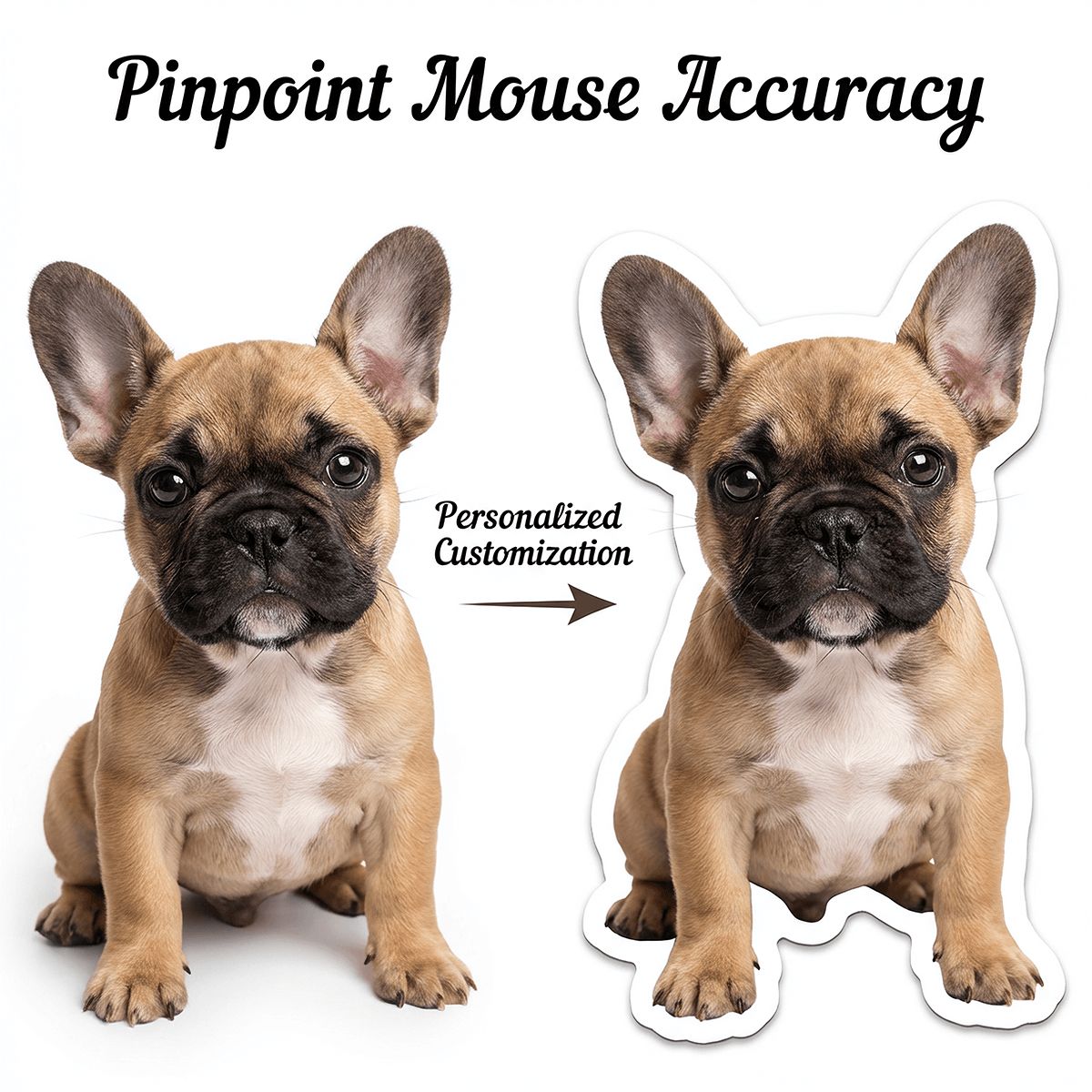
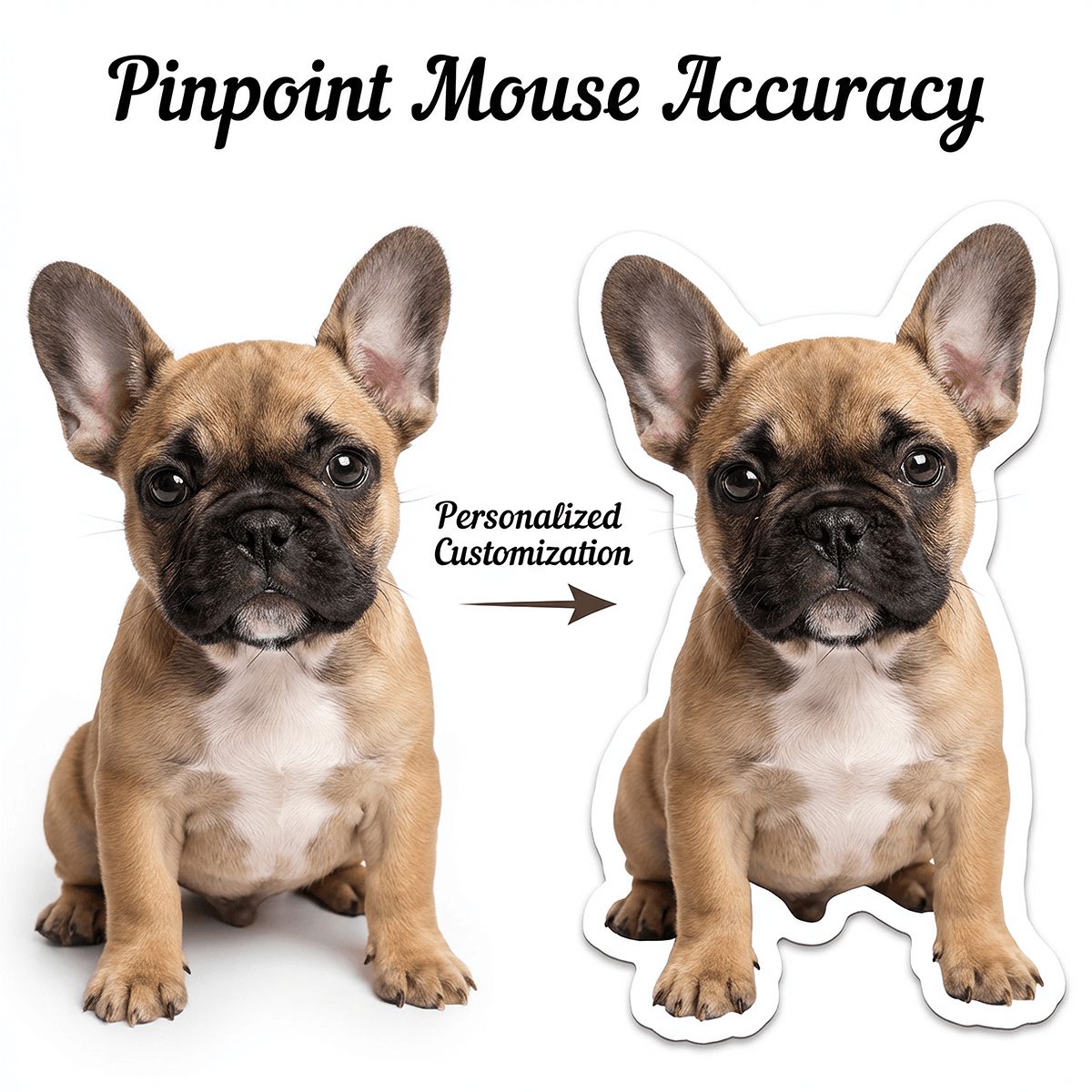
A pure white background showing a customization workflow. On the left is a photo of a golden retriever. In the center is a right-pointing arrow labeled "Personalized Customization". On the right is a dog-shaped flat mouse pad featuring a realistic golden retriever head printed across the entire surface, matching the reference image.
The dog illustration fully covers the mouse pad, with a clean white printed edge and seamless cut. At the top, artistic text reads: "Pinpoint Mouse Accuracy". The composition is a top-down close-up with bright lighting, emphasizing customization results.
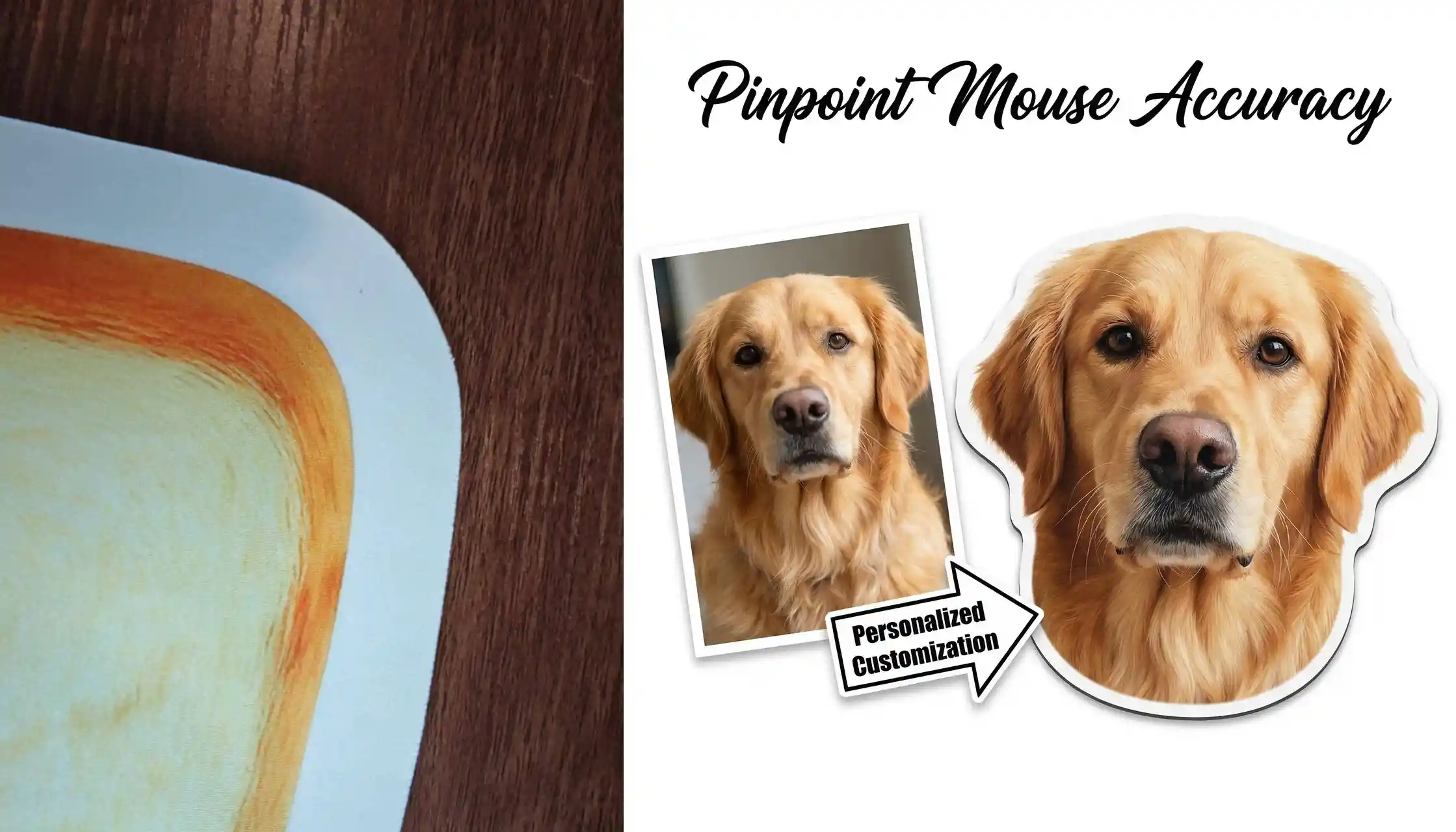
Reference Images & Generated Results
5. Surface Material Usage Image (Bird Mouse Pad)
On a white office desk, a light-skinned hand is using a white wireless mouse on a bird-shaped flat mouse pad. The surface features a cute cartoon bird illustration fully covering the pad, with a seamless white printed edge.
On the left, part of a silver-gray laptop keyboard is visible (delete, enter, return, shift, arrow keys), with a soft orange-red glow on the screen corner.
At the top, black text reads: "Pinpoint Mouse Accuracy". The composition is a top-down close-up with bright lighting.
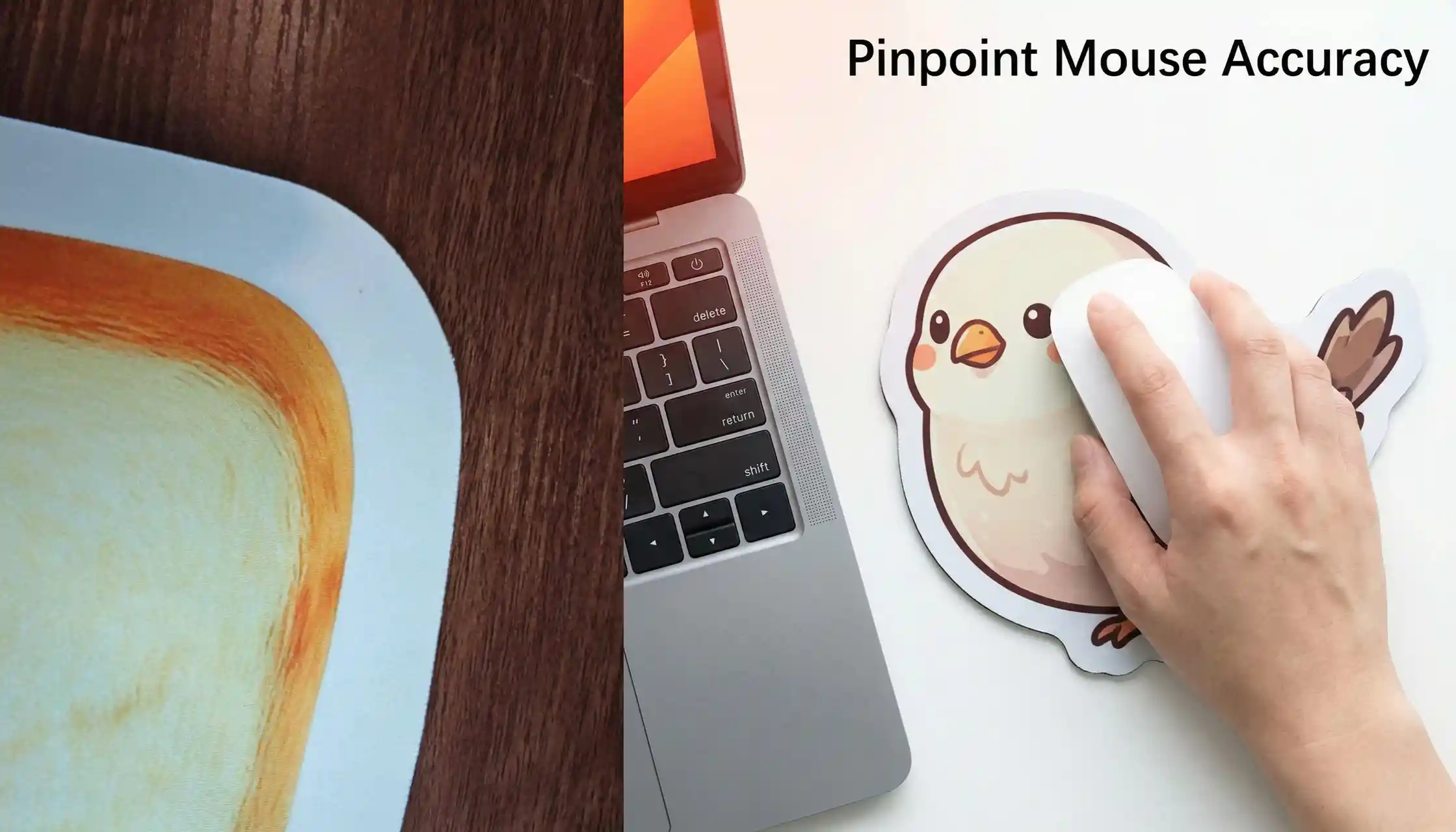
Reference Images & Generated Results
6. Anti-Slip Base Display Image
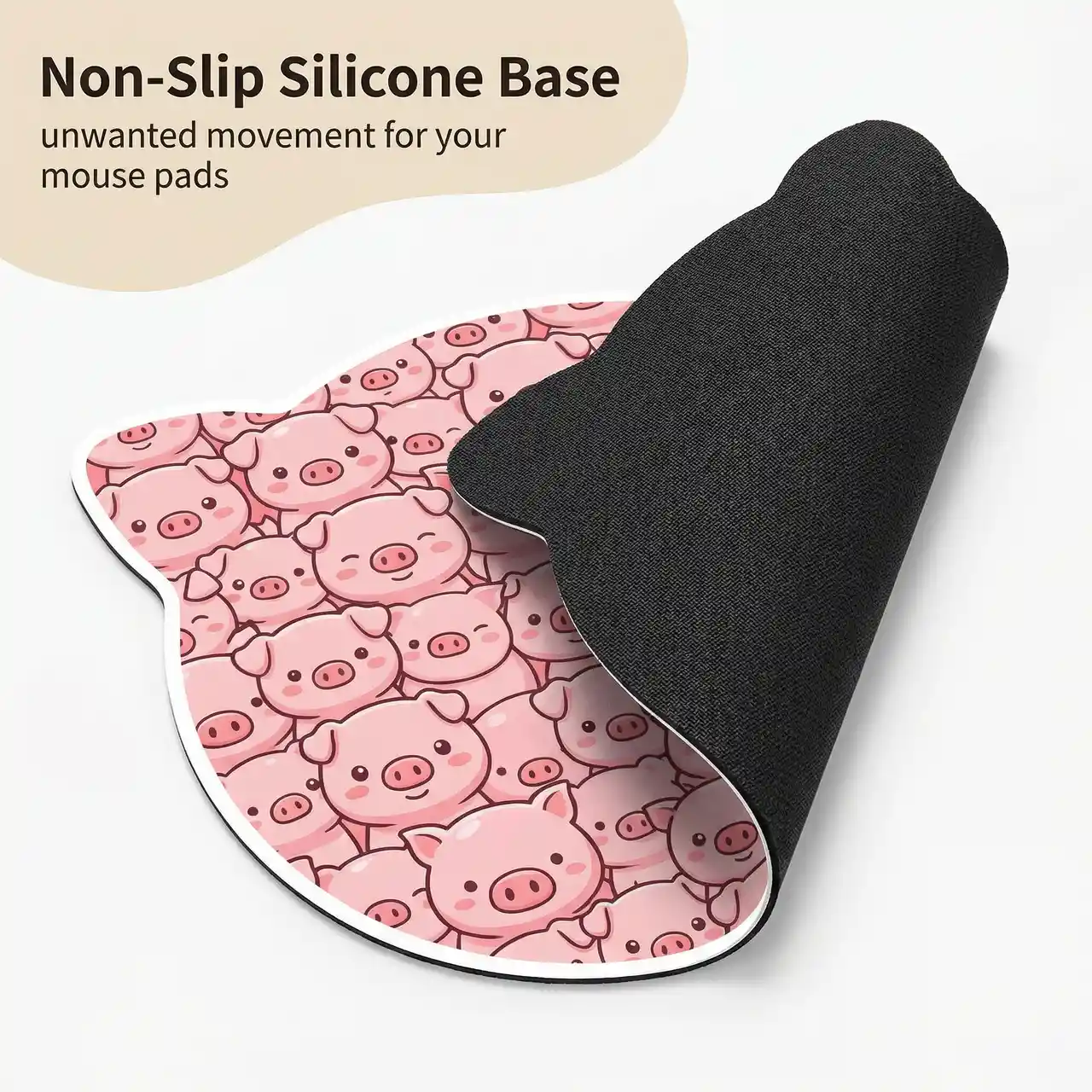
A white background showing a pig-shaped flat mouse pad. The surface features a cute pink cartoon pig illustration fully covering the pad, with a seamless white printed edge and a playful, colorful style.
The top part of the mouse pad reveals a black non-slip silicone base, partially lifted from the surface to show texture and flexibility. The base has a curved shape and realistic material detail.
In the top-left corner, an irregular beige label contains dark text:
"Non-Slip Silicone Base"
Below it, smaller text reads: "unwanted movement for your mouse pads".
The composition is slightly angled with a high-angle view and soft, bright lighting.
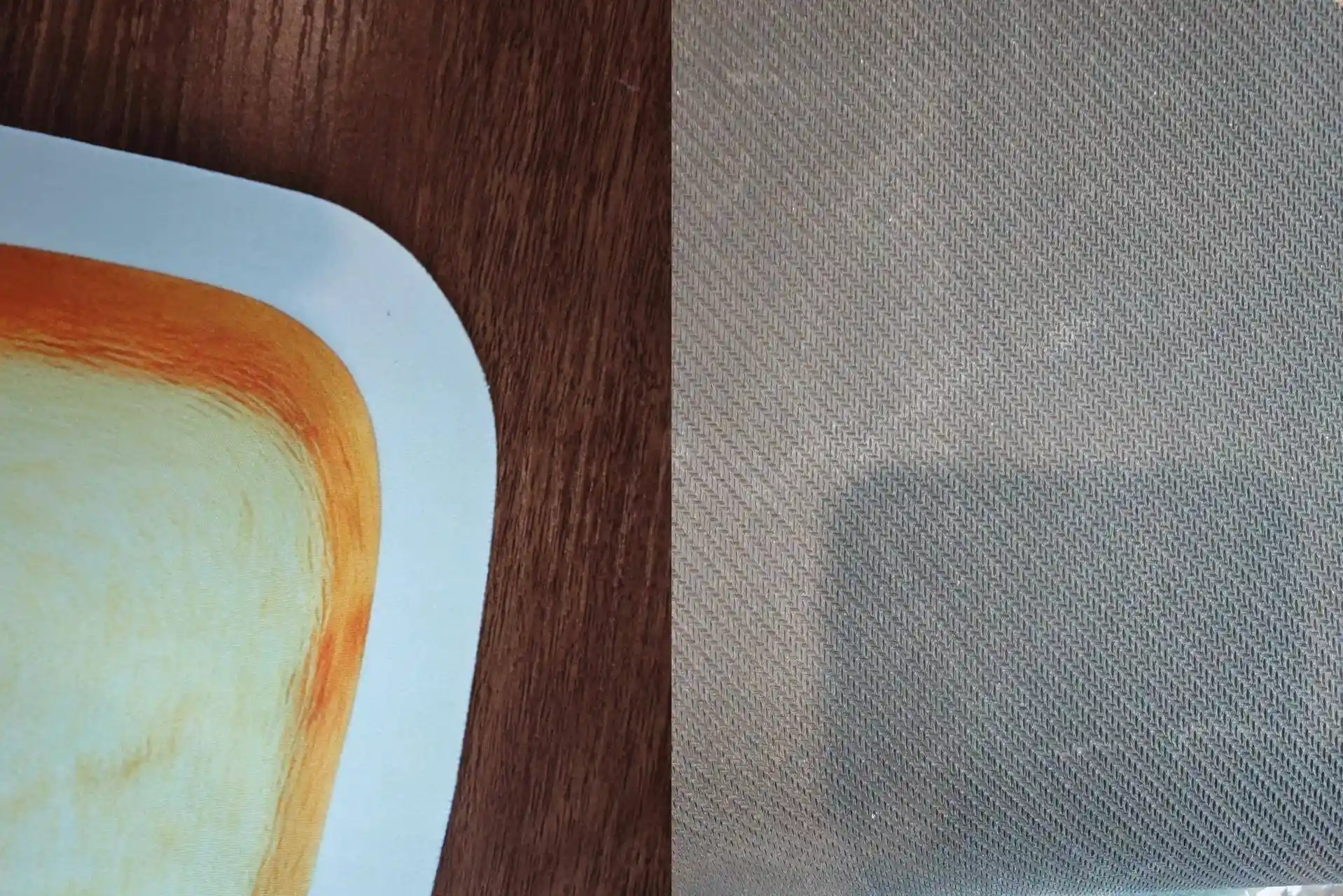
Reference Images
Generated Results
7. Usage Scenarios Collage
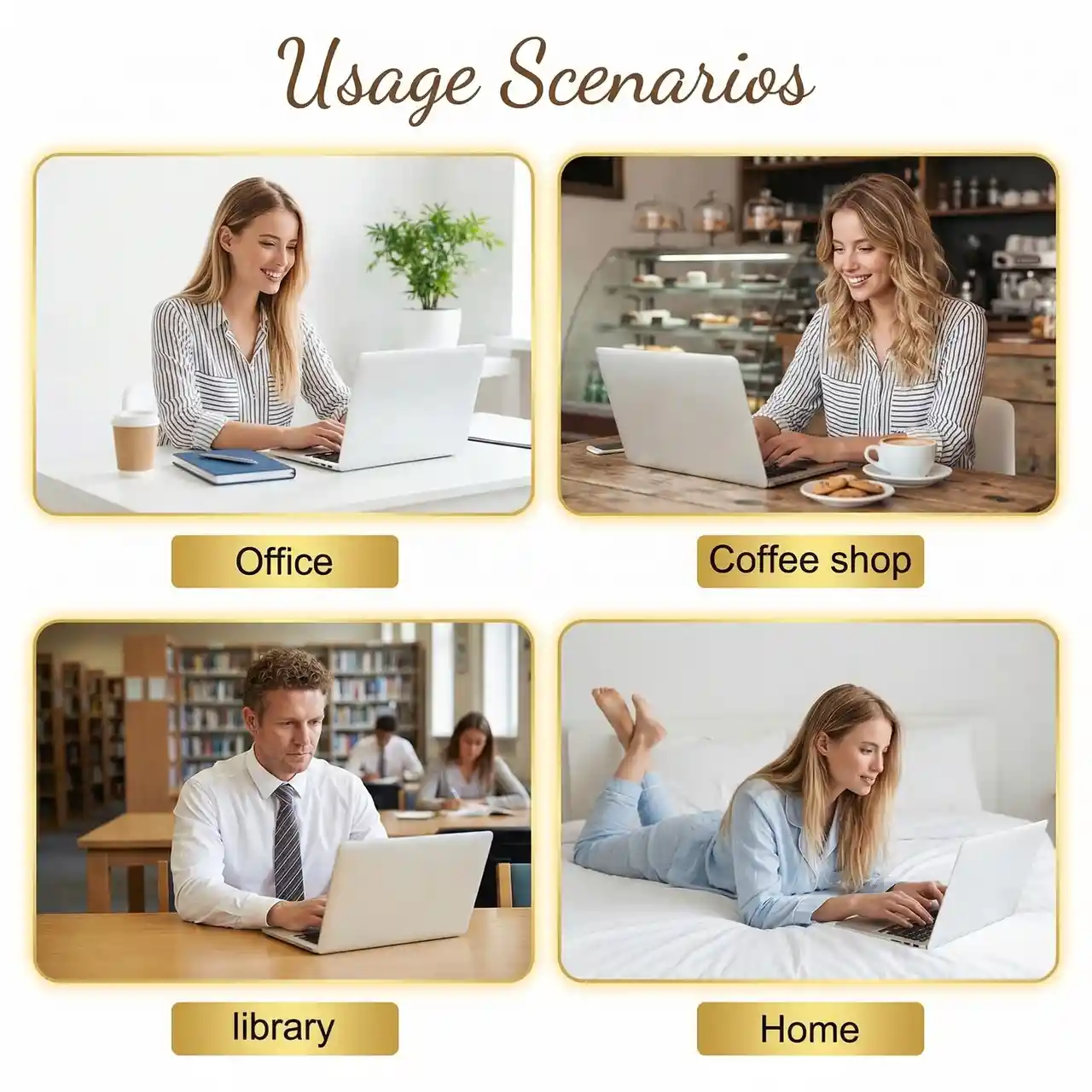
A white background collage titled "Usage Scenarios" in brown cursive font at the top center. The layout is a 2×2 grid of rounded rectangles, each with a gold border.
- Top left (Office): A young blonde woman in a striped shirt working at a white desk with a silver laptop, coffee cup, and notebook. Bright modern office with plants. Label: "Office"
- Top right (Coffee Shop): A blonde woman working at a wooden table in a café with coffee and snacks. Blurred café background. Label: "Coffee shop"
- Bottom left (Library): A man with short curly hair wearing a white shirt and striped tie working on a laptop in a library setting. Blurred bookshelves. Label: "Library"
- Bottom right (Home): A blonde woman in light blue pajamas using a laptop while lying on a bed. Minimal bedroom setting. Label: "Home"
Each scene is framed with a gold border and soft lighting for a warm lifestyle feel.
Generated Results
Bring Your Design to Life
Once your mockup looks right, the next step is turning it into a real product. PrintKK's custom shaped mouse pads let you produce the exact design you've visualized — any shape, any size, full-surface print, with no minimums. From AI mockup to finished product in just a few clicks.
Conclusion
Custom-shaped mouse pad mockups make it easier to present ideas in a clear and visually appealing way. By turning concepts into realistic previews, designs can be reviewed, adjusted, and refined before moving forward.
With simple prompt control and flexible design options, it becomes easier to explore different styles while keeping visuals consistent. This approach helps streamline the process and makes it more practical to create polished, ready-to-use product presentations.

 Global Shipping