




WooCommerce is a solid choice. But it is not the only choice. You might want less maintenance. Or lower costs. Or built-in hosting.
That is where WooCommerce alternatives come in. These platforms handle the technical side for you. No separate hosting. No plugin updates. No security headaches.
In this post, you will find 13 better store solutions. They are grouped into five clear categories. Whether you run a small shop or a growing brand, there is a fit.
What Features Does WooCommerce Offer?
WooCommerce works well for small to mid-sized online shops without high start-up costs. Store owners get full control over site layout and product display style. Basic sales reports are ready to check business performance at any time.
It also supports multi-language setup to reach buyers from different areas. You can run seasonal sales plans and set user group based price limits with ease.
WooCommerce runs smoothly with WordPress and fits most ordinary store running needs. It lets sellers list physical goods, digital files and customized goods freely, and adjust product sizes, colors and stock data in simple ways.
This platform supports most common local and international payment channels, which makes customer checkout steps simple and fast. Users can also set different shipping rules and discount rules to match daily sales plans.
Its built-in order management tools help track sales records easily, and extra plugins can add more practical functions when business needs grow.
Why Consider WooCommerce Alternatives?
WooCommerce is powerful, but it puts you in charge of everything. You buy hosting, install SSL, manage backups, and handle security updates. That takes time and tech know-how.
Many store owners find themselves stuck fixing broken plugins or slow sites.
Alternatives remove those tasks. They give you one dashboard for products, payments, and shipping. You do not need to update software or worry about server crashes. For a small business, that saved time can go into selling.
If you want a store that just works without weekly maintenance, looking beyond WooCommerce makes sense.
13 WooCommerce Alternatives That Offer Better Store Solutions
Hosted SaaS E-commerce Platforms
Shopify

Shopify takes responsibility for system maintenance and technical updates for online stores. It supports multi-channel sales and unified customer and order management.
It is a common choice for entrepreneurs who want stable store operation and reduced technical maintenance requirements.
BigCommerce

BigCommerce provides strong infrastructure performance to support stable operation during high-traffic sales periods.
It supports multi-currency payments, wholesale pricing, and cross-border commerce capabilities. It is suitable for growing brands and merchants with large product catalogs.
Squarespace

Squarespace provides unified and design-focused templates that help users build strong brand visuals.
Its e-commerce features are relatively streamlined, with less operational complexity. It is suitable for personal brands, boutique merchants, and creative product sellers.
Wix

Wix enables users to build and launch online stores without coding experience. It provides basic e-commerce functions such as order management and discount settings.
It is suitable for individual sellers and small businesses with simple operational needs.
Square Online
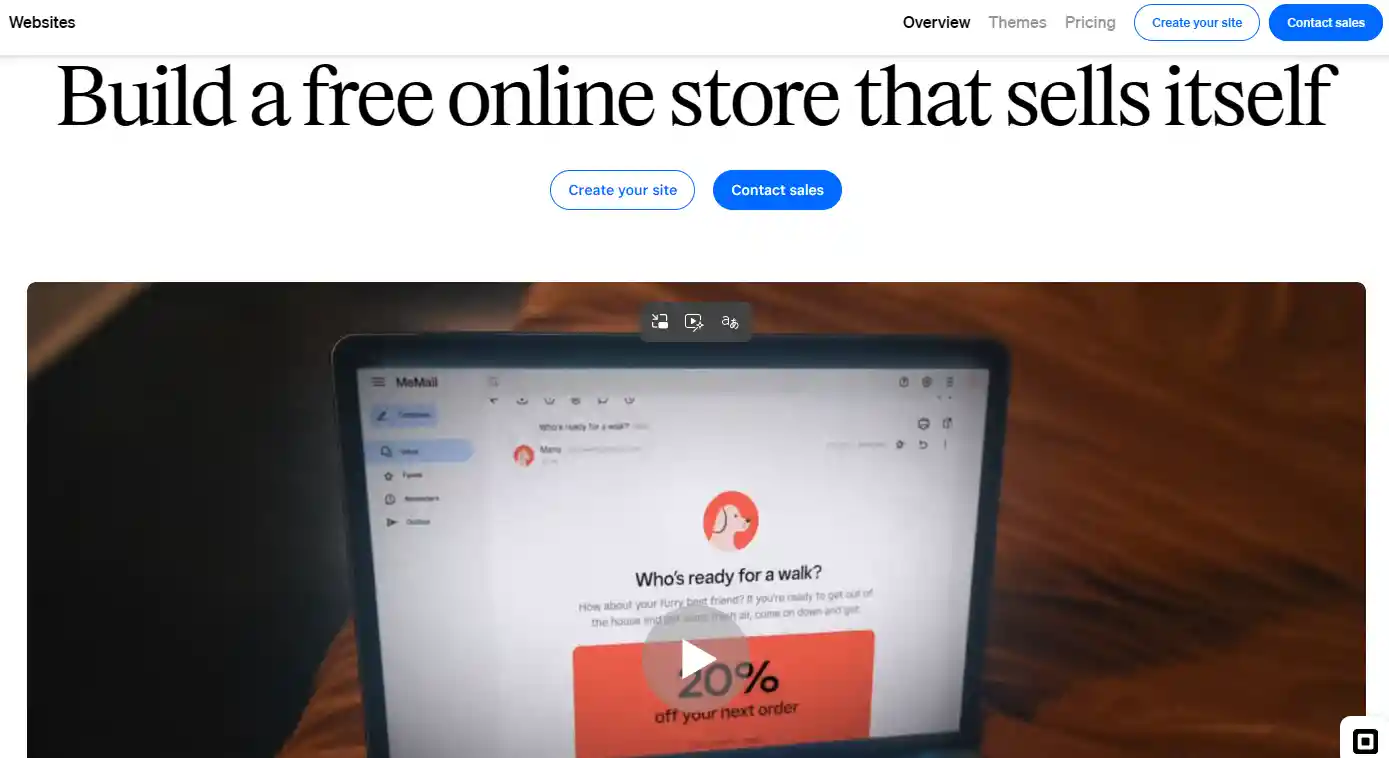
Square Online focuses on integrating offline retail operations with online sales channels. It supports features such as in-store pickup, local delivery, and appointment booking. It is suitable for brick-and-mortar businesses expanding into online commerce.
Digital Products & Creator Platforms
Gumroad
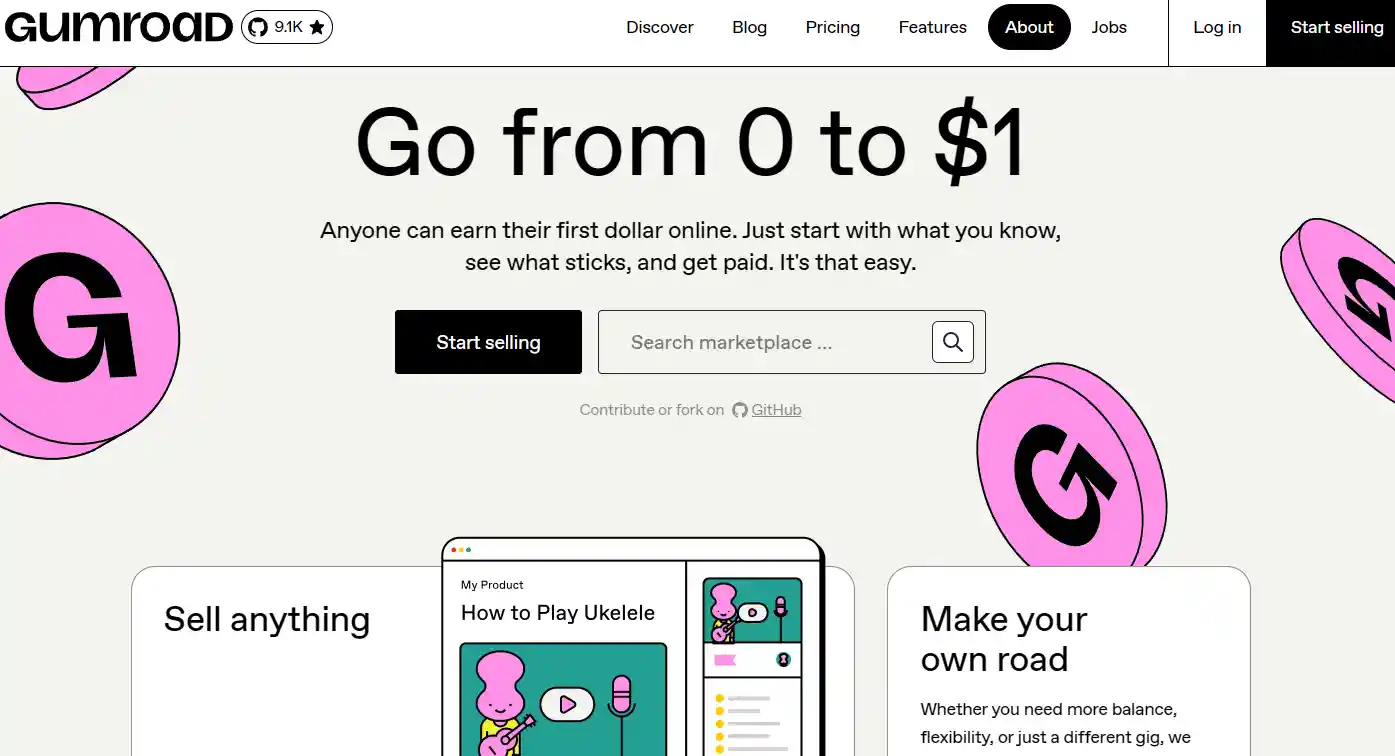
Gumroad is a lightweight e-commerce platform designed for independent creators to sell digital products.
It provides embedded checkout links and basic sales analytics to monitor product performance. It supports straightforward payout processes and is widely used by individual creators and freelancers due to its low setup barrier.
Sellfy
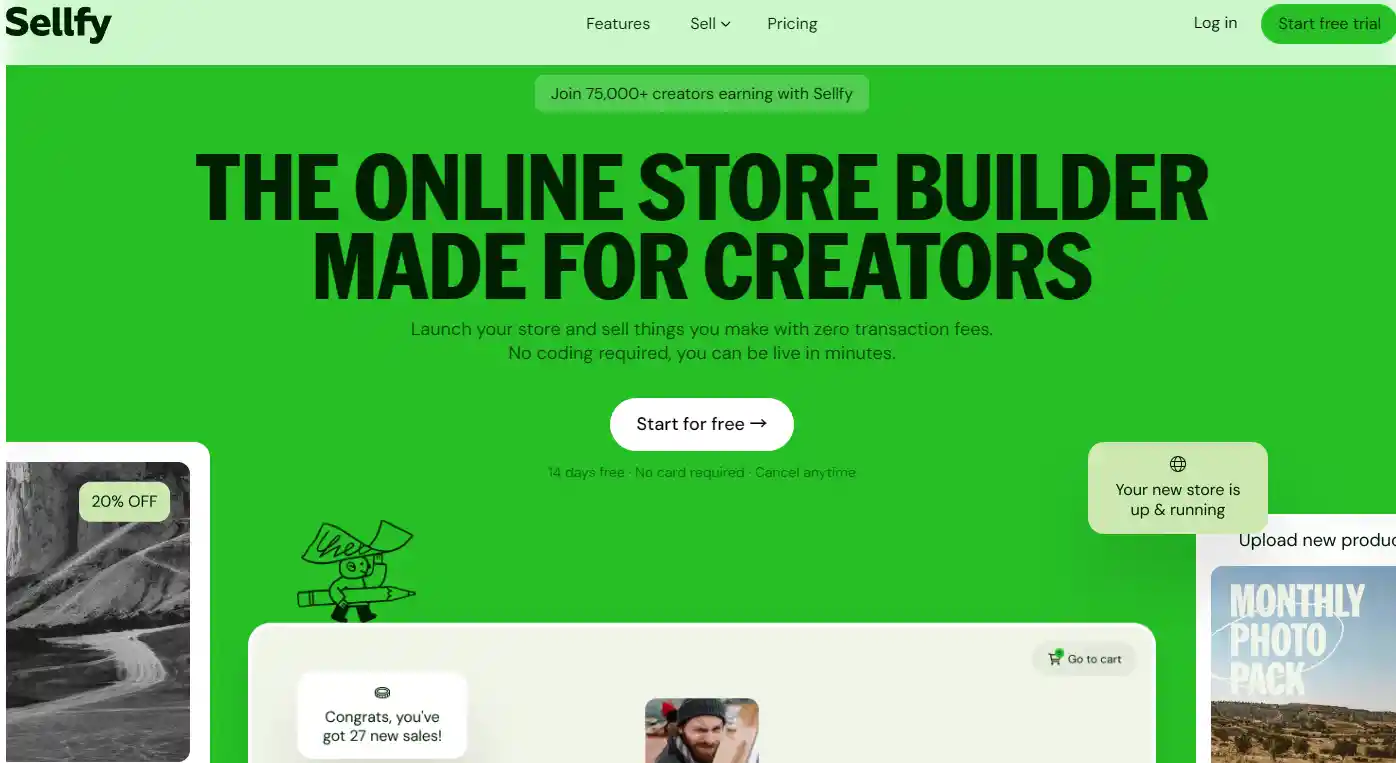
Sellfy is an e-commerce platform for creators that supports selling digital products, subscriptions, and physical goods.
It offers optional integration with print-on-demand services and allows users to connect custom domains. It is suitable for creators who want an all-in-one solution for managing and scaling simple online stores.
WordPress E-commerce Plugin Ecosystem
SureCart
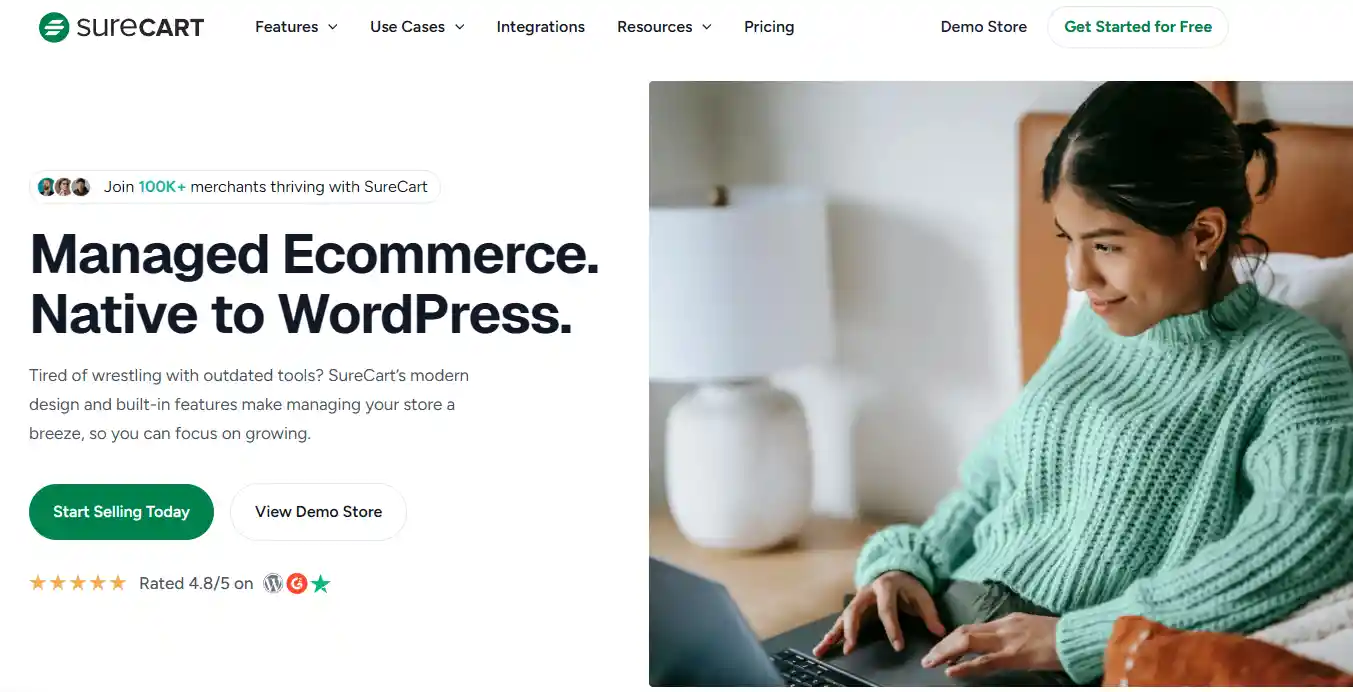
SureCart is a modern WordPress commerce plugin designed with a lightweight architecture and simplified backend.
It supports customizable checkout flows and reduces dependency on multiple add-ons. It is suitable for users who prefer a streamlined alternative to traditional WooCommerce setups with fewer maintenance requirements.
Easy Digital Downloads
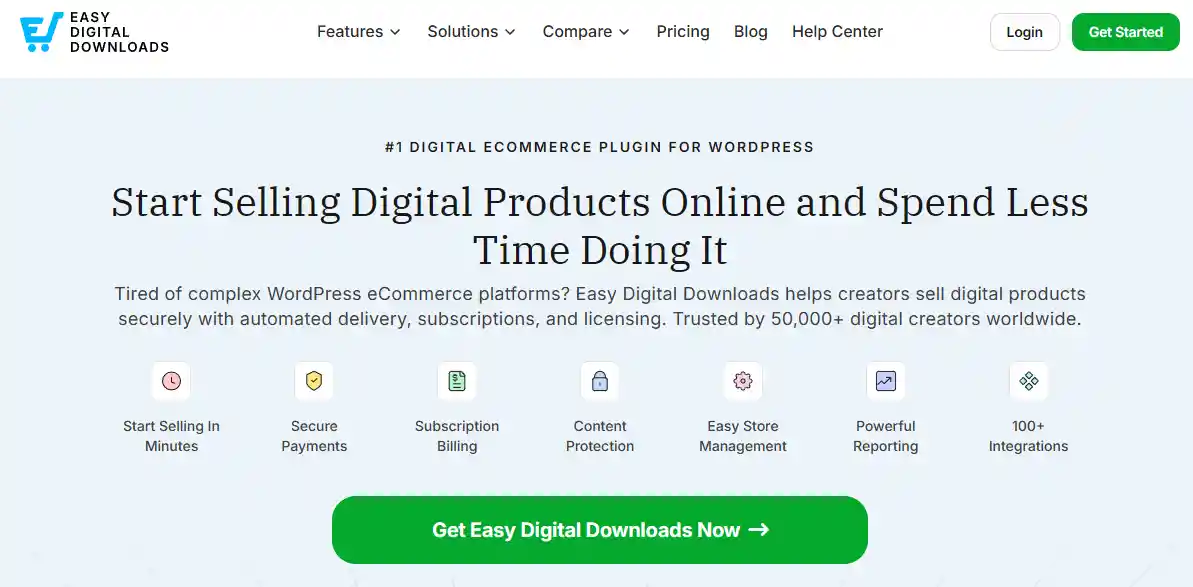
Easy Digital Downloads is a WordPress plugin designed for selling digital products. It manages secure file delivery by generating unique download links and allowing optional restrictions such as download limits and expiration controls.
It is suitable for selling e-books, templates, and other downloadable assets.
MemberPress
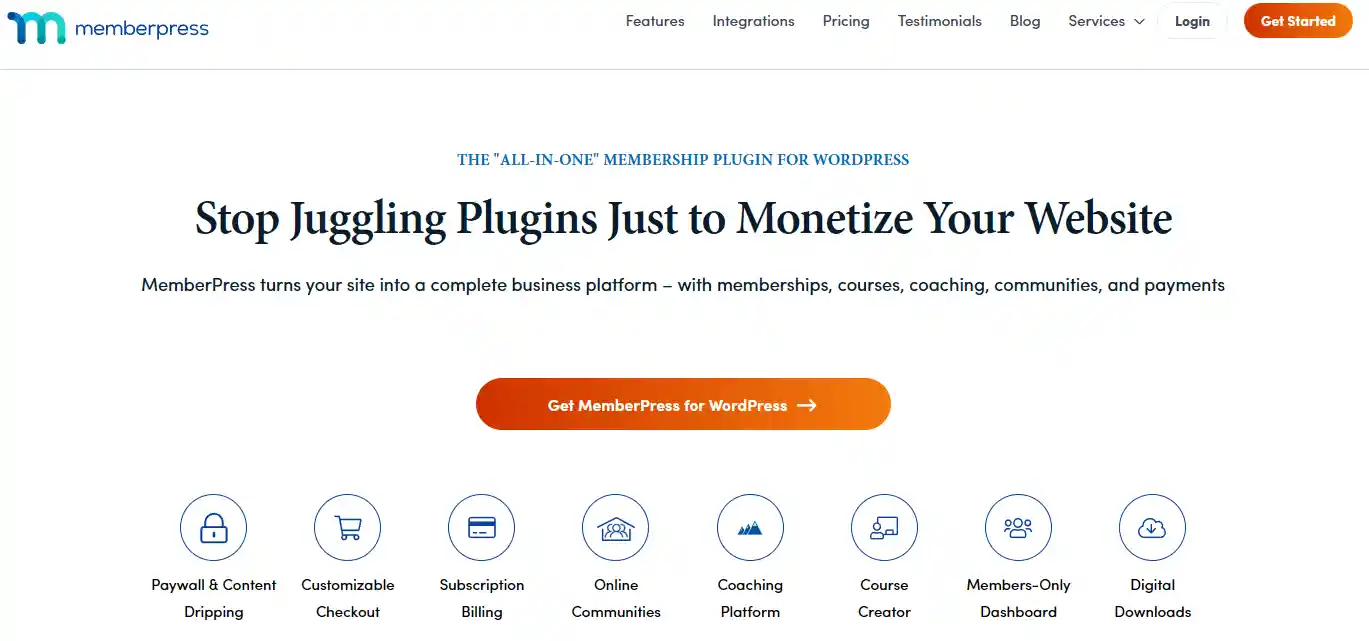
MemberPress is a WordPress membership plugin that manages user access control and subscription-based content.
It supports recurring billing and membership lifecycle management. It is commonly used by bloggers, educators, and course creators to monetize gated content.
Open-source E-commerce Frameworks
PrestaShop

PrestaShop is an open-source, self-hosted e-commerce platform that allows code access, modification, and full control over store data.
It provides built-in tools for tax configuration and basic customer management features. It is suitable for merchants who need high customization and long-term control over their store infrastructure.
Medusa

Medusa is a headless, API-first e-commerce framework that decouples the frontend and backend.
It supports modular architecture and third-party integrations, making it suitable for development teams building highly customizable commerce systems.
Embedded E-commerce Solutions
Ecwid
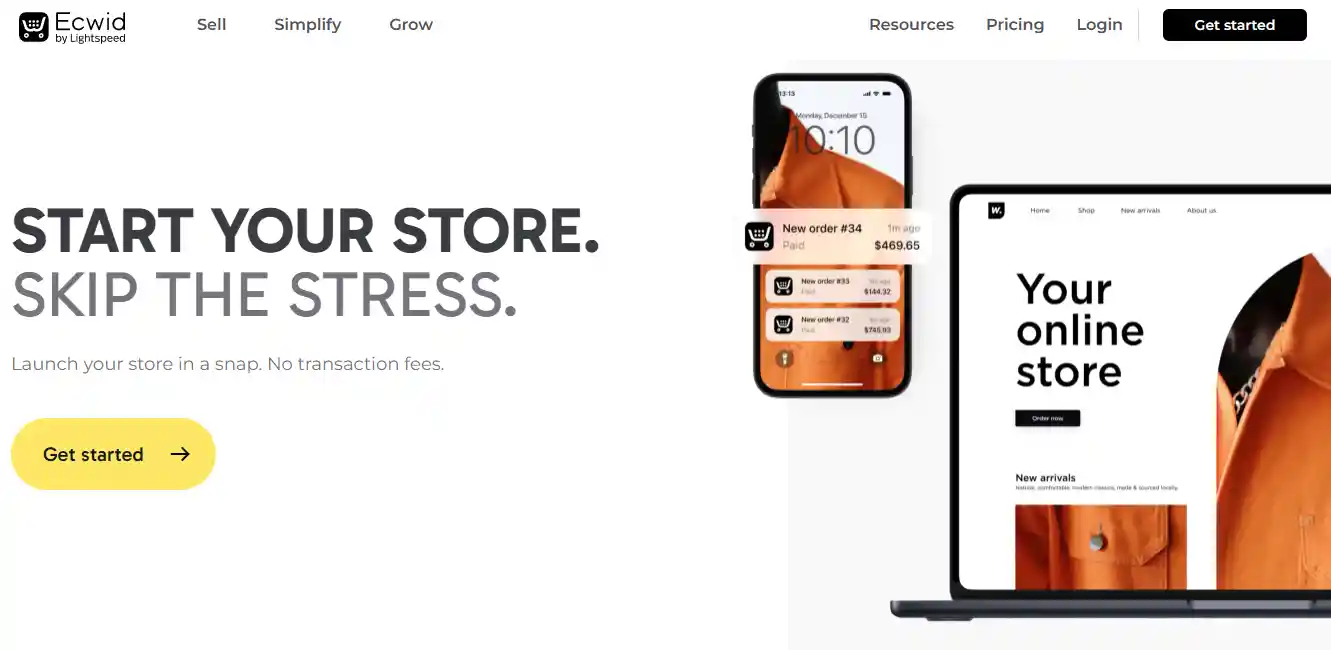
Ecwid is an embedded e-commerce solution that can be added to existing websites without requiring a full site rebuild.
It provides multi-channel inventory synchronization and responsive storefronts for mobile and desktop. It is suitable for users who want to add e-commerce functionality to an existing website with minimal disruption.
How to Select the Alternative for Your Store Type
1. Evaluate Your Basic Store Conditions
- Catalog scale: Confirm the quantity of your goods. Sellers with a small number of customized items need simple management systems such as Wix. Merchants with hundreds of goods should choose scalable platforms like BigCommerce for bulk inventory control.
- Technical budget: Calculate the time and capital you can spend on website maintenance. Beginners should stick to fully-hosted tools like Shopify and avoid complex open-source tools such as Medusa that require technical maintenance and developer resources.
- Actual platform cost: Inspect monthly rent, transaction handling fees and hidden plugin charges. Budget-focused small sellers can use low-cost options like Square Online to reduce long-term operating expenses.
2. Pick Platforms for Print-on-Demand and Art Businesses
- Supplier compatibility: Choose platforms with integration support for third-party fulfillment or digital delivery tools. Sellfy offers stable integration options to reduce manual docking steps and improve order processing efficiency.
- Visual display performance: Prioritize templates with clean layouts. Squarespace provides minimalist interfaces that highlight artwork and avoid messy elements distracting visitors.
- Simple product variation settings: Select tools that support size and color selection. Both Sellfy and Squarespace keep clear front-end options without generating complicated backend data for merchants.
3. Choose Suitable Tools for Dropshipping Stores
- One-click product import: Use platforms that support rapid synchronization of supplier commodity data. Shopify simplifies bulk product importing and shortens store construction time for dropshipping beginners.
- Automatic order fulfillment: Adopt systems that send order information to suppliers automatically. Shopify's native automation tools eliminate repetitive manual submission work.
- Built-in marketing modules: Select platforms with basic sales tools such as pop-up windows and upsell functions. BigCommerce includes these features through integrations and removes the need for paid third-party plugins.
4. Select Solutions for Clothing Boutiques and Independent Brands
- Customizable store style: Look for platforms that allow free adjustment of fonts, colors and page layouts. Squarespace delivers rich editing functions to help clothing brands stand out from generic retail stores.
- Customer retention tools: Use systems that support customer accounts and loyalty point rules. BigCommerce supports customer groups and loyalty features through apps or integrations to improve long-term repurchase rates.
- Cross-border trading function: Choose platforms with built-in currency conversion and international shipping modules. Shopify simplifies overseas sales procedures for growing clothing boutiques.
5. Match Platforms for Digital Goods and Subscription Business
- Secure instant download: Confirm that the platform can automatically send encrypted file links after payment. Easy Digital Downloads specializes in safe digital file delivery for e-books and course resources.
- Stable recurring billing: Adopt reliable subscription systems to complete regular automatic deductions. MemberPress maintains stable recurring income for membership-based content websites.
- Unrestricted file storage: Avoid platforms that charge extra fees for large file hosting. Gumroad supports hosting and delivery of digital files with platform-defined limits and helps creators cut extra operating costs.
When You Should Not Leave WooCommerce
When you have a small budget or just need a basic store, you should not leave WooCommerce. The core plugin is free and open source. You only pay for hosting and a domain name. Other platforms charge a monthly subscription that will cost you more.
Woo does not take a cut from your sales. You just pay the payment gateway fee, like PayPal's standard rate (2.9% + $0.30). That is the same industry fee you would pay anywhere else.
Another reason to stay is flexibility. WooCommerce works with many tools, like Square for stock sync. You can find plugins for almost any feature at different price points. Once you learn the system, it is powerful and customizable.
You should also stay if you just need a minimum viable product (MVP). Woo lets you launch cheaply and add features later. Switching to another provider will lock you in and cost more. If your store is small or your needs are simple, WooCommerce is a good fit.
Read More:
Expert Tips
Choosing the right platform does not have to be hard. You now know the top woocommerce alternatives for your store type. Whether you sell physical goods, digital files, or run a dropshipping business, there is a good fit out there.
Think about your catalog size, budget, and must‑have features. Some platforms are free to start. Others charge monthly fees but offer easier tools. The best choice is the one that helps you sell without extra stress.
Take your time. Compare a few options. Most platforms let you try them first. You can always switch later if needed. Stay positive and pick what works for you today. A better store solution is closer than you think.


 Global Shipping