



You have skills that could earn you money online. Maybe you can draw, explain things, or make people laugh. That's a great starting point.
This guide shows you how to become a content creator without spending much money or waiting for the "right time." You don't need a big audience or expensive gear. You just need a plan.
Here you will learn what creators actually do, which skills help the most, what to post, and which tools to grab. Each step is small and doable.
What a Content Creator Is and What They Do
What Is a Content Creator?
A content creator isn't just some big online celebrity — it's anyone who turns their own skills, hobbies, or daily know-how into genuine online content for others.
Whether they make short videos, write simple posts, or design fun graphics, they share real, useful stuff instead of empty posts.
Their real goal is to build real connections with people who care about the same things, making creativity feel approachable and real.
What Does a Content Creator Do?
Content creators manage the full journey of making and sharing online work, with key daily tasks:
- Researching topics their audience actually wants to learn or see
- Crafting content like short videos, blog posts, or simple visuals
- Sharing posts on the best platforms for their niche
- Chatting with followers and using data to tweak their content
They don't just create randomly—they build loyal audiences, which sets the stage for turning their work into steady income.
What Skills Does a Content Creator Need?
You don't need to be a pro editor or a natural speaker. But there are a few real skills that make the whole process way less painful. Here's what actually helps when you're starting out.
Cutting Video Clips Without Overthinking
You don't need fancy transitions or effects. The only skill that matters early on is trimming out the boring parts. Open a free app like CapCut or InShot.
Watch your clip and cut any pause longer than two seconds. Also cut the "um" and "like" fillers if there are too many. That's it. Practice on one minute of footage.
After three tries, you'll get faster. Most beginners waste hours adding stickers when they should just be removing dead air.
Writing Captions That Make People Stop Scrolling
A good caption isn't a school essay. It's a short hook that promises something useful. For example, instead of "Here's how I edit photos," try "Stop over-editing your photos.
Do this instead." The skill is learning to write five to ten different hooks for the same video and picking the best one.
Keep a note on your phone with hooks you see other creators use. Steal the structure, not the words. Within two weeks, you'll spot patterns.
Setting Up a Quick, Repeatable Filming Spot
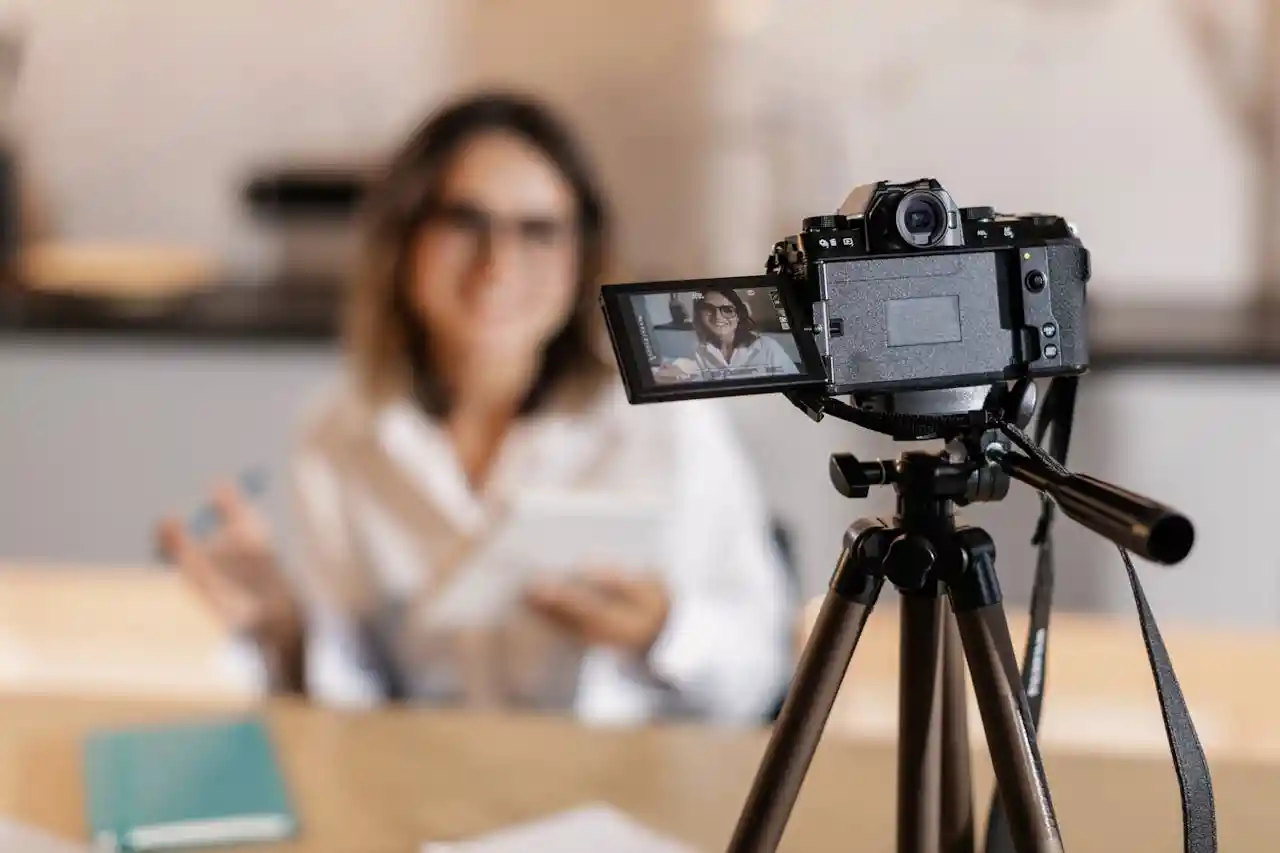
You don't need a studio. You do need a spot that works the same way every time. Pick a corner with decent natural light.
Put your phone at eye level using a stack of books. Clear the background of messy stuff. That's your spot. The skill is reducing daily decisions so filming doesn't feel like a chore.
When you know exactly where to stand and where to prop your phone, you're five times more likely to actually hit record.
Reading Your Own Analytics Without Getting Lost
Most beginners ignore numbers because they look scary. Focus on just two: average view duration (how long people watch) and when they drop off.
If most leave at ten seconds, your intro is too slow. If they leave at one minute, that section is boring.
The skill is checking these numbers once a week and changing one small thing next time. That's it. No fancy charts. You don't need to understand everything. Just follow what keeps people watching.
How to Decide What Content to Create
1. Start With What You Already Have
Don't look for "trendy" topics. Look at yourself first. Think about what you already enjoy doing in your free time. Painting, dancing, acting, cooking, fixing things—anything counts.
Also think about your own experiences, thoughts, or lessons you've learned. The easiest content comes from what you already do. You don't need to invent anything new. Just notice what's already around you.
2. Ask Yourself the Right Questions
Ask yourself a few questions before you pick a niche. What kind of videos do you really enjoy watching on YouTube or Instagram?
Are you comfortable with production values like these?
Now is the time to shift from being a consumer to a creator.
If you love watching cooking videos online but don't enjoy cooking at all, this is a worrying sign.
Even if nobody saw it, choose something you could enjoy making.
3. Turn Skills Into Content Ideas
Having a skill is great, but content is about how you show it. Take painting as an example. You could film a timelapse, record a voiceover tutorial, or share a process video of a mistake you fixed.
For dancing, try short routines, trend breakdowns, or challenge reactions.
For acting, try skits, lip-sync clips, or storytelling.
The skill stays the same. The presentation changes. Focus on a fun way to share what you already know.
4. You Don't Need an "Aesthetic Life"
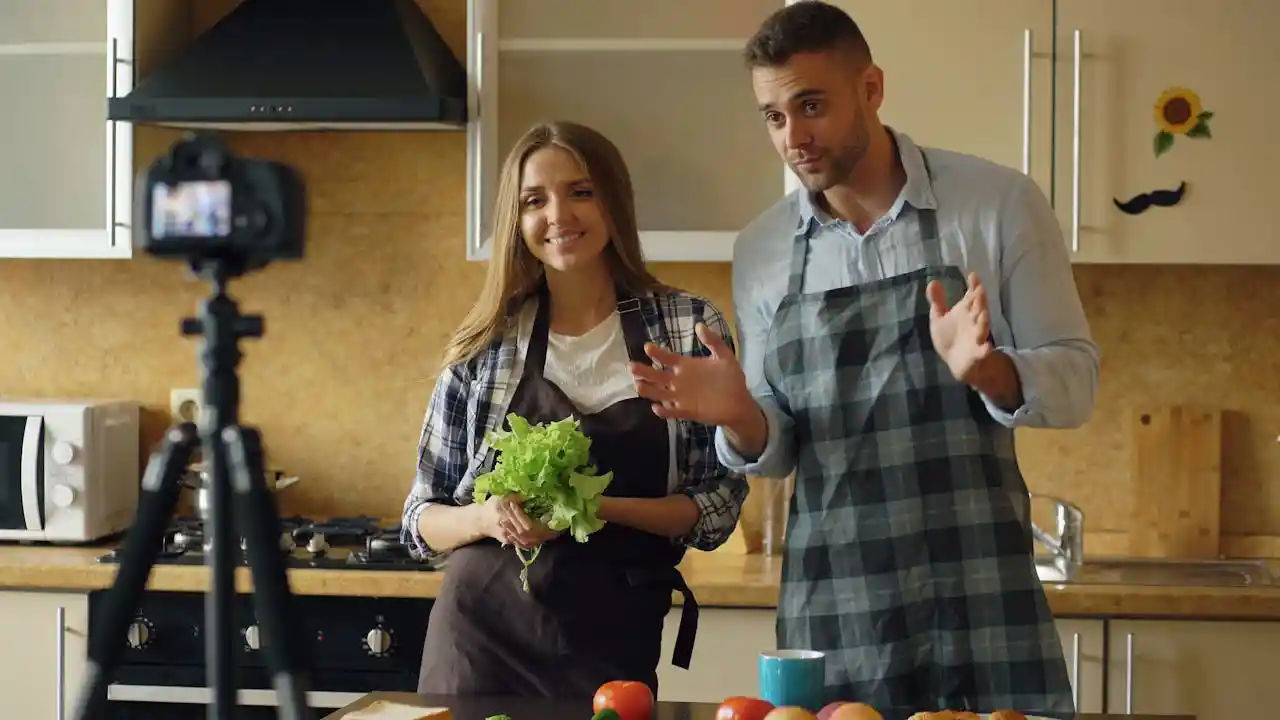
A lot of beginners get stuck here. They think content requires a clean, beautiful, expensive-looking life. That's not true. You don't need luxury or perfect decor. You need ideas and a way to express them.
An ordinary morning making coffee can become good content if you add clear thoughts or a helpful tip. Plain life plus clear expression beats fancy life with empty words. Stop waiting for the perfect setup.
5. Experiment Before You Commit
Don't lock yourself into one type of content on day one. Instead, try two to four different styles or topics. Make a few short videos for each. Then look back and see which one felt easier and more natural to make.
Try first, then choose. Not choose first, then try.
This saves you from spending weeks forcing something that never clicks. Give yourself permission to test and change your mind.
6. Look for Patterns in Your Content
Once you've posted a handful of pieces, pay attention to what happens. Which one got more views? Which one made people leave comments? Which one did someone come back to watch again?
You don't need fancy data tools. Just notice the small patterns. Let your audience's reactions guide you.
If a certain topic keeps doing better, that's a sign. Go that way. Don't argue with the results.
7. Focus on Consistency, Not Perfection
Many beginners wait until they feel "ready." That day never comes. The better path is simple: press record, post it, and learn from how it went.
Don't overthink every word or frame. Your first few posts won't be great, and that's fine.
Direction is made along the way, not figured out ahead of time.
Show up regularly with something decent. Consistency matters more than perfection.
8. Don't Start With Money as the Goal
This one matters a lot. If your only reason for creating is to make money fast, you will likely quit early. Money takes time.
Instead, focus on learning and doing something you care about. Get better at filming, editing, or explaining. Enjoy the small wins.
Do it right first. Then grow it. Then monetize it. That order works. The other order leads to burnout and empty channels. Once you've built some consistency and an audience, that's when monetization starts to make sense.
How to Become a Content Creator
Pick One Platform to Start
Don't spread yourself across YouTube, TikTok, Instagram, and a blog all at once. That's a fast track to burnout. Pick one platform where your potential audience hangs out.
If you enjoy short, fun videos, try TikTok or Instagram Reels. If you like explaining things in detail, start with YouTube.
Spend two weeks just watching and noticing what works there. Then open an account and follow ten creators in your interest area. This keeps focus simple.
Set Up Your Basic Gear With What You Have
Many beginners wait to buy gear before starting. That delays the real learning. Use what's already around: a phone, a window for light, a quiet room, and free editing apps. You are ready to record right now.
If the audio echoes, hang a blanket on a nearby wall. If the video shakes, lean the phone against a mug. These small fixes work better than expensive gear bought too early. Spend zero dollars for the first ten posts.
Create Your First Three Pieces of Content
Don't overthink the first post. Aim for three short pieces instead of one perfect one. Each piece should answer one simple question or show one quick tip.
For example, "How I organize my desk in two minutes" or "Three things I learned from my first painting."
Finished is better than perfect. Post them within one week. The goal is not views. The goal is to feel what it's like to hit publish. After three posts, the fear gets smaller.
Watch What Happens After You Post
After posting, wait one day. Then check two things: how long people watched and where they stopped watching. No need to study complex charts. Just notice one pattern.
If most viewers leave in the first five seconds, the opening is too slow. If they stay until the middle, something there is working. Use that info for the next post.
Let the small data guide you, not your guesses. One tiny change each time adds up fast.
Read More:
Repeat What Works and Drop What Doesn't
After five to seven posts, look back. Which topic got more comments? Which style felt easier to make? Keep doing that type.
Stop making content that feels like a struggle and gets no reaction. This doesn't mean quitting early. It means paying attention. Many creators keep forcing a bad idea for months.
A smarter move is to try two or three different angles early and double down on the one that shows signs of life.
Build a Simple Posting Rhythm
Consistency beats random bursts of energy. Pick two or three days a week that fit a real schedule, not a dream schedule.
For example, film on Sunday morning and edit on Monday evening. Post on Tuesday and Thursday. Put these times on a phone reminder. A boring, repeatable rhythm works better than motivation.
When the rhythm becomes a habit, posting takes less mental energy. That leftover energy goes into improving content, not just showing up.
Improve One Small Thing Each Week
Don't try to fix everything at once. Pick one tiny upgrade each week.
- Week one: speak a little closer to the mic.
- Week two: add captions.
- Week three: film in better light.
- Week four: write a stronger hook.
These small wins stack. After two months, the quality looks very different from the first post. Small steps, done many times, create real progress.
Avoid the trap of watching advanced tutorials for hours. Action teaches faster than watching.
Low-Budget Tools for New Content Creators
Choosing Your Core Device
New creators can start with budget-friendly devices without sacrificing basic quality.
Smartphones are the most practical choice, as they require no extra investment and handle daily filming well. Entry-level cameras deliver clearer quality but cost more, so they are only suitable for long-term planners.
- Look for devices with 1080p video support and stable image capture as basic requirements
- Stick to used smartphones or entry-level point-and-shoot cameras for the lowest cost
Affordable Lighting Solutions
Good lighting does not require expensive equipment, and low-cost options work well for indoor shooting. Natural light remains the easiest free resource for soft, even illumination.
- Film near a window during mild daylight hours to avoid harsh shadows
- Choose small, budget ring lights or LED panels for steady indoor lighting
- Use white cardboard or foam boards as DIY reflectors to brighten dark areas
Cost-Effective Audio Tools
Clear audio matters more than many new creators realize, and low-cost fixes make a big difference. Built-in phone microphones pick up too much background noise for voice-focused content.
- Affordable lapel or shotgun microphones improve clarity without a high price
- Record in quiet, closed rooms to reduce echo and outside noise
- Stay close to the audio source to keep voices loud and clear
Free or Low-Cost Editing Software
All basic editing tasks can be done with free or low-cost tools for beginners. These tools require no advanced skills and work on both phones and computers.
- Mobile video editors offer trimming, cutting, and simple effect tools at no cost
- Basic photo apps handle cropping, resizing, and light adjustments
- Free audio tools reduce background noise and balance volume levels
Budget Storage and Organization
Storing and organizing content stays low-cost with simple options and small habits. Raw videos and photos take up space, so reliable storage keeps work safe.
- Use cloud services with free tiers for online backup of small files
- Choose external hard drives or SSDs under $100 for local storage
- Label folders by content type or date to keep files easy to locate
Affordable Accessories and Enhancements
Small accessories improve content quality without a big budget, and many items serve multiple purposes. Shaky footage and messy backgrounds are easy to fix with low-cost gear.
- Inexpensive tripods and stabilizers keep shots smooth and steady
- Simple fabric backdrops or household items create clean filming spaces
- Multi-use mounts work for photos, videos, and live streams
Optimizing for Social Media Platforms on a Budget
Creators can manage and grow their content without paid marketing tools. Low-effort strategies stretch value and save time for long-term work.
- Free scheduling tools plan posts and track basic engagement metrics
- Use built-in platform editing features to avoid extra tool costs
- Repurpose a single piece of content into different formats for multiple platforms
Expert Tips
You now know how to become a content creator. It starts with your skills, not fancy gear. Use what you have. Pick one platform. Post small pieces often. Pay attention to what works. Fix one tiny thing each week.
Don't wait for perfect. Perfect never shows up. You already have enough to begin. The first few posts won't be great. That's fine. Keep showing up. Each post teaches you something new.
FAQs
Do I need a degree to become a content creator?
No degree is required to start creating content. Skills, creativity, and consistency matter far more than formal education. Many successful creators learn on the job and improve through practice and feedback.
Which platforms should I start on first?
Choose platforms that fit your content style and where your audience spends time. Instagram, TikTok, YouTube, or even a blog are good starting points. Focus on one or two at first to build confidence.
Can I create content part-time while working a full-time job?
Yes, many people start part-time. Scheduling content in advance and setting realistic goals can help balance a full-time job while steadily growing your audience.
How many followers do I need to be a content creator?
There's no set number. You can be a content creator with just a small audience. Consistency, engagement, and quality content are more important than hitting a specific follower count.
How much do content creators make money?
Income varies widely. Some creators earn small amounts from ads or affiliate links, while others make a full-time living. Earnings depend on audience size, niche, and monetization methods.



 Global Shipping