



Have you ever flipped through a beautiful coffee table book and thought, "I could make one of those"?
This guide will show you how to make a coffee table book in six simple steps. No fancy degree is needed. Just a love for good photos and a little patience.
You do not need to be a designer or a pro photographer. You just need to start. Follow along, and soon you will have a book you are proud to leave out on display. Let us dive in.
What is a Coffee Table Book?
Ever notice those large books sitting on living room tables? That's a coffee table book. It's made for skimming, not studying. You pick it up, enjoy a few amazing images or fun facts, and put it back down. No pressure to finish a chapter.
Think eye candy with a little reading. These books start conversations about travel, design, or animals. They look great and feel casual. The best part? There's no wrong way to enjoy one. Just relax and flip.
How to Make a Coffee Table Book in 6 Steps
1. Pick a Topic You Truly Love
Think about what makes you stop scrolling on your phone. A coffee table book works best when you feel excited about every single page. It could be your dog's funniest faces, street signs in your town, or even your collection of cool sneakers.
When you care deeply, your energy shows in the photos and words. Don't pick a "fancy" topic just to impress others. Pick something that makes you smile every time you look at it.
2. Gather Your Best Images First
Dig through your camera roll, old albums, or even ask friends for their shots. You'll need high-resolution photos – that means they don't get blurry when you zoom in.
Aim for 20 to 40 strong images, not 100 weak ones. Be brave: delete any photo that's too dark, crooked, or boring. Keep only the ones that make you say "wow" or "aww." A small pile of great pictures is far better than a huge pile of okay ones.
3. Plan a Simple Flow from Start to End
Lay your photos on a table or in a folder. Move them around like puzzle pieces. Start with a strong "hello" image, then group similar ones, then end with a memorable "goodbye" shot.
Leave empty white spaces on some pages – that gives the reader's eyes a small break. Think of it like a song: loud, then quiet, then loud again. A good flow makes people want to turn the page instead of getting bored.
4. Write Short, Punchy Captions
Nobody wants to read a novel next to a picture. Use one or two sentences per photo. Share a tiny secret, a funny memory, or a surprising fact.
For example: "This old tractor still runs every Sunday. My grandpa calls it 'The Screamer.'" Keep your words friendly, as if you're talking to a friend on a couch.
Avoid big fancy words. If you're stuck, just ask: "What would I say out loud about this image?"
5. Choose Matte Paper and a Sturdy Cover
Coffee table books get touched, spilled on, and passed around. Go to a print shop's website and look for thick, matte pages – glossy pages cause nasty glare under lamps.
Pick a hardcover with rounded corners so it won't poke anyone. Also check that the spine (the book's edge) stays flat when open.
You don't want your book to snap shut on someone's fingers. Strong materials mean your book can survive coffee rings, cookie crumbs, and happy accidents.
6. Print a Test Copy Before Ordering Many
This step saves you from big regrets. Order just one copy first. Put it on your actual coffee table for a week. Flip through it with morning coffee.
Check if colors look weird, if any photo is cut off, or if the pages feel cheap. Ask a friend to look at it too. If you find mistakes, fix them online and order another test. Only after you love the test copy should you order more for gifts, your bookshelf, or even a local store.
How Many Pages Should a Coffee Table Book Have?
For a first try, 30 to 50 pages works well. That size is easy to put together for friends and family. But a book that looks like a real store purchase usually has 80 to 120 pages. More pages make it feel solid, like something worth keeping out on display.
Thick paper helps a shorter book feel more premium. Even with only 40 pages, heavy, quality paper gives weight to the book. People also take longer to flip through a book than most makers expect.
One person noted that a 100‑page book surprised them by how slowly each viewer turned the pages. Good photography makes people stop and look.
Page count also ties to binding. Most printers have a minimum and maximum number of pages for the spine to work right. And do not just add pages to reach a number.
Ask whether the photos remain interesting for 200 pages, or even for 20. A short book with great images is always better than a long boring one.
Best Platforms for Creating Coffee Table Books
Artifact Uprising

Artifact Uprising shines for its premium, heirloom-quality books with thick pages and layflat spreads. You can pick linen covers and foil stamps that make your photos pop on a coffee table.
Upload your pics in their easy tool and get fast shipping. It feels special for family stories or travel memories without much fuss.
Shutterfly

Shutterfly makes it super simple for beginners with tons of templates and sizes. Mix glossy pages, add pockets for tickets, and choose fun covers.
Their drag-and-drop editor lets you tweak layouts quickly. Great for big orders or last-minute gifts, and sales pop up often to save cash.
PrintingCenterUSA
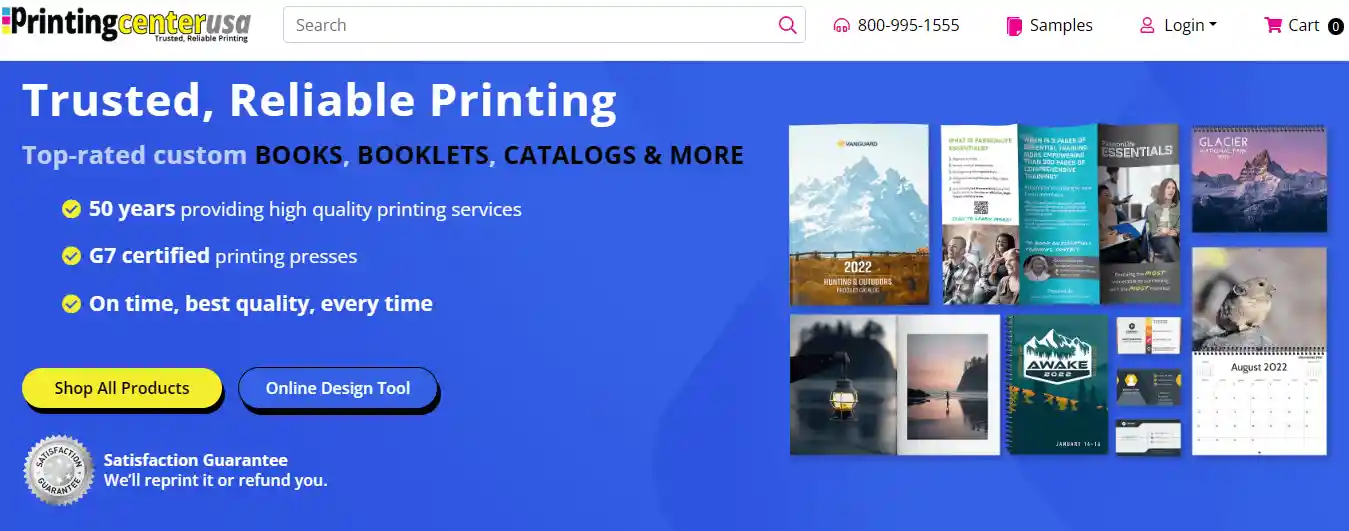
PrintingCenterUSA works well if you want full control and pro results. They offer fast 3-day turnaround and custom finishes like thick paper or special bindings.
Upload your ready PDF files for sharp colors on large pages. Perfect for photographers who need exact sizes without online templates.
Saal Digital
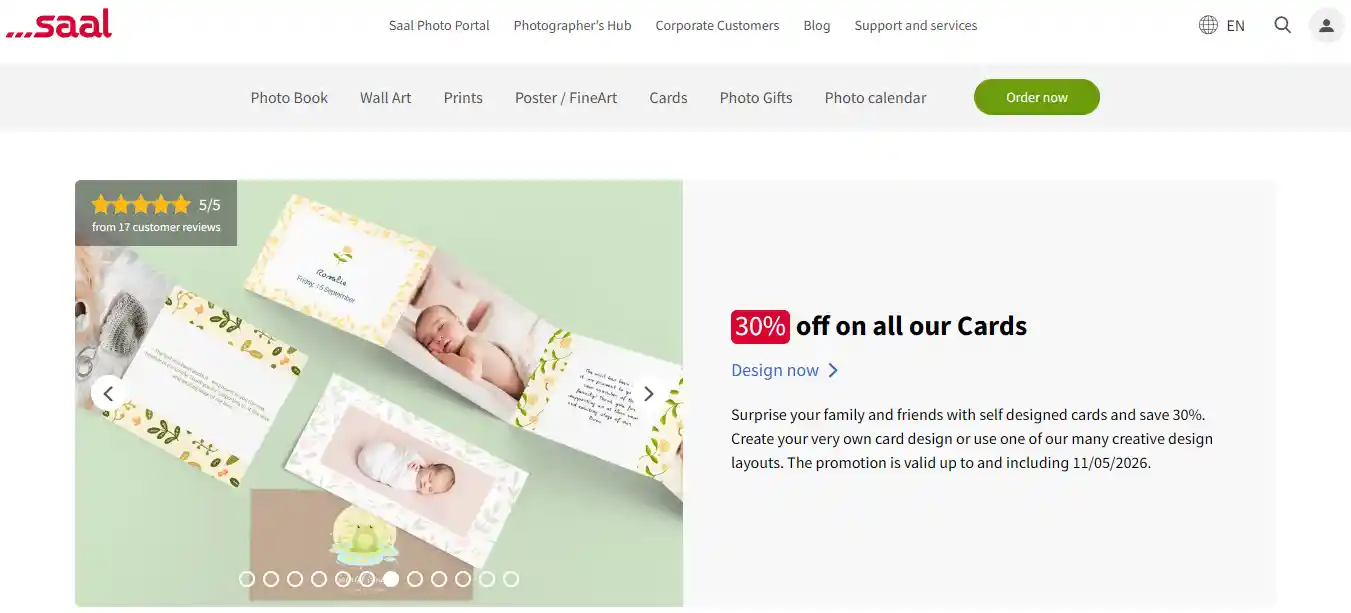
Saal Digital delivers stunning professional quality with sharp prints and solid covers, including cool acrylic options. Their books feel heavy and high-end right out of the box.
Check their preview tool closely before ordering to catch any color tweaks. Ideal for portfolios or elegant display books.
Common Mistakes When Creating a Coffee Table Book
Too Many Pages, Not Enough Quality
Filling a book with 200 pages sounds impressive, but readers get bored if the images do not stay strong. Ask a simple question: is there enough quality for 200 pages, or even for 20?
A short book with great photos beats a long, dull one every time. Focus on keeping every page worth a second look.
Over‑Editing Photos
Editing a photo and laying out a book are two different skills. Some makers push colors too far or use heavy filters until images look fake.
A book that jumps between super bright and super dark styles makes a reader's eyes work too hard. Keep edits natural. Let the photography speak, not the special effects.
Skipping a Test Copy
Going straight to bulk printing without a test copy is a common trap. A test copy reveals bad binding, weird colors, or white borders where full bleed was wanted. One maker found that the binding was just glue, and pages fell out after a few years. A single test print saves big regrets later.
Using Templates That All Look the Same
Templates are easy, but they make every book feel generic. The goal is a coffee table book without borders, one that appears fresh and original. Spend time learning the software's layout tools. Control the design, the flow, and the whole process. A unique book stands out on any table.
Ignoring Printer Specs
Most print shops need exact settings for sizing, bleed, dpi, and paper type. Jumping in without a proper template leads to cut‑off images or uneven borders. Use publishing software that lets the maker control every parameter. That way the final book looks store‑bought, not like a rushed school project.
Expert Tips
You now know how to make a coffee table book from start to finish. Pick a topic you love. Gather strong photos. Plan a clear flow. Write short captions. Choose thick paper and a sturdy cover. Always print a test copy first.
Trust your taste. A coffee table book should feel like you. So make something you'd want to leave out for guests.
Stay patient. Trust your eye. Your finished book will look right at home on any table.


 Global Shipping
 Made in USA